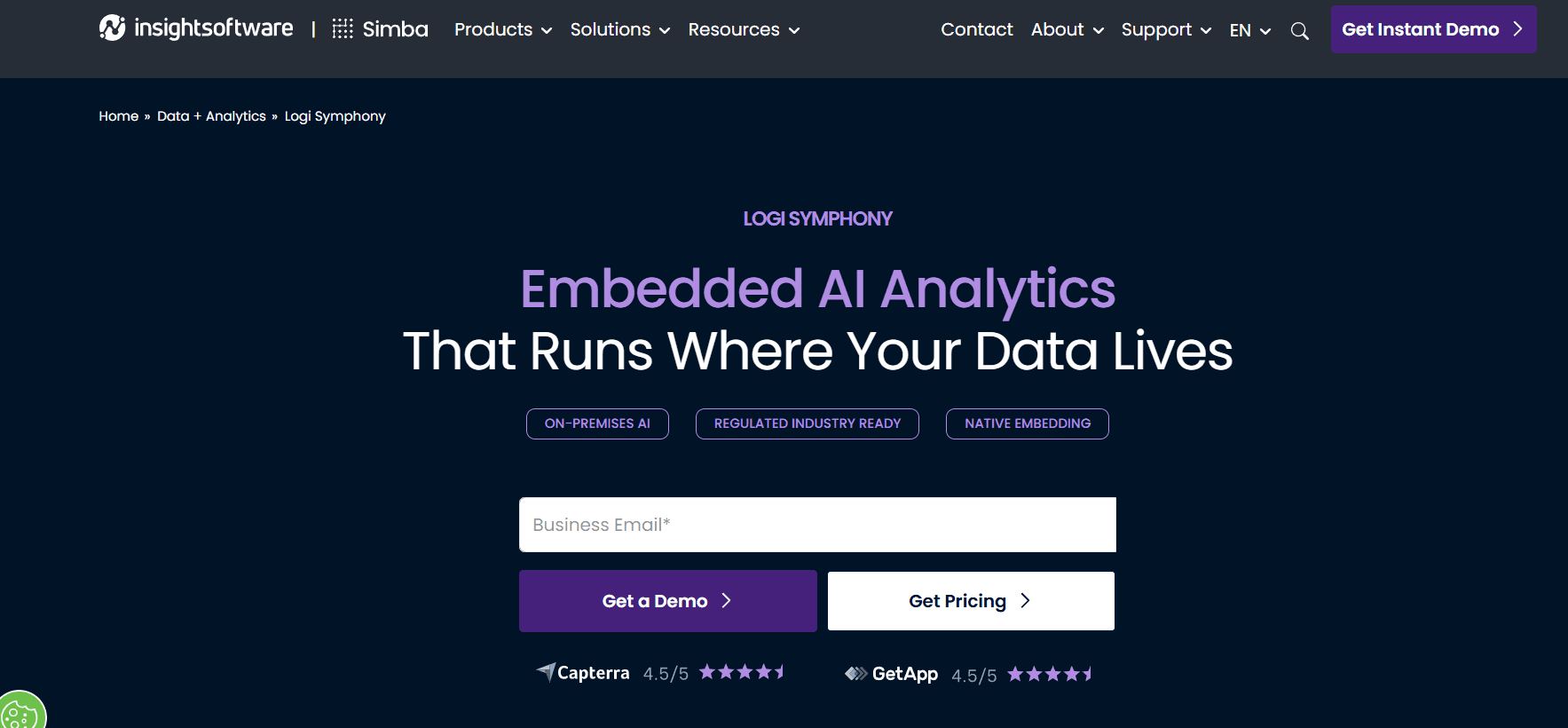
Logi Symphony is a specialized, enterprise-grade business intelligence (BI) and data analytics platform developed by insightsoftware. Unlike traditional, standalone analytics programs like Tableau or Microsoft Power BI—which are built primarily as separate applications for business analysts—Logi Symphony is engineered from the ground up for Embedded Analytics.
This means its primary purpose is to be injected natively into third-party software, commercial SaaS applications, internal corporate portals, and developer workflows. Logi Symphony allows product managers and software engineers to add powerful dashboards, self-service reporting, and AI-driven data discovery directly into their own applications, matching the exact look, feel, and authentication layer of the host system.
1. What is Logi Symphony?
Logi Symphony is an API-first analytics platform created by combining some of the industry’s most proven data technologies (including Dundas BI, Logi Report, and Logi Composer) into a single, unified suite. It resolves a classic software development dilemma: Should a tech team waste months building a custom charting tool from scratch, or should they bolt on a clunky, third-party analytics tool that looks out of place?
Logi Symphony offers a third way. By operating completely hidden behind the scenes (white-labeled), it gives software vendors and corporate IT teams an out-of-the-box data engine. End-users interact with beautiful, fully responsive dashboards and data preparation tools without ever realizing they are using a secondary software package.
2. Core Components and Architecture
Logi Symphony’s architecture is broken down into modular components designed to serve different stages of data interaction:
- Managed Dashboards (The Visual Layer): This component offers complete visual design freedom. It allows developers to craft pixel-perfect dashboards with granular control over CSS themes, interactive filtering, multi-level drill-downs, and complex custom animations.
- Pixel-Perfect Reporting: Tailored for operations and finance, this engine handles the heavy lifting of paginated, highly structured document generation (like automated invoices, compliance auditing sheets, and massive monthly statements) that can be instantly exported into PDFs or Excel sheets.
- Self-Service Analytics (The Analytics Workbench): Instead of forcing developers to build every single report for their clients, this component can be embedded into an app to let non-technical end-users drag, drop, and build their own custom charts safely.
- The Symphony Data Engine: Operating beneath the user interface, this high-performance data manipulation layer cleanses, blends, and models data from multiple sources natively before rendering it.
3. Key Features and Technical Capabilities
A. API-First and No-Iframe Embedding
Many traditional BI tools require developers to embed dashboards using standard iframes, which limits interactivity, breaks mobile responsiveness, and poses security challenges. Logi Symphony uses an open JavaScript API and SDKs, allowing visual elements to connect natively into modern web frameworks like React, Angular, or Vue.js.
B. Built-In Data Prep and Data Cubes
Logi Symphony simplifies the ETL (Extract, Transform, Load) pipeline. Developers can construct data models using “Data Cubes”—a visual workspace where data can be profiled, scrubbed, cleansed, and joined from across separate databases without writing complex SQL commands.
C. Hybrid Deployment and AI Anywhere
While many modern analytics suites limit their artificial intelligence features to proprietary public clouds, Logi Symphony allows organizations to run advanced machine learning and AI forecasting anywhere. It can be deployed entirely on-premises, behind strict corporate firewalls, in air-gapped environments, or across private/public clouds (AWS, Microsoft Azure, Google Cloud).
D. Single Sign-On (SSO) and Multi-Tenant Security
When embedding analytics into a commercial app, security must be seamless. Logi Symphony integrates directly with your existing security provider (OAuth, SAML, OpenID, Active Directory). Furthermore, its multi-tenant architecture ensures that if Client A and Client B log into your software, Logi Symphony automatically filters the data so users only see their own permitted rows of information.
4. Why Choose Logi Symphony?
- Protects Development Time: Frees up your core software engineering team to focus on building primary application features instead of coding custom charts and charts libraries.
- Monetization Opportunities: Allows SaaS vendors to easily add an “Analytics Tier” to their software packages, creating an up-sell opportunity for premium reporting.
- Flawless White-Labeling: Remove all insightsoftware branding entirely, replacing it with your own logos, typography, corporate color schemes, and custom login flows.
- Extensive Data Connectivity: Connects natively to hundreds of modern cloud databases, legacy data warehouses, flat files, and web APIs.
5. Pros and Cons
| Pros | Cons |
| True native integration without clunky web iframes. | High initial learning curve for developers setting up the framework. |
| Runs AI forecasting locally and on-premises perfectly. | Not meant as a personal, quick standalone desktop BI tool. |
| Exceptional multi-tenant row-level security controls. | Pricing is enterprise-tailored and requires direct sales quoting. |
| Generates highly complex, structured paginated reports. | Complete setup requires web server administration knowledge. |
6. Where to Download Logi Symphony
Because Logi Symphony is a specialized enterprise platform meant to be integrated into broader software architectures, it is not distributed as a standard, one-click consumer download.
1. For Developers and Corporate Evaluators
- Official Website Portal: Navigate to the product portal at insightsoftware.com/logi-symphony.
- Requesting a Demo / Sandbox Access: Because installation involves complex licensing and server setups, interested teams must click “Get Instant Demo” or “Contact Us” to get mapped to an environment. The team will provision access to a cloud-based development sandbox or provide the safe deployment binaries.
2. Technical Deployment (Administrators)
Once an organization secures an enterprise license, system administrators deploy the suite via modern infrastructure pipelines:
- Kubernetes & Containers: System operators can deploy Logi Symphony into containerized clusters using Helm charts (
Symphony Helm Repository), exposing services safely via NGINX Ingress controllers. - Windows Server Environments: Traditional setups utilize the interactive Logi installation executable program run via Administrator privileges on dedicated local web servers using IIS frameworks.
Summary
Logi Symphony stands as a premier command center for embedded intelligence. By prioritizing developer control, API-first architecture, and absolute deployment flexibility, it gives modern software builders the exact tools needed to turn raw data into a native, high-value visual experience for their users.
Final Tip: When designing data models inside Symphony’s Analytics Workbench, utilize the built-in Data Profiling feature during step setups. It gives you instant visual metrics on data quality and null percentages before you ever commit a chart to design!