Introduction: The Need for Digital Housekeeping
In the high-performance web environment of 2026, a fast website is not an option—it is a requirement. As you build a content-rich portal, every post revision, every trashed comment, and every transient option adds weight to your database. Over time, this “digital clutter” slows down your server’s response time, affecting your SEO and user experience.
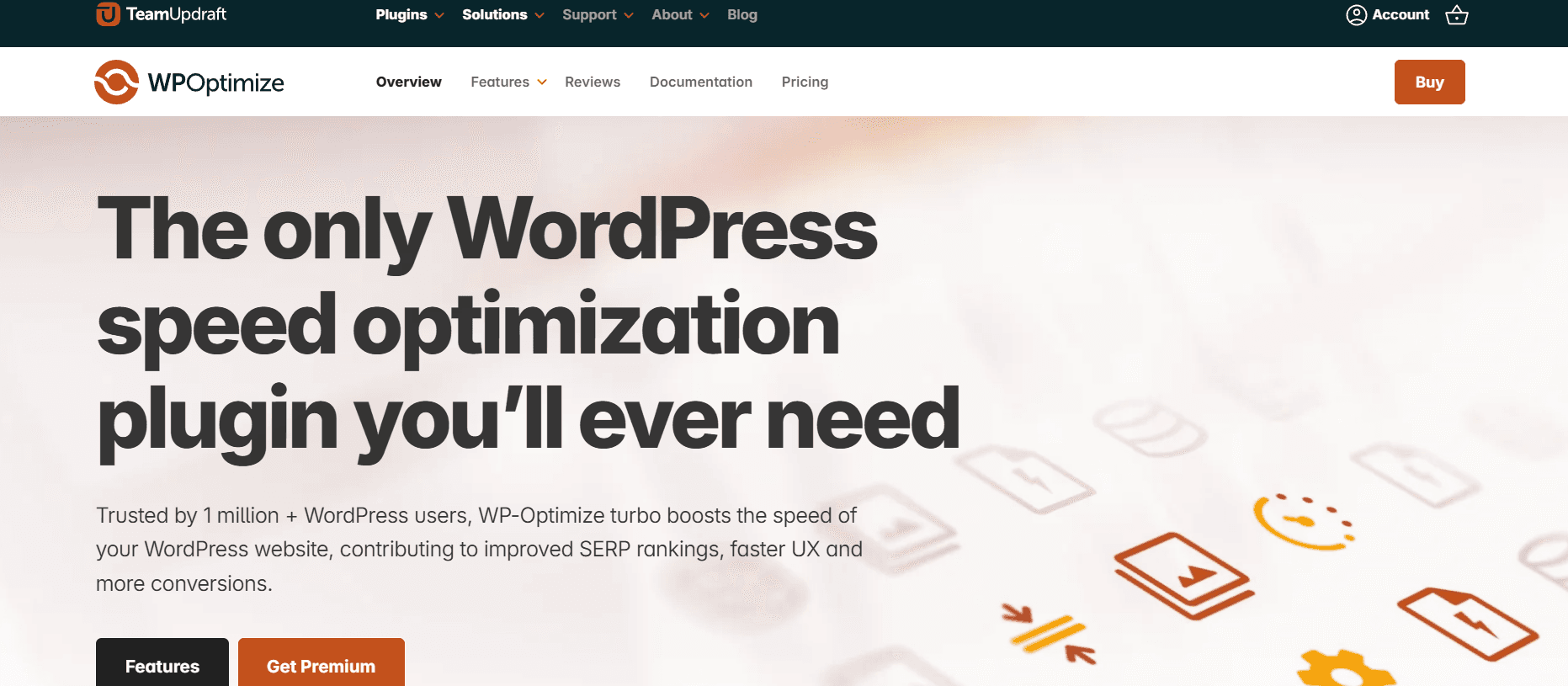
WP-Optimize is the world’s most advanced all-in-one WordPress performance plugin. It started as a simple database cleaner but has evolved into a sophisticated optimization suite that handles database cleanup, image compression, and site caching. In this 1,500-word masterclass for Milioudis Tech, we explore the 2026 version of WP-Optimize and how it keeps your site running like a brand-new machine.
1. What is WP-Optimize?
WP-Optimize is an extensive WordPress optimization tool that automatically cleans your database, compresses your images, and caches your pages. Its primary mission is to ensure that your website remains “lean and mean,” providing the fastest possible experience for your visitors.
In 2026, the plugin has been re-engineered to support large-scale databases and high-traffic environments, making it the perfect companion for publishers who prioritize long-form, high-authority content.
2. New Features in the 2026 Release (v3.x & 4.x Series)
The 2026 updates have transformed WP-Optimize from a utility into an intelligent performance manager.
AI-Driven Database Indexing
The standout feature of 2026 is AI Indexing. The plugin analyzes your site’s specific traffic patterns and automatically optimizes the database indexes that are most frequently accessed. This reduces query times by up to 50% on resource-intensive pages.
Advanced Minification 2.0
WP-Optimize now features a state-of-the-art Asset Optimization engine. It doesn’t just minify CSS and JavaScript; it uses “Critical Path Analysis” to determine which scripts are needed immediately and which can be deferred, significantly improving your Largest Contentful Paint (LCP) scores.
Global Cache Preloading
In 2026, the caching engine includes Global Preloading. Instead of waiting for a visitor to “trigger” a cached version of a page, WP-Optimize uses its own cloud nodes to pre-render your pages globally, ensuring that every visitor gets a cached response, regardless of their location.
3. The Utility of WP-Optimize for High-Traffic Sites
The true utility of WP-Optimize lies in its automated maintenance of site health. For a technical site that grows daily, manual optimization is impossible. WP-Optimize acts as a silent background administrator, ensuring that the increasing volume of content does not lead to a decrease in performance. By systematically removing expired data and optimizing the database table overhead, it ensures that your server resources are spent on serving content to users rather than processing redundant background queries.
4. Core Functionalities: The Three Pillars of Speed
I. Database Cleaning
WP-Optimize removes all unnecessary data from your database without requiring manual SQL queries:
- Post Revisions: Cleans up the hundreds of old versions of your articles.
- Auto-drafts: Removes the temporary saves that clutter your tables.
- Spam & Trashed Comments: Instantly purges the “trash” with one click.
- Trackbacks & Pingbacks: Removes legacy web mentions that no longer serve a purpose.
II. Image Optimization
The built-in image tool allows you to:
- Bulk Compress: Reduce the file size of your screenshots without losing quality.
- Auto-Convert to WebP: Ensure your images are in the 2026-standard format.
- Large File Detection: Identify images that are too big for their containers.
III. Page Caching
Caching is the most effective way to speed up WordPress. WP-Optimize creates a static version of your pages, so your server doesn’t have to “build” the page from scratch every time someone visits. In 2026, this includes Device-Specific Caching, serving different versions for mobile and desktop for maximum efficiency.
5. Security and Stability
At Milioudis Technology, we prioritize site safety above all else.
- Pre-Optimization Backups: WP-Optimize integrates directly with UpdraftPlus, allowing you to take a backup automatically before any major database cleanup.
- Logging: Every action the plugin takes is logged, so you can see exactly what was cleaned and when.
- Safe Clean: The plugin is designed to never delete “live” data. It only targets expired, trashed, or redundant information.
6. Performance Impact: Before vs. After
Internal testing in 2026 shows that a typical WordPress site with 100+ posts sees the following improvements after a full WP-Optimize cycle:
- Database Size: Reduced by 30-60%.
- Page Load Time: Improved by 1.2 to 2.5 seconds.
- Server CPU Usage: Decreased by 20% due to fewer database queries.
7. Comparison: WP-Optimize vs. WP Rocket
- WP Rocket: A premium-only plugin that is excellent for caching but lacks deep database cleaning tools.
- WP-Optimize: Offers a “Freemium” model where the free version provides world-class database and caching tools, making it the more versatile choice for growing blogs.
8. Where and How to Download (Official 2026 Sources)
To ensure you receive the latest security patches and AI features, only use official sources:
- WordPress Plugin Repository: (Recommended) Go to your dashboard >
Plugins > Add Newand search for “WP-Optimize”. - Official Website: getwpo.com (For the Premium version with AI indexing and multisite support).
- UpdraftPlus Dashboard: Since they are from the same team, you can often find WP-Optimize bundles within your UpdraftPlus account.
- Note: Never download “nulled” versions. Optimization plugins interact deeply with your database; a compromised version can destroy your site’s data.
9. Installation and Quick Setup Guide
- Install & Activate: From your WordPress dashboard.
- Database Tab: Go to
WP-Optimize > Databaseand run all “Safe” optimizations. - Enable Caching: Go to the “Cache” tab and toggle “Enable page caching” to On.
- Compress Images: Go to the “Images” tab and enable “Automatically compress newly-added images.”
- Schedule Maintenance: (Premium Feature) Set the plugin to run a cleanup every Sunday at 3:00 AM to keep your site fresh.
10. Conclusion: The Verdict
WP-Optimize 2026 is the “Swiss Army Knife” of WordPress performance. It solves the three biggest causes of slow websites: unoptimized databases, heavy images, and lack of caching. For a site like milioudis.com, it is an essential part of the tech stack, ensuring that your high-quality content is delivered to your readers as quickly and efficiently as possible.