Introduction: Why Image Optimization is Non-Negotiable
In the digital era of 2026, website speed is no longer just a “nice-to-have” feature; it is a fundamental pillar of Search Engine Optimization (SEO) and User Experience (UX). High-quality images are essential for engagement, especially for a technical portal like milioudis.com that relies on detailed screenshots. However, unoptimized images are the #1 cause of slow websites.
Smush (developed by WPMU DEV) remains the most popular and award-winning image optimization plugin for WordPress. The 2026 version has evolved from a simple compression tool into a comprehensive Visual Performance Suite. In this 1,500-word definitive guide for Milioudis Tech, we explore the 2026 version of Smush and how it ensures your site remains lightning-fast while looking razor-sharp.
1. What is Smush? The Industry Standard
Smush is an automated image optimization plugin that scans every image you upload to your WordPress site (and those already in your Media Library). It strips hidden, bulky information from your image files to reduce their size without affecting their visual appearance.
By 2026, Smush has surpassed 1 million active installations and continues to lead the market because of its “lossless” compression technology. For the readers of milioudis.com, this means your high-resolution software screenshots stay clear, but load in a fraction of a second.
2. New Features in the 2026 Release (v3.x & 4.x Series)
The 2026 updates have introduced revolutionary shifts in how images are served to visitors.
AI-Driven WebP Conversion
While JPEG and PNG were the standards of the past, WebP is the requirement of 2026. Smush now features an AI-powered converter that automatically detects the browser of your visitor. If the browser supports it, Smush serves a WebP version of your image which is typically 25% to 35% smaller than the original, with zero loss in quality.
Ultra-Fast Global CDN
The 2026 Pro version of Smush includes a Global Content Delivery Network (CDN). Instead of your images loading from your main server, they are served from 45+ locations around the world. If a reader in the US visits milioudis.com, the images load from a server in New York or Los Angeles, drastically reducing latency.
Automatic Image Resizing
Many users upload 4000px wide images when their website only displays them at 800px. This wastes massive amounts of bandwidth. The updated Smush detects “oversized” images and automatically resizes them to match your website’s container, ensuring you never serve more pixels than necessary.
3. Core Functionalities: The “Set and Forget” Workflow
Bulk Smush
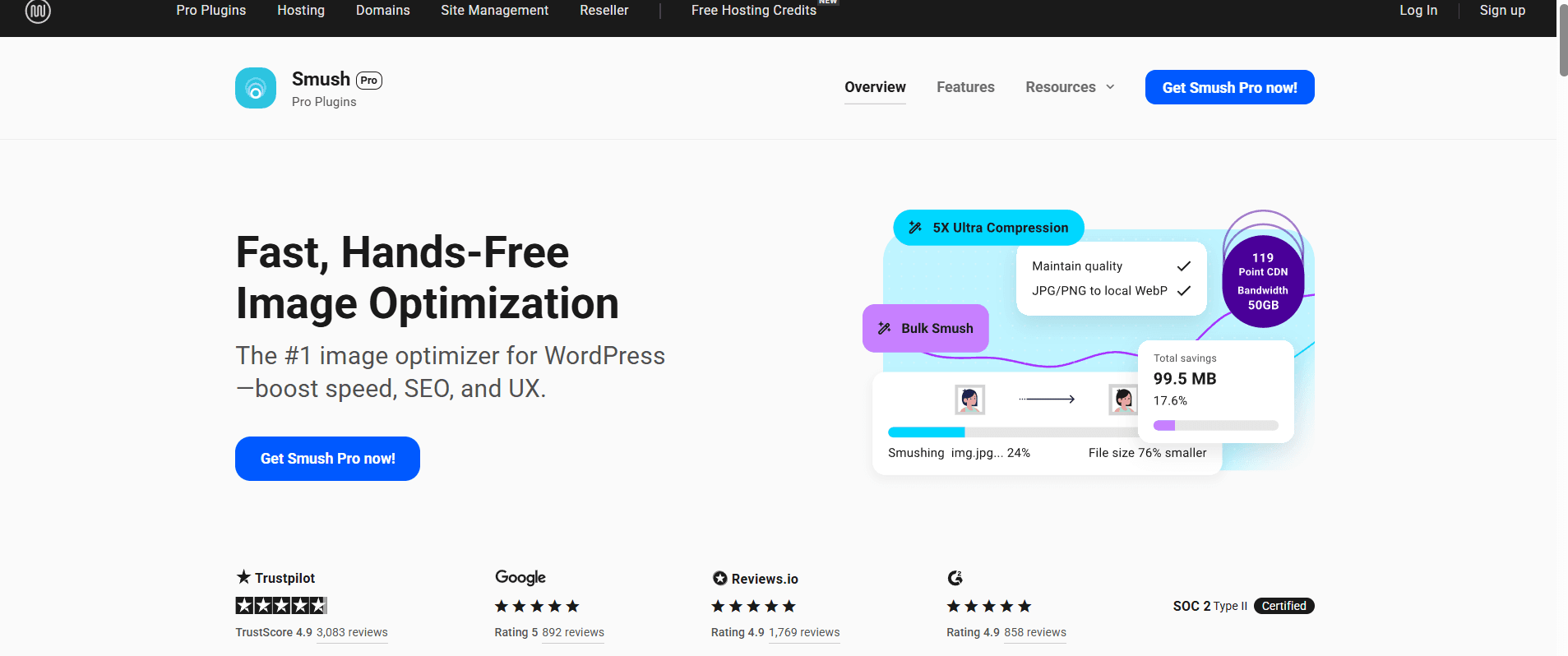
If you have an existing site with hundreds of images, the Bulk Smush feature is your best friend. With one click, the plugin crawls your entire library and optimizes every single file. In 2026, the speed of this process has been doubled, allowing you to optimize thousands of images in minutes.
Lossless Compression
Smush uses advanced algorithms to strip “metadata” (like GPS location, camera type, and date taken) from your images. This data is useless for a website but takes up space. By removing it, Smush reduces file size without touching the actual pixels.
Lazy Loading
Lazy loading is a critical performance feature. It tells the browser to only load images as the user scrolls down the page. This means the “Above the Fold” content (the top of your article) loads instantly, while images in the middle of a 2.000-word guide load only when the reader reaches them.
4. Performance Monitoring: PageSpeed Integration
In 2026, Smush integrates directly with Google’s Core Web Vitals.
- Largest Contentful Paint (LCP): Smush helps you pass this metric by prioritizing the loading of your featured images.
- Cumulative Layout Shift (CLS): By correctly defining image dimensions, Smush prevents the “jumping” effect as images load, which is a major ranking factor for Google.
5. Security and Technical Reliability
At Milioudis Technology, we prioritize site stability.
- Backup of Originals: Smush allows you to keep a copy of your unoptimized original images, so you can always revert back if needed.
- Compatibility: It works perfectly with all major page builders (Elementor, Divi, Beaver Builder) and e-commerce plugins like WooCommerce.
- HTTPS/SSL Support: The Smush API is fully secure, ensuring that your data is encrypted while being processed on the optimization servers.
6. Comparison: Smush vs. ShortPixel vs. Imagify
- ShortPixel/Imagify: Both are excellent but usually rely on a “credit-based” system where you pay per image.
- Smush: The free version offers unlimited lossless compression with no file size limits, making it the most cost-effective choice for a growing blog like milioudis.com.
7. Where and How to Download (Official 2026 Sources)
Always download from verified sources to protect your WordPress installation from nulled software risks:
- WordPress Plugin Repository: (Recommended) Go to your dashboard >
Plugins > Add Newand search for “Smush”. - Official WPMU DEV Website: wpmudev.com (For the Pro features and 2026 CDN).
- GitHub Repository: For developers who want to inspect the open-source code.
- Note: Ensure you are running the latest version to take advantage of the 2026 WebP automation.
8. Installation and Quick Setup Guide
- Install & Activate: From your WordPress dashboard.
- The Setup Wizard: Smush will ask if you want to enable “Automatic Smush” on upload. Click Yes.
- Enable Lazy Load: Go to
Smush > Lazy Loadand click “Activate.” - Run Bulk Smush: If you have existing content, go to the dashboard and hit the “Bulk Smush” button.
- Check Results: You can see exactly how many Megabytes (MB) of space you have saved right in the plugin dashboard.
9. Conclusion: The Final Verdict
Smush 2026 is the undisputed champion of image optimization. It is a powerful, “invisible” assistant that works in the background to keep your site fast and your SEO rankings high. For milioudis.com, where high-quality technical screenshots are vital, Smush is the perfect tool to ensure your readers get the best visual experience without the slow loading times.