Introduction: Why SEO is the Engine of Digital Success
In the hyper-competitive digital landscape of 2026, simply having great content is not enough. With millions of articles published every day, your website needs a way to signal its relevance and authority to search engines like Google and Bing. Search Engine Optimization (SEO) is the process of fine-tuning your site to be easily understood and indexed by these algorithms.
All in One SEO (AIOSEO), established in 2007, has evolved into the most comprehensive SEO toolkit for WordPress. The 2026 version of AIOSEO has integrated deep Artificial Intelligence (AI) to automate the most technical parts of SEO, allowing creators on milioudis.com to focus on writing while the plugin handles the metadata, schemas, and sitemaps. In this 1,500-word masterclass for Milioudis Tech, we will explore the latest advancements in AIOSEO and how to use them to dominate the search rankings.
1. What is All in One SEO (AIOSEO)?
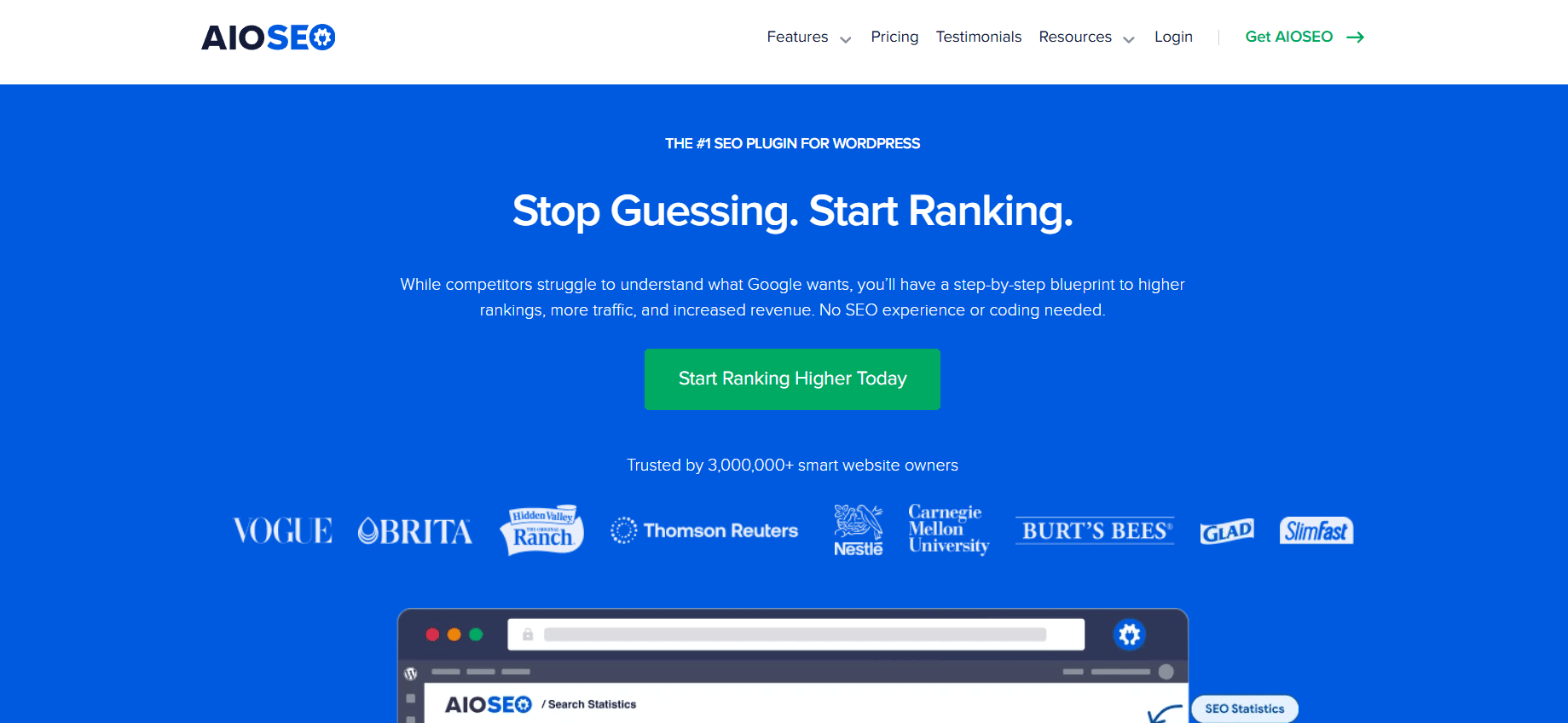
AIOSEO is a comprehensive WordPress plugin that simplifies the complex world of search optimization. It is used by over 3 million websites worldwide to improve their search engine rankings. Its primary philosophy is to provide “Powerful SEO Made Easy.”
In 2026, the plugin is no longer just a collection of input fields for titles and descriptions. It is an SEO Intelligence Platform that proactively scans your site, identifies weaknesses, and provides step-by-step instructions on how to fix them.
2. New Features in the 2026 Release (v4.x)
The 2026 updates have introduced revolutionary features that leverage AI to give you an edge over the competition.
AI Title and Description Generator
New for 2026, AIOSEO features a built-in Generative AI assistant. Instead of struggling to write the perfect Meta Title or Description, you can click a single button. The AI analyzes your article’s content and suggests five high-CTR (Click-Through Rate) options based on current search trends.
Automated Link Assistant
Internal linking is vital for SEO but incredibly time-consuming. The 2026 Link Assistant uses AI to crawl your entire site and automatically suggest where you should link between posts. It identifies “orphan pages” (pages with no internal links) and helps you build a solid internal link structure in seconds.
Next-Gen Redirection Manager
Broken links (404 errors) can tank your rankings. The updated Redirection Manager in 2026 automatically detects when you change a URL and creates a 301 redirect instantly. It also features a “Broken Link Tracker” that alerts you the moment a user hits an error page.
3. Core Functionalities: The SEO Foundation
On-Page SEO Checklist
When you write a post on milioudis.com, AIOSEO provides a real-time “SEO Score.” It checks for:
- Focus Keyphrase: Are you using your main keyword enough (or too much)?
- Readability: Is your sentences’ length appropriate for a web audience?
- Subheadings: Are you using H2 and H3 tags correctly?
- Image Alt Tags: Are your images properly labeled for search engines?
Advanced Schema Markup
Schema is a special “language” that helps Google understand your content. AIOSEO includes a Schema Generator that supports:
- Article Schema: For your blog posts.
- Product Schema: For e-commerce.
- FAQ Schema: To get those useful question-and-answer snippets in Google search results.
- Software Application Schema: Perfect for the software reviews we do here at Milioudis Tech.
Smart XML Sitemaps
AIOSEO automatically generates an XML Sitemap that tells Google exactly which pages to index. The 2026 version is “Smart,” meaning it notifies search engines immediately every time you hit “Publish” or “Update” on an article.
4. Local SEO and Social Media Integration
Local SEO Module
For businesses with a physical location, AIOSEO’s Local SEO module is essential. It optimizes your site for “near me” searches, helps you show up on Google Maps, and manages your business hours and contact information in a format search engines love.
Social Meta (Open Graph)
When you share an article on Facebook, Twitter, or LinkedIn, you want it to look professional. AIOSEO allows you to set custom Social Meta Tags, ensuring the correct image and title appear in every social feed, increasing your engagement and traffic.
5. Security and Technical Optimization
At milioudis.com, we prioritize site health. AIOSEO 2026 includes:
- SEO Audit Checklist: A full-site scan that points out critical errors like duplicate content or slow-loading pages.
- Robots.txt Editor: Take full control over which parts of your site search engines can see.
- Canonical URLs: Prevent “Duplicate Content” penalties by telling Google which version of a page is the original.
6. Comparison: AIOSEO vs. Yoast vs. Rank Math
- Vs. Yoast SEO: Yoast is the oldest, but AIOSEO 2026 is much more intuitive and provides better automated features like the Link Assistant.
- Vs. Rank Math: Rank Math is powerful but can be overwhelming for beginners. AIOSEO offers the perfect middle ground between professional power and ease of use.
7. Where and How to Download (Official 2026 Sources)
To ensure the security of your website, only download AIOSEO from verified sources:
- WordPress Plugin Repository: (Recommended) Go to your dashboard >
Plugins > Add Newand search for “AIOSEO” or “All in One SEO”. - Official Website: aioseo.com
- Direct Download: Available for the Pro versions at the AIOSEO account dashboard.
- Note: Always avoid “Nulled” versions of AIOSEO Pro, as they often contain malware that can destroy your rankings.
8. Installation and Quick Setup Guide
- Install & Activate: From the WordPress repository.
- The Setup Wizard: AIOSEO will launch a wizard that asks about your site type (Blog, Shop, etc.).
- Importing Data: If you are moving from Yoast or Rank Math, AIOSEO can import all your old metadata in one click.
- Connect to Search Console: Link your site to Google Search Console directly through the plugin to see your search performance in your WordPress dashboard.