Introduction: The Evolution of WordPress Efficiency
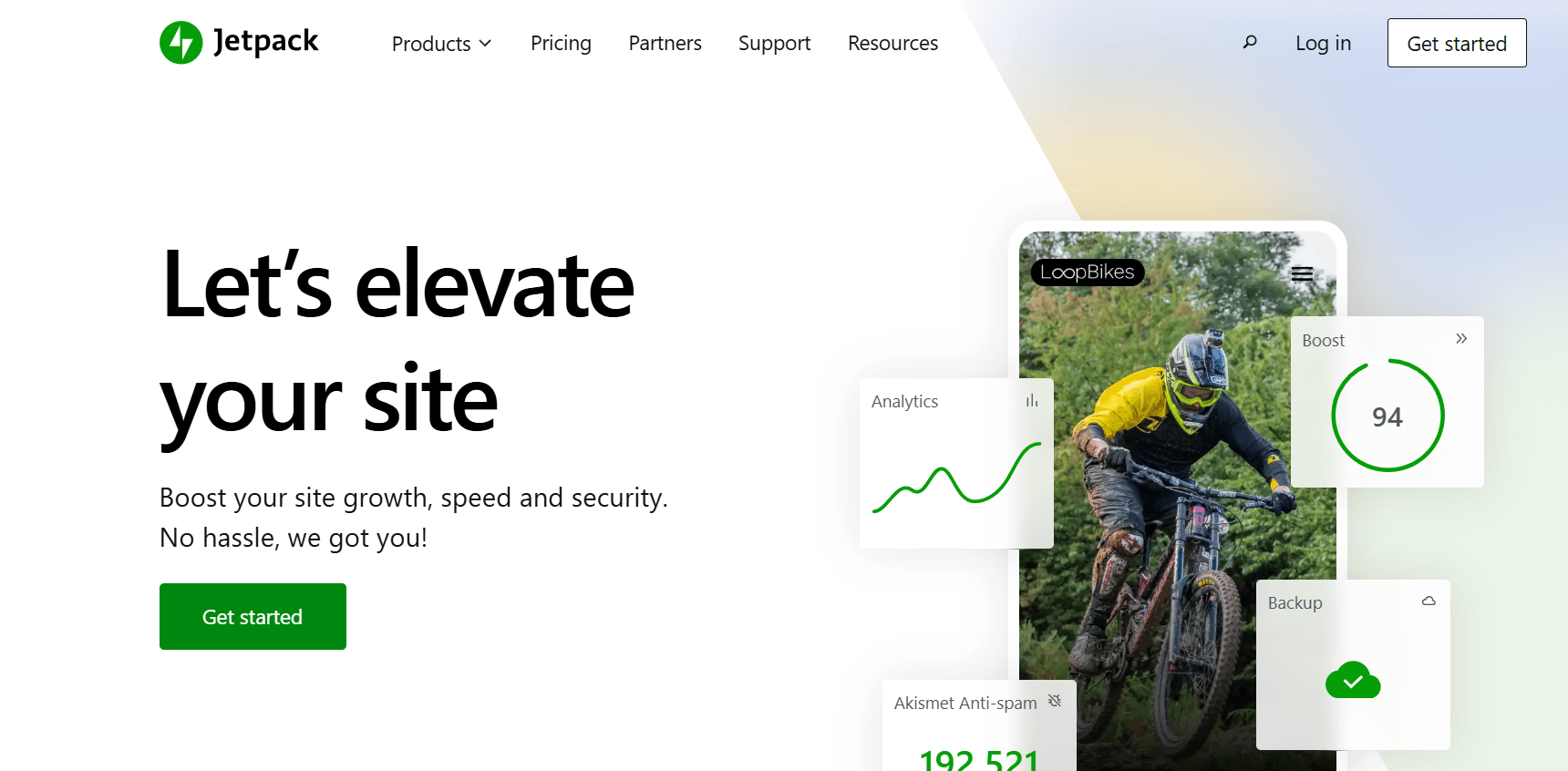
In the competitive landscape of 2026, managing a WordPress site requires a delicate balance of speed, security, and content strategy. While the WordPress ecosystem offers thousands of individual plugins, “plugin bloat” remains a significant threat to site performance. This is where Jetpack shines. Developed by Automattic, Jetpack is designed to bring the powerful features of WordPress.com to self-hosted WordPress sites.
The 2026 version of Jetpack has moved beyond being a simple collection of tools. It has transformed into a modular, AI-integrated suite that adapts to your site’s specific needs. Whether you are running a tech blog like milioudis.com or a global e-commerce store, Jetpack provides the infrastructure needed to scale safely and quickly. In this 1,500-word definitive guide, we will explore the latest advancements in Jetpack and how to leverage them for maximum growth.
1. What is Jetpack? The “Super-Plugin” Concept
Jetpack is a single plugin that connects your self-hosted WordPress site to the global infrastructure of WordPress.com. This connection allows your server to “offload” heavy tasks—like image processing, brute-force protection, and statistics tracking—to Automattic’s high-speed servers.
In 2026, Jetpack has embraced a Modular Architecture. This means you only activate the features you actually use, ensuring that your site remains lightweight and fast. For the readers of Milioudis Tech, Jetpack represents the easiest way to get enterprise-grade features without needing a dedicated IT team.
2. New Features in the Latest 2026 Release
The 2026 update (v15.x and above) focuses heavily on Artificial Intelligence and Automated Maintenance.
Jetpack AI Assistant 2.0
The 2026 AI Assistant is a game-changer for content creators. It is now deeply embedded in the Gutenberg editor.
- Adaptive Tone: It can rewrite your paragraphs to be more professional, humorous, or urgent based on your audience.
- Auto-Summarization: It can instantly generate excerpts and social media posts from your 1,500-word articles.
- Grammar & Style: Beyond simple spellcheck, it provides stylistic suggestions to make your writing more engaging.
AI-Powered Social Sharing
Jetpack Social has been upgraded. In 2026, it doesn’t just share your post; it uses AI to determine the optimal time to post on platforms like X (Twitter), LinkedIn, and Threads, ensuring maximum visibility for your new content.
VideoPress 4K with AI Transcripts
If you host videos on your site, Jetpack VideoPress now supports full 4K streaming with global CDN delivery. New for 2026 is the automated AI transcription service, which adds searchable captions to your videos, significantly boosting your SEO.
3. Core Functionalities: The Three Pillars
I. Security: The Fortress Module
Security is the most critical aspect of any Milioudis Technology recommendation. Jetpack provides:
- Brute Force Attack Protection: Automatically blocks millions of malicious login attempts from known botnets.
- Downtime Monitoring: If your site goes down, Jetpack sends you an instant alert via email and mobile notification.
- Secure Login: Two-Factor Authentication (2FA) via the WordPress app or SMS.
- Automated Backups (Jetpack VaultPress): In 2026, backups are real-time. Every change you make is saved instantly, allowing for one-click restores if anything goes wrong.
II. Performance: The Speed Module
Speed is a primary ranking factor for Google. Jetpack optimizes your site through:
- Jetpack Boost: A one-click performance optimizer that handles “Critical CSS” and “Image Lazy Loading.”
- Global Image CDN: Your images are served from Automattic’s global network, reducing the load on your local server.
- Site Search: A high-speed, Elasticsearch-powered search engine that provides instant results to your visitors, similar to what you find on major news sites.
III. Growth: The Engagement Module
To build an audience on milioudis.com, you need tools that keep people coming back:
- Stats and Insights: A beautiful, easy-to-read dashboard that shows you exactly where your traffic is coming from without the complexity of Google Analytics.
- Related Posts: Keeps visitors on your site longer by suggesting relevant articles at the end of each post.
- Subscriptions: Allows readers to subscribe to your blog and receive email notifications every time you publish a new article.
4. The 2026 Modular Approach
One of the common criticisms of Jetpack in the past was that it was “too big.” In 2026, Microsoft and Automattic have worked together to ensure Jetpack is Fully Decoupled. You can now install standalone versions of specific features:
- Jetpack Backup (as a separate plugin)
- Jetpack Protect (for security only)
- Jetpack Boost (for speed only) This allows for total customization of your WordPress environment.
5. Security and Privacy: Data Handling
At milioudis.com, we prioritize transparency.
- Privacy: Jetpack is GDPR-compliant. It allows you to toggle features like “Tracking” and provides clear data processing agreements.
- Cloud Security: By offloading security scans to the cloud, Jetpack identifies malware before it ever reaches your server’s database.
6. Comparison: Jetpack vs. Individual Plugins
- Vs. Yoast/RankMath: Jetpack handles basic SEO, but for deep keyword analysis, standalone SEO plugins are still better.
- Vs. UpdraftPlus: Jetpack VaultPress is more reliable because it is real-time and hosted off-site on Automattic’s infrastructure.
- Vs. Wordfence: Jetpack is better for performance (it blocks bots at the cloud level), while Wordfence is better for deep firewall configuration.
7. Where and How to Download (Official 2026 Sources)
To ensure you have the verified, secure version of Jetpack:
- WordPress Plugin Repository: (Recommended) Go to your dashboard >
Plugins > Add Newand search for “Jetpack”. - Official Website: jetpack.com
- WP-CLI: For developers, run:
wp plugin install jetpack --activate. - Mobile App: Download the Jetpack app from the iOS App Store or Google Play Store to manage your site on the go.
8. Installation and Quick Setup Guide
- Install and Activate: Click “Activate” after installing from the WordPress repository.
- Connect to WordPress.com: You will need a free WordPress.com account to link your site.
- Select Your Features: Go to
Jetpack > Settingsand toggle only the modules you need (e.g., Security, Stats, and Performance). - Set Up Backups: If you have a paid plan, ensure VaultPress is active and your first backup is completed.
9. Conclusion: The Verdict
Jetpack 2026 is the ultimate safety net for WordPress users. It simplifies the most complex parts of website management—security and speed—allowing you to focus on content. For a growing site like milioudis.com, it provides the stability and professional tools needed to compete in a high-traffic environment.