

Yoast SEO

In the ever-shifting landscape of Digital Marketing, one name has remained the gold standard for WordPress optimization for over 15 years: Yoast SEO. However, as we move through 2026, SEO is no longer just about ranking on the first page of Google. It is now about “AI Discovery”—ensuring that Large Language Models (LLMs) like Gemini, ChatGPT, and Perplexity can find, understand, and recommend your content.
The latest March 2026 release (Version 27.1) marks the most significant evolution in the plugin’s history. At Milioudis Technology And Software News, we have tested the new “Schema Aggregation” and “AI Optimize” features to see if Yoast still holds the crown.
1. What’s New in Yoast SEO 27.1 (2026 Edition)?
The 2026 updates move beyond simple keywords, focusing on how machines and AI agents perceive your brand.
A. Schema Aggregation: The “AI Map”
Released in March 2026, Schema Aggregation is the standout feature of version 27.1. Instead of search engines having to crawl hundreds of individual pages to understand your site’s structure, Yoast now creates a unified “Entity Map.” This allows AI bots to retrieve all your site’s structured data (authors, products, relationships) in under 100ms. It essentially hands a “cheat sheet” to AI systems so they can accurately cite your website.
B. Yoast AI Optimize & AI Generate
Building on the generative AI boom, the 2026 version integrates Yoast AI Optimize directly into the WordPress block editor.
- AI Generate: Stuck on a title? One click generates 5 SEO-optimized titles and meta descriptions based on your content.
- AI Optimize: If your “SEO light” is orange or red, the AI will now suggest specific sentence rewrites to fix keyphrase density or distribution issues instantly.
C. Google Site Kit Deep Integration
As of January 2026, the rollout of the Site Kit by Google integration is complete. You no longer need to switch tabs to check your performance. Your Google Search Console and Analytics data (clicks, impressions, CTR) are now displayed directly inside your Yoast SEO Dashboard, mapped against your SEO scores.
2. Core Features: The Foundation of Good SEO
While the AI features are the headline, the core “Traffic Light” system remains the heartbeat of the plugin.
- SEO Analysis: Checks if you’ve used your focus keyphrase in the right places (H1, first paragraph, image alt tags, etc.).
- Readability Analysis: Uses advanced language processing to ensure your content isn’t too complex. It checks for passive voice, transition words, and paragraph length.
- XML Sitemaps: Automatically generates a map of your site so search engines can find every page.
- Canonical Tags: Prevents “Duplicate Content” penalties by telling Google which version of a page is the original.
3. Free vs. Premium: Is the Upgrade Worth It in 2026?
Yoast SEO remains a “Freemium” tool. For many users of milioudis.com, the free version is a great start, but the Premium version has become a powerful time-saver.
| Feature | Yoast SEO Free | Yoast SEO Premium ($99/yr) |
| Focus Keywords | 1 Keyphrase | Up to 5 Keyphrases |
| AI Features | Basic | Full AI Optimize & Generate |
| Redirect Manager | No | Yes (Automatic 301s) |
| Internal Linking | No | Real-time Suggestions |
| Social Previews | No | Yes (Facebook, X, Threads) |
| Support | Community | 24/7 Expert Support |
The Verdict: If you run a small hobby blog, the Free version is enough. However, if you are a business or a professional news site, the Redirect Manager (which prevents 404 errors when you change a URL) and the Internal Linking suggestions easily pay for themselves in saved time.
4. Why Technical SEO Matters for 2026
In 2026, “Technical SEO” is the entry fee for the AI era. Yoast handles the heavy lifting that used to require a developer:
- Schema.org Integration: It tells search engines exactly what your page is (an Article, a Product, a Recipe, or an FAQ).
- Breadcrumbs Control: Helps users and bots understand the hierarchy of your site.
- Crawl Settings: You can now “invite” AI crawlers specifically or block them if you don’t want your content used for training data.
5. How and Where to Download (Official Sources)
Because Yoast SEO is the most popular SEO plugin, there are many “nulled” or “cracked” versions of the Premium plugin online. Do not use them. These files almost always contain backdoors that will get your WordPress site hacked.
The Official Download Source:
- Free Version: You can download the latest
.zipfrom the WordPress.org Plugin Repository or install it directly via your WordPress Dashboard (Plugins > Add New > Search: Yoast SEO). - Premium Version: This can only be purchased and downloaded through the official site: www.yoast.com.
6. Installation & Setup Guide for WordPress
To get started with Yoast SEO 27.1, follow these steps:
- Install: Go to your WordPress Dashboard > Plugins > Add New. Search for “Yoast SEO” and click Install Now and then Activate.
- First-time Configuration: Click on the “SEO” menu in your sidebar and run the First-time configuration. This will guide you through setting up your site’s “Person or Organization” data—which is crucial for Google’s Knowledge Graph.
- Connect Google Site Kit: Go to the “Integrations” tab and enable Site Kit to see your traffic data directly in Yoast.
- Enable Schema Aggregation: In the newest 27.1 version, go to Settings > Site Features and toggle on “Schema Aggregation” to future-proof your site for AI search.
7. Pro Tips for Milioudis Technology Readers
- Cornerstone Content: Mark your most important articles as “Cornerstone Content.” Yoast will give them a stricter SEO analysis and prioritize them for internal linking.
- Bulk Editor: Use the Bulk Editor tool under SEO > Tools to quickly change dozens of titles and descriptions at once without opening each post.
- Fix Orphaned Content: Use the Premium “Orphaned Content” filter to find posts that have zero internal links pointing to them. Adding links to these posts is the fastest way to boost their ranking.
8. Final Verdict
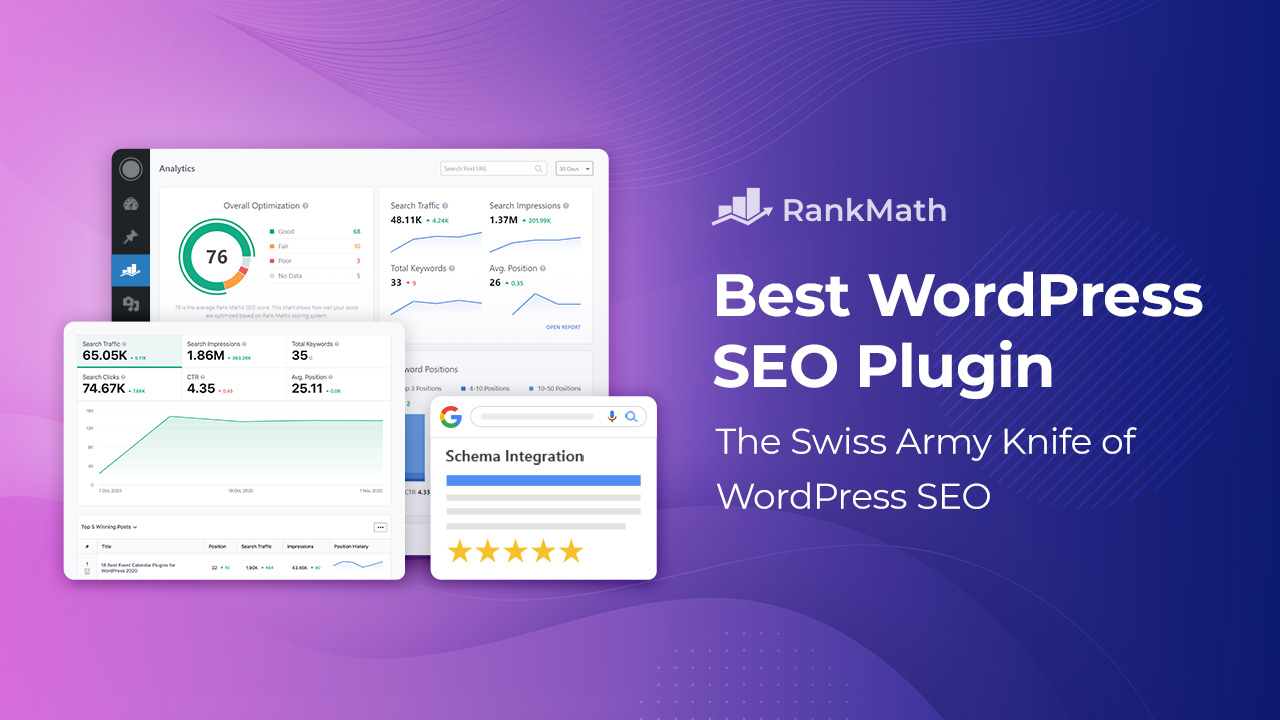
Yoast SEO 2026 has successfully moved from a “keyword tool” to an “AI discovery engine.” Version 27.1 is faster, smarter, and more integrated with Google than ever before. While competitors like Rank Math offer more features in their free tier, Yoast’s stability, security, and ease of use make it the most reliable choice for professional websites.
Pros:
- Best-in-class Schema/Structured Data implementation.
- New AI tools make writing meta-data effortless.
- “Traffic Light” system is perfect for beginners and pros.
- Rock-solid reliability—it rarely conflicts with other plugins.
Cons:
- Premium is relatively expensive ($99/year per site).
- Some advanced features (Redirects) are not in the free version