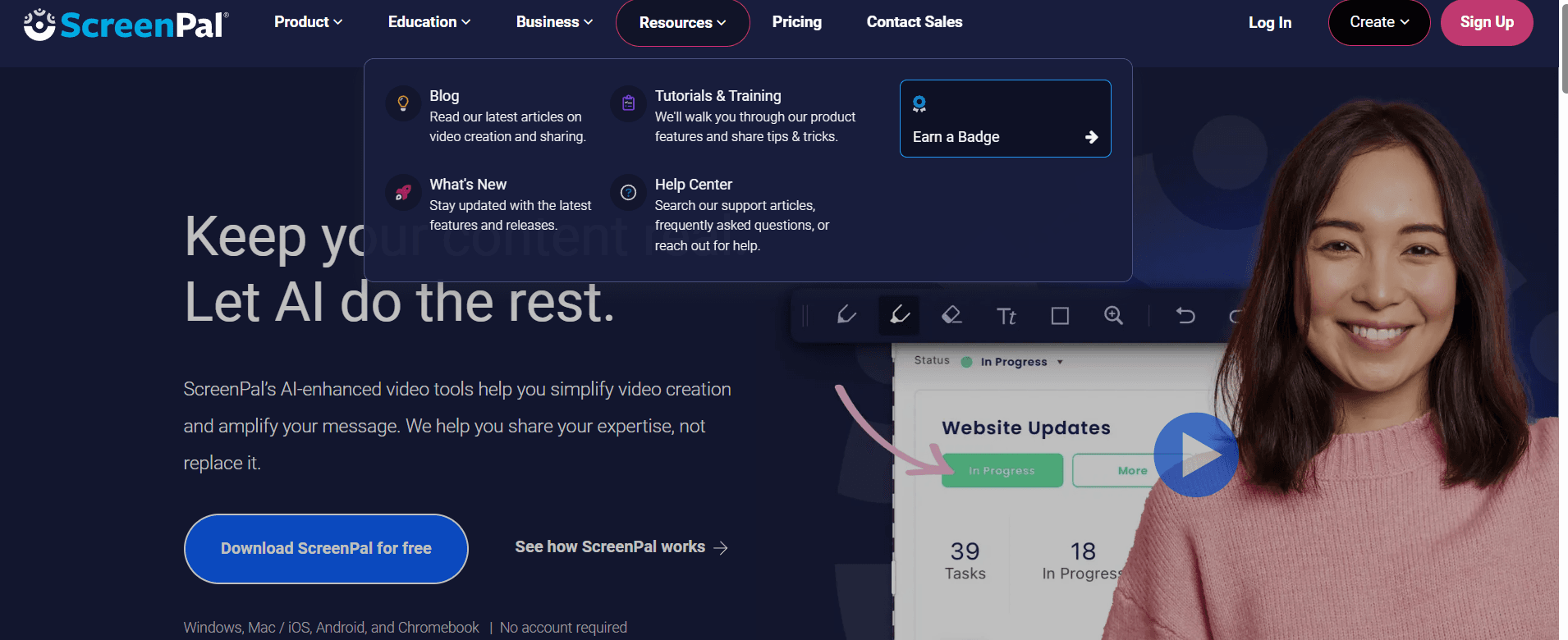
ScreenPal
Introduction: The Video Communication Revolution
In 2026, the world communicates through video. Whether you are a teacher creating flipped classroom lessons, a developer documenting a complex bug, or a content creator building a YouTube empire, your tools define your output. While basic screen recorders are built into Windows and macOS, they lack the sophisticated editing and hosting features required for professional results.
ScreenPal, formerly known as Screencast-O-Matic, has undergone a massive transformation. It has evolved from a simple web-based recorder into a comprehensive visual communication suite that integrates screen capture, high-end video editing, and secure cloud hosting. In this 1,500-word masterclass for Milioudis Tech, we will explore the 2026 features of ScreenPal and why it is the definitive choice for video productivity.
1. What is ScreenPal? From Simple Recording to Total Solutions
ScreenPal is a multi-platform tool designed to make video creation accessible to everyone. Its philosophy is “Simplicity without sacrifice.” It provides a bridge for users who find professional software like Adobe Premiere too complex, yet find basic recorders too limited.
With a global user base of millions, ScreenPal is trusted by 98 of the top 100 universities in the US. For the readers of milioudis.com, it represents a professional-grade solution that remains incredibly easy to use.
2. New Features in the Latest 2026 Release
The 2026 update of ScreenPal is heavily focused on Artificial Intelligence (AI), aiming to reduce the time spent on tedious editing tasks.
AI Automated Captions and Transcription
In 2026, accessibility is mandatory. ScreenPal’s new AI engine can transcribe your audio in real-time with over 99% accuracy in 50+ languages, including Greek. It automatically generates “smart captions” that are perfectly timed with your speech, saving hours of manual typing.
AI Background Removal (No Green Screen Needed)
The 2026 version features a sophisticated virtual background engine. You can now record your webcam and remove the background instantly, replacing it with a professional office setting or a custom image, without needing a physical green screen or specialized lighting.
Interactive Video Quizzes
For educators and corporate trainers, ScreenPal has introduced Interactive Layers. You can now insert “check for understanding” quizzes directly into the video timeline. The video pauses, the viewer answers, and the results are sent to your ScreenPal dashboard—all within the 2026 player.
3. Core Functionalities: The Recording Experience
Flexible Screen Capture
ScreenPal allows for three main recording modes:
- Screen Only: Capture your entire desktop or a specific application window.
- Webcam Only: Use your PC as a high-quality video diary or vlog recorder.
- Both (Picture-in-Picture): The most popular mode for tutorials. You can record your screen while your webcam appears in a small, movable bubble.
Drawing Tools and Zoom
While recording, you can use the Live Draw tools to highlight specific areas, draw arrows, or write notes. The “Zoom and Pan” feature ensures that your viewers can see exactly what you are doing, even on high-resolution 4K displays.
4. The 2026 Video Editor: Professional Power, Simple Interface
The built-in editor in ScreenPal 2026 is where the magic happens. It uses a non-destructive timeline, allowing you to:
- Mix and Match: Combine multiple recordings into one project.
- Overlay Library: Access thousands of stock images, videos, and music tracks directly from the app.
- Transitions and Animations: Add professional fades, wipes, and “pop-up” animations to keep your audience engaged.
- Speed Control: Speed up boring technical processes or slow down critical steps for clarity.
5. Hosting and Sharing: The ScreenPal Cloud
Sharing a large video file via email is impossible. ScreenPal solves this with its integrated Cloud Hosting.
- Instant Links: Once your video is ready, click “Upload” and get a short link to share on Slack, Microsoft Teams, or social media.
- Custom Player: Brand the video player with your own colors and logo (available in the 2026 Business plan).
- Analytics: See who watched your video, for how long, and which parts they re-watched.
6. Security and Privacy: Data Sovereignty
At Milioudis Technology, we prioritize your privacy. ScreenPal 2026 includes:
- Password Protected Videos: Ensure that sensitive internal meetings or student data remain private.
- SSO (Single Sign-On): For large organizations, ScreenPal integrates with Okta and Microsoft Azure for secure access.
- Local Storage Option: You are never forced to use the cloud. You can save all your recordings as MP4, AVI, or FLV files directly on your hard drive.
7. Comparison: ScreenPal vs. Loom vs. Camtasia
- Vs. Loom: Loom is great for quick “disposable” messages. ScreenPal is far superior for creating permanent, edited content like courses or YouTube videos.
- Vs. Camtasia: Camtasia is a professional powerhouse but costs hundreds of dollars. ScreenPal offers 80% of the same features for a fraction of the price, with a much lower learning curve.
8. Where and How to Download (Official 2026 Sources)
Always download from the official infrastructure to avoid malware:
- Official Website: screenpal.com
- Desktop App: Available for Windows 10/11 and macOS.
- Mobile App: Download the ScreenPal app for iOS and Android to record your mobile screen or edit on the go.
- Chrome Extension: Perfect for quick captures without installing the full desktop suite.
9. Installation and Quick Setup Guide
- Sign Up: Create a free account at ScreenPal.com.
- Download the Launcher: The small launcher file manages the recorder and editor updates.
- Set Audio Source: Ensure your microphone is recognized. The 2026 version includes a “Noise Cancellation” toggle—keep it ON for professional audio.
- Choose Your Plan: The Free version allows for 15-minute recordings. The Solo Deluxe plan (highly recommended) removes the watermark and adds the full editor.
10. Conclusion: The Verdict
ScreenPal 2026 is the most versatile video creation tool on the market. It successfully balances power and simplicity, making it the ideal choice for anyone who needs to communicate visually. In an age of remote work and digital learning, it is an essential tool that empowers you to share your ideas clearly and professionally.
For the readers of milioudis.com, ScreenPal is our top recommendation for video production. It is a tool that transforms a standard PC into a complete movie studio.