
MonsterInsights
Introduction: Why Data is the Lifeblood of Your Tech Blog
In the competitive digital landscape of 2026, guessing which content works is a recipe for failure. Whether you are a professional webmaster or a tech enthusiast running a site like milioudis.com, you need clear, actionable data. You need to know where your visitors come from, which software guides they spend the most time on, and exactly where they click.
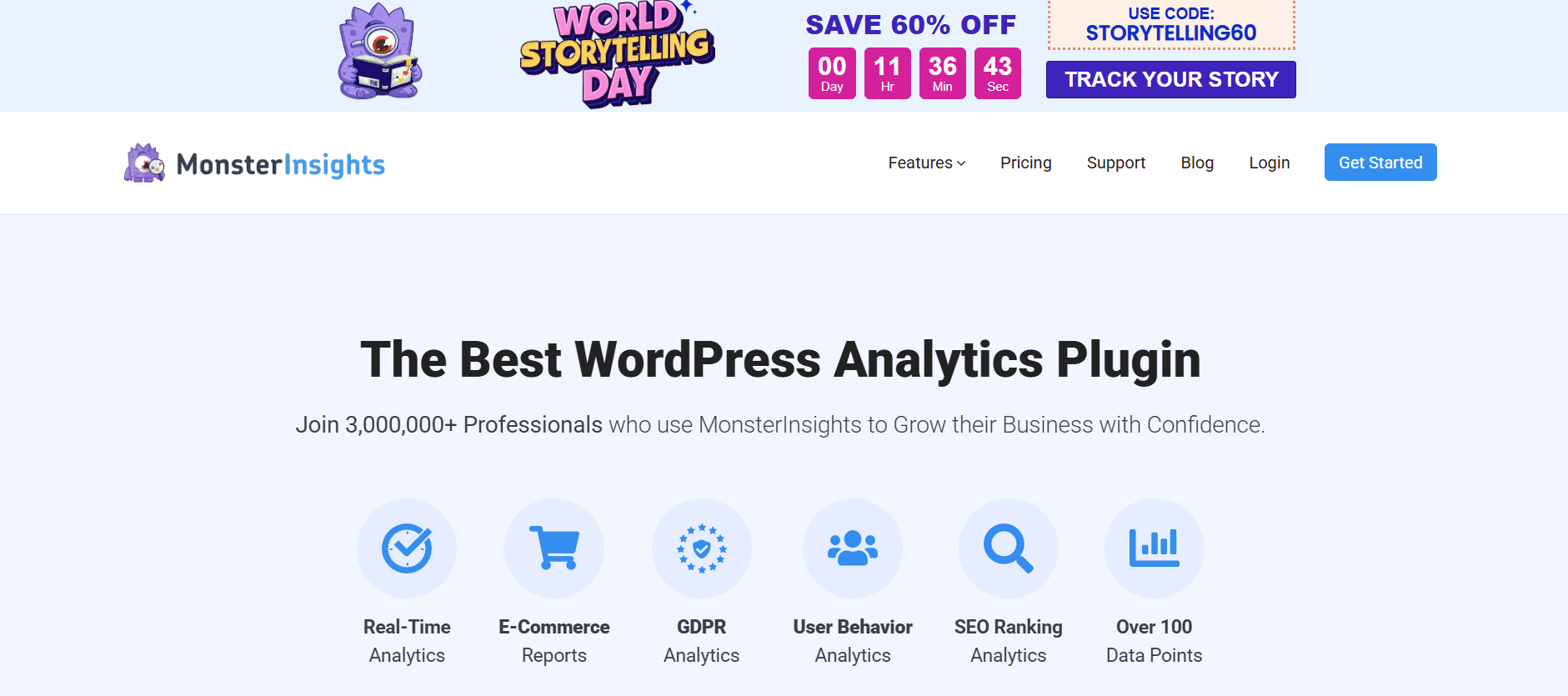
MonsterInsights is the world’s most popular Google Analytics plugin for WordPress, with over 3 million active installations. It bridges the gap between the complex, often overwhelming interface of Google Analytics 4 (GA4) and the user-friendly WordPress dashboard. In this 1,500-word definitive guide for Milioudis Tech, we will explore the 2026 version of MonsterInsights and how it uses Artificial Intelligence to turn raw data into a roadmap for your success.
1. What is MonsterInsights? The Analytics Powerhouse
MonsterInsights is designed with one goal: to make analytics “easy.” While Google Analytics is powerful, its native interface can be a nightmare for non-data scientists. MonsterInsights takes that complex data and brings it directly into your WordPress backend in a beautiful, easy-to-read report.
In 2026, MonsterInsights has evolved from a simple “tracking” tool into an Optimization Suite. It doesn’t just show you “how many” people visited; it tells you “why” they stayed and “how” to get more people like them. For a site focused on high-authority guides, this is the difference between shouting into the void and building a loyal community.
2. New Features in the 2026 Release (v9.x Series)
The 2026 updates have introduced groundbreaking tools that leverage the latest in AI and machine learning.
AI Insight Notes & Recommendations
The standout feature of 2026 is the AI Insights Engine. Instead of you looking at a graph and trying to figure out what happened, the AI does it for you. It might say: “Margaritis, your guide on Rufus saw a 40% spike in traffic from Reddit. We suggest updating the call-to-action to increase conversions.”
Enhanced AdSense Tracking 2.0
Since milioudis.com is now AdSense-approved, this feature is vital. MonsterInsights 2026 provides a dedicated Ads Report. You can see exactly which blog posts are generating the most ad revenue, allowing you to focus your writing efforts on high-paying topics.
Privacy Guard & Consent Management
With global privacy laws becoming stricter in 2026, MonsterInsights includes an automated Privacy Guard. It ensures your site is compliant with GDPR, CCPA, and the latest 2026 data regulations without you having to hire a lawyer. It works seamlessly with your cookie consent banners to ensure data is only tracked when legal.
3. Core Functionalities: Seeing the Full Picture
The Real-Time Dashboard
The Real-Time Report allows you to see who is on your site right now. This is incredibly useful after you post a link on Reddit or social media. You can watch the traffic flow in and see which sections of your guide people are currently reading.
E-commerce Tracking (WooCommerce Integration)
If you decide to sell digital products or software licenses, MonsterInsights’ integration with WooCommerce is unparalleled. It tracks:
- Conversion Rate: The percentage of visitors who buy.
- Top Products: Which items are your “best-sellers.”
- Average Order Value: How much each customer spends.
Form Conversion Tracking
Are people actually using your contact forms? MonsterInsights automatically tracks every form submission on your site—whether you use WPForms, Gravity Forms, or Contact Form 7—without you having to set up complex “events” in Google Analytics.
4. SEO and Content Optimization Tools
Headline Analyzer
Writing a great headline is an art. MonsterInsights includes a Headline Analyzer directly in your WordPress post editor. As you write your titles for milioudis.com, it gives you a score and suggests “Power Words” to make your titles more clickable in Google search results.
Popular Posts Widget
To reduce your “Bounce Rate” (people leaving after one page), MonsterInsights can automatically display your most popular or “trending” articles at the end of every post. This keeps readers engaged with your library of guides for longer periods.
Site Speed Tracking
In 2026, Google prioritizes speed. MonsterInsights includes a Site Speed Report that uses real-world data from your users to tell you if your site is loading slowly on mobile or desktop, helping you optimize your Hostinger Tools settings.
5. Security and Technical Accuracy
At Milioudis Technology, we prioritize data integrity.
- Dual-Tracking: MonsterInsights allows you to track via Universal Analytics and GA4 simultaneously (though GA4 is the 2026 standard).
- No-Code Setup: You don’t have to touch a single line of code or hire a developer. The “Wizard” handles everything.
- Role Manager: You can control who sees your analytics data, ensuring that only trusted administrators have access to your revenue reports.
6. Comparison: MonsterInsights vs. Site Kit by Google
- Site Kit by Google: It is free and basic, but it lacks the deep “Insights,” the AI recommendations, and the advanced tracking for forms and e-commerce.
- MonsterInsights: It is a professional-grade tool that provides actionable strategy, not just raw numbers. For a growing brand, MonsterInsights is the superior choice.
7. Where and How to Download (Official 2026 Sources)
To ensure you are getting the verified, malware-free version:
- WordPress Plugin Repository: (Recommended for the Free version) Go to
Plugins > Add Newand search for “MonsterInsights”. - Official Website: monsterinsights.com (For the Pro features and AI engine).
- MonsterInsights Account Dashboard: If you have a Pro license, always download the latest
.zipfile directly from your member area. - Note: Never download “Nulled” or “Cracked” versions of MonsterInsights. They often contain hidden scripts that steal your AdSense revenue or compromise your site’s security.
8. Installation and Quick Setup Guide
- Install & Activate: From your WordPress dashboard.
- Launch the Wizard: MonsterInsights will guide you through a 3-step setup.
- Connect Google Analytics: You will be asked to sign in with your Google account. Select your website property.
- Enable Features: Toggle on “Enhanced Link Attribution” and “File Download Tracking” (useful for tracking how many people download software from your links).
- Review Reports: After 24 hours, your first data reports will start appearing in
Insights > Reports.
9. Conclusion: The Verdict
MonsterInsights 2026 is the ultimate bridge between technical data and creative content. For milioudis.com, it provides the clarity needed to turn a hobby blog into a high-revenue tech portal. By understanding your audience through the lens of MonsterInsights, you can ensure that every guide you write is exactly what the market is looking for.