
Krita
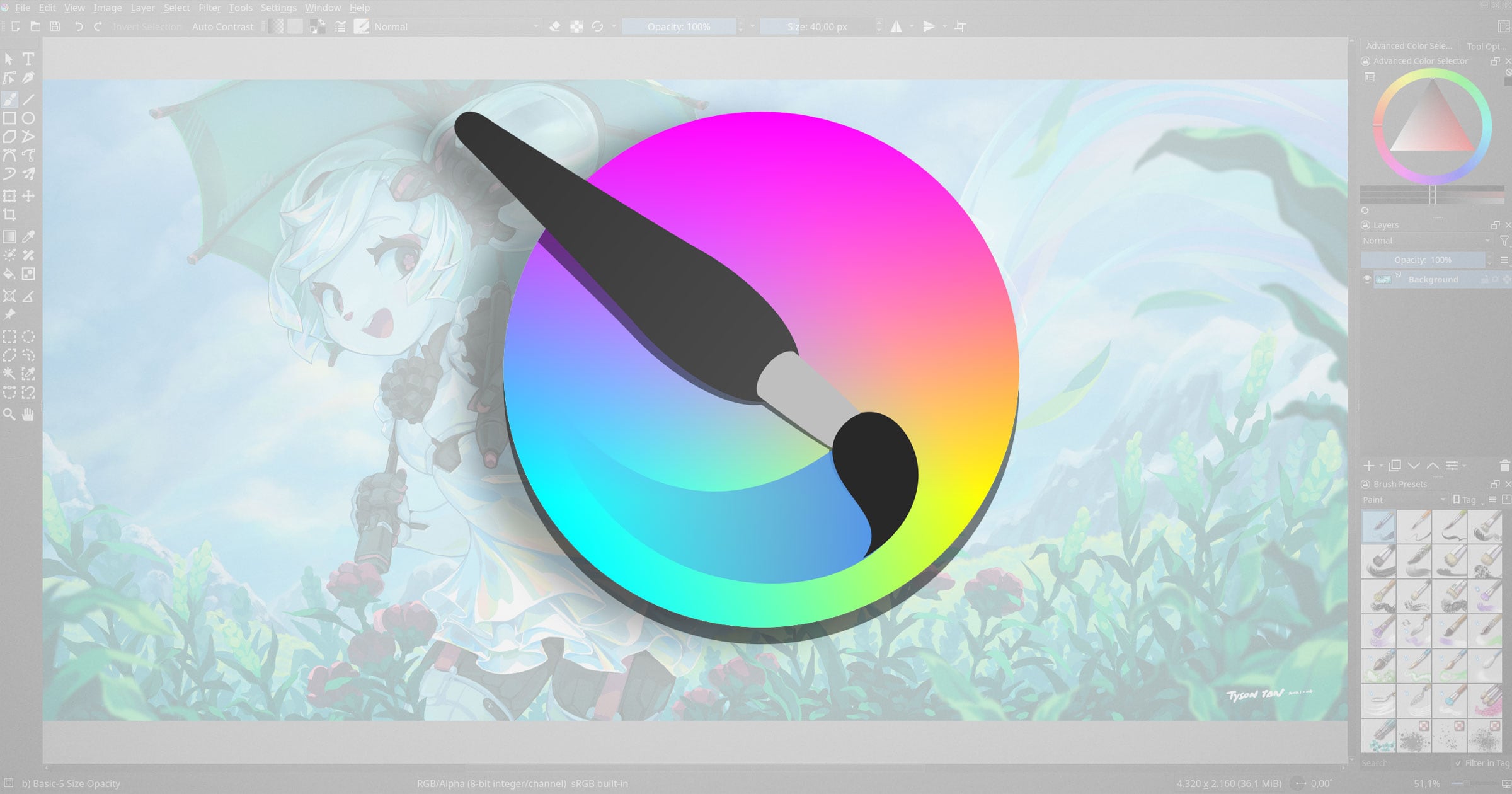
In the creative world of 2026, where digital art and AI-assisted workflows dominate the industry, Krita has emerged not just as a “free alternative” to Photoshop, but as the primary choice for concept artists, illustrators, and animators. Developed by the Krita Foundation, this open-source powerhouse has officially released its most ambitious update to date: the Dual Release of Krita 5.3 and Krita 6.0.
At Milioudis Technology And Software News, we have followed Krita’s evolution closely. The 2026 version represents a technical milestone, transitioning the software to a more modern engine while introducing revolutionary text tools and AI integration. Here is the complete breakdown of why Krita is the only tool you need for digital creation this year.
1. What is Krita?
Krita is a professional, free, and open-source painting program designed by artists for artists. Unlike GIMP, which focuses on photo manipulation, Krita is built from the ground up for Digital Painting, Concept Art, Comics, and 2D Animation.
Whether you are using a Wacom, Huion, or a Microsoft Surface, Krita offers one of the most advanced brush engines in the world, supporting pressure sensitivity, tilt, and even rotation for specialized pens.
2. The 2026 Dual Release: Krita 5.3 vs. Krita 6.0
In March 2026, the Krita team took a unique approach by releasing two versions simultaneously from the same codebase.
Krita 5.3 (The Stable Choice)
Built on the tried-and-tested Qt5 framework, version 5.3 is the recommended version for professionals who need absolute stability. It contains all the new 2026 features but ensures compatibility with older hardware and operating systems.
Krita 6.0 (The Future)
Ported to the newer Qt6 framework, version 6.0 is designed for the future of hardware. It offers:
- Native Wayland Support: A massive improvement for Linux users.
- Better HDR Performance: Improved color management on high-dynamic-range displays.
- Modern UI Scaling: Crisper icons and menus on 4K and 8K monitors.
- Note: As of March 2026, v6.0 is slightly less stable than v5.3 but offers better long-term performance.
3. Groundbreaking New Features in 2026
A. The “Revolutionary” Text Tool
After years of development, Krita’s text engine has been completely rewritten.
- On-Canvas Editing: No more annoying pop-up boxes. Type directly on your artwork.
- Text-on-Path: Easily wrap your text around vector shapes or custom paths—a feature essential for comic book lettering and logo design.
- Multi-Script Support: Full support for complex scripts, including Greek, Arabic, and vertical Japanese text.
B. AI Diffusion Integration
While Krita remains a “human-first” art tool, the Krita AI Diffusion plugin (v1.18+) has become a staple in 2026.
- Inpainting & Outpainting: Use AI to extend your canvas or remove objects using simple text prompts.
- Local Processing: Unlike web-based AI, Krita can run these models locally on your GPU (NVIDIA/AMD), keeping your art private.
C. Vector Knife Tool
A brand-new tool for 2026! The Knife Tool allows you to split and merge vector objects instantly. This is a game-changer for artists creating comic panel layouts or complex vector illustrations.
D. Advanced Animation Enhancements
The animation timeline now supports Real-Time Audio Syncing and has a dedicated “Recorder Docker” that allows you to record your painting process (speedpaint) in real-time to share on social media like TikTok or YouTube.
4. Why Krita Beats Paid Competition in 2026
For the readers of milioudis.com, the choice between Krita and paid apps like Clip Studio Paint or Photoshop often comes down to these factors:
- Zero Cost: Krita is 100% free. No subscriptions, no “Pro” version, no hidden fees.
- Open Source Privacy: Your data is never “harvested” to train corporate AI models unless you choose to use local AI plugins.
- The Pop-up Palette: Right-click anywhere on the canvas to bring up a circular menu with your favorite brushes and color wheel. It is arguably the fastest workflow in the industry.
- Full CMYK Support: Essential for professional artists who need to send their work to a printing press.
5. System Requirements for 2026
Digital painting in 4K with multiple layers requires a modern setup.
- OS: Windows 10/11 (64-bit only), macOS 13+, or Linux (AppImage/Flatpak).
- CPU: Quad-core Intel/AMD or Apple Silicon (M1/M2/M3/M4).
- RAM: 8GB minimum; 16GB-32GB is highly recommended for animation or high-res 8K canvases.
- GPU: OpenGL 3.0 or Direct3D 11 compatible.
- Tablet: Wacom, Huion, XP-Pen, or any Windows Ink-compatible device.
6. How and Where to Download (Official Source)
Because Krita is famous and free, many scam websites try to trick users into downloading “malware-wrapped” installers. Always use the official sources.
Official Download Portal:
Website:www.krita.org/download
Available Versions:
- Windows: 64-bit Installer or Portable
.zipversion. - macOS: Universal Disk Image (
.dmg) for both Intel and Apple Silicon. - Linux: 64-bit AppImage (Works on almost all distributions).
- Android/ChromeOS: Available on the Google Play Store (Optimized for tablets).
7. Pro Tips for Milioudis Technology Readers
- Use the “S” Key: The
Skey toggles the selection tools. Mastering selections is the secret to clean digital painting. - Brush Smoothing: If your lines are shaky, go to the Tool Options and set “Smoothing” to Stabilizer. It will make your line art look professional instantly.
- Wrap-around Mode: Press
Wto turn your canvas into a seamless tiled texture. This is a must-have for game developers and pattern designers. - Resource Bundles: Visit Krita-Artists.org to download thousands of free community-made brush bundles.
8. Final Verdict
Krita 2026 (5.3/6.0) is the gold standard for open-source creativity. With the new text engine, vector knife, and the transition to Qt6, it has successfully modernized itself to compete with the most expensive software on the market. For any artist looking to escape the “subscription trap” of 2026, Krita is the ultimate destination.
Pros:
- Truly professional-grade brush engine.
- Full 2D animation suite included.
- New 2026 Text-on-Path and Vector tools.
- Active, helpful community.
Cons:
- No longer supports 32-bit Windows.
- Version 6.0 may have minor bugs on specific Linux/Wayland setups during its early months.