




Google Earth
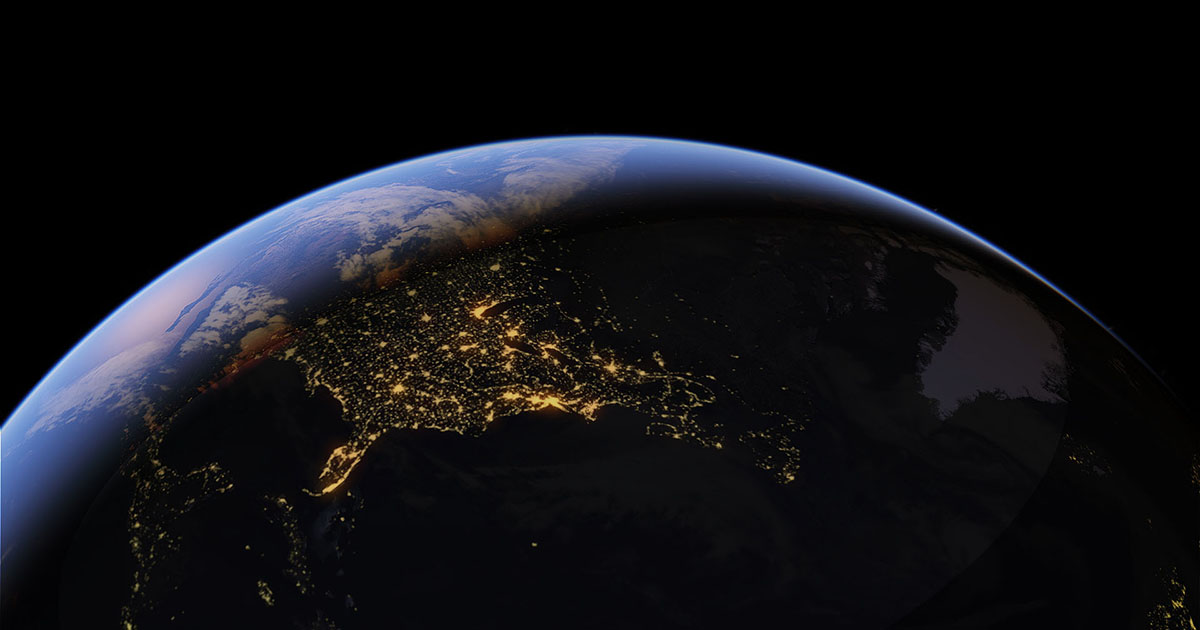
For decades, Google Earth has been humanity’s primary window to the planet. What started as a simple satellite imagery viewer has evolved by 2026 into a massive Digital Twin of the Earth. By integrating Google Gemini AI and real-time geospatial data, Google Earth no longer just shows us where a place is—it shows us how that place is changing every single minute.
At Milioudis Technology And Software News, we have analyzed the latest Google Earth Pro (Desktop v8.x) and the updated Web/Mobile ecosystem of 2026. This guide will help you explore the globe with unprecedented detail, from historical climate data to photorealistic 3D urban landscapes.
1. What is Google Earth in 2026?
Google Earth is a free platform that synthesizes billions of satellite photos, aerial photography, and 3D topographical data to create an interactive globe. In 2026, Google maintains three core versions to serve different user needs:
- Google Earth Pro (Desktop): The “power user” version for PC and Mac. It is essential for professionals, researchers, and anyone needing advanced measurement tools or GIS data importing.
- Google Earth Web: The browser-based version (Chrome, Edge, etc.), perfect for quick exploration and educational storytelling.
- Google Earth Mobile: The app for Android and iOS, which now features advanced Augmented Reality (AR) layers for “boots-on-the-ground” exploration.
2. Revolutionary Features of the 2026 Update
A. AI-Driven “Gemini” Exploration
The biggest shift for 2026 is the deep integration of Generative AI. You can now ask Google Earth complex, natural language questions:
- “Show me all areas in Greece that have seen the highest increase in vegetation over the last 5 years.”
- “Find a spot on Mount Parnitha with the best sunset view that is accessible by SUV.” The Gemini AI analyzes trillions of data points and visually transports you to the exact coordinates that match your query.
B. Live Earth Layer (Real-Time Data)
For the first time, Google Earth 2026 offers a “Live” information layer. In major global cities, you can see 3D representations of traffic flow, current weather conditions (clouds, rain, and snow rendered with photorealistic physics), and even the real-time positions of large maritime vessels in the oceans.
C. Timelapse 2.0: Earth’s History in 8K
The Timelapse feature has been updated with data through January 2026. You can watch the evolution of any point on the planet from 1984 to the present in 8K resolution. This is a powerful tool for observing urban sprawl, receding glaciers, or the construction of massive infrastructure projects like the NEOM line.
D. Photorealistic 3D Tiles & Immersive View
Using neural rendering, Google has converted 2D aerial photos into incredibly detailed 3D models. As of 2026, over 2,500 cities (including Athens and Thessaloniki) support Immersive View, allowing you to “fly” between buildings with a visual quality that rivals high-end video games.
3. Google Earth Pro: The Professional’s Toolset
While most casual users prefer the Web version, Google Earth Pro remains free and irreplaceable for technical work:
- Advanced Measurements: Calculate the area of land parcels, the height of buildings, and the volume of terrain for construction planning.
- High-Res Printing: Export images at resolutions up to 4800×4800 pixels for professional presentations and printed reports.
- GIS Data Import: Import ESRI Shapefiles (.shp) and MapInfo (.tab) files, or connect directly to live GPS data feeds.
- Movie Maker: Create 4K fly-through videos for marketing or cinematic projects.
4. Why Use Google Earth in 2026?
At milioudis.com, we believe Google Earth is the ultimate educational and professional resource:
- Virtual Travel: Explore the Pyramids of Giza, the Grand Canyon, or the depths of the Mariana Trench without leaving your desk.
- Environmental Awareness: See the direct impact of climate change through historical satellite data.
- Travel Planning: Use Street View and 3D modeling to see exactly where your hotel is located or to check the incline of a hiking trail.
- Archaeology & History: Discover ancient ruins not visible from the ground by using the “Sun Tool” to change shadows and highlight hidden terrain features.
5. System Requirements for 2026
Due to heavy 3D rendering and AI processing, Google Earth Pro requires modern hardware:
- Processor: Intel Core i5/i7 or AMD Ryzen 5000+ (or Apple M1-M4).
- RAM: 8GB minimum; 16GB is highly recommended for smooth 3D city navigation.
- Graphics: DirectX 11 or OpenGL 2.0 support with at least 2GB of VRAM.
- Internet: A stable 20Mbps connection for fast map tiling and 3D loading.
6. How and Where to Download (Official Source)
Google provides this software for free, but it is vital to download it from official sources to avoid malware-infected “cracked” versions.
Official Download Portal:
Desktop Pro Link:www.google.com/earth/about/versions/Web Browser Version:earth.google.com
Installation Steps:
- Visit the link and select “Download Earth Pro on desktop”.
- Accept the terms of service and download the installer (
.exefor Windows or.dmgfor Mac). - Run the installer. Note: No license key is required for Pro anymore; simply sign in with your Google Account to sync your saved places (KML files).
7. Pro Tips for Milioudis Technology Readers
- The Hidden Flight Simulator: Press
Ctrl + Alt + A(Windows) orCmd + Opt + A(Mac) to unlock the secret flight sim. You can pilot an F-16 or a SR22 over your own neighborhood! - Voyager Stories: Don’t ignore the “Voyager” tab. It contains curated, high-production tours from National Geographic, NASA, and the BBC.
- Historical Imagery Tool: Click the “Clock” icon in the toolbar. This allows you to slide back through time—perfect for seeing how your city looked 30 years ago.
- KML/KMZ Files: You can find thousands of community-made KML files online that add layers like real-time earthquake maps, shipwreck locations, or even movie filming locations.
8. Final Verdict
Google Earth 2026 is nothing short of a technological miracle. The transition from a static map to a “living” digital universe makes it an essential tool for the modern age. Whether you are a student studying geography, a professional planning a new development, or a curious traveler, Google Earth remains the most powerful exploration tool ever created.
Pros:
- Completely free of charge.
- Unmatched 3D detail and AI search capabilities.
- Massive archive of historical satellite data.
- Professional-grade measurement and export tools.
Cons:
- Desktop Pro version is resource-heavy on older PCs.
- Web version can be slow on non-Chromium browsers.