ClipClip
Introduction: The Evolution of Copy and Paste
In the early days of computing, the clipboard was a simple, single-slot temporary storage. You copied something, you pasted it, and it was gone the moment you copied the next item. In 2026, this workflow is not just outdated—it is a bottleneck to professional productivity. Whether you are a developer, a digital marketer, or a student, your ability to manage, organize, and reuse information determines your efficiency.
ClipClip has emerged as the most visually intuitive and feature-rich clipboard manager for Windows. It doesn’t just “remember” what you copied; it turns your clipboard into a searchable, organized database of assets. In this 1,500-word definitive guide for Milioudis Tech, we will explore the 2026 version of ClipClip and how it can transform your digital life.
1. What is ClipClip? The “Visual” Clipboard Revolution
Unlike basic clipboard tools that offer a simple text list, ClipClip is a Visual Content Manager. It is a free Windows application (with a new 2026 Pro tier for businesses) that allows you to copy multiple texts, images, and files, and then organize them into permanent folders.
Developed by Vitzo, ClipClip is built on a philosophy of “Capture once, use forever.” It bridges the gap between a temporary clipboard and a long-term snippet manager, making it a favorite for professionals who handle repetitive communications or complex research.
2. New Features in the Latest 2026 Release (v2.4.x)
The 2026 update of ClipClip has pushed the boundaries of what a utility app can do.
Integrated OCR (Optical Character Recognition)
One of the standout features of the latest version is the native OCR engine. If you copy an image containing text (like a screenshot of a document or a quote from a video), ClipClip can instantly extract that text and save it as a separate clip. This eliminates the need for manual typing and third-party OCR tools.
AI-Powered Smart Summarization
Integrated with the latest LLM APIs, the 2026 version of ClipClip can summarize long text clips. If you copy a 2,000-word article, you can right-click the clip and select “Summarize” to get a 5-bullet point overview instantly saved in your vault.
Real-Time Translation
For the global workforce of milioudis.com readers, ClipClip now features one-click translation. You can copy a sentence in German and instantly convert the clip into English, Greek, or any of the 100+ supported languages directly within the manager.
3. Core Functionalities: Beyond the Basics
The Folder Hierarchy (Saved Clips vs. Latest Clips)
ClipClip distinguishes between two types of data:
- Latest Clips: These are your recent copies, which cycle out as you copy new things (similar to a standard history).
- Saved Clips: This is where ClipClip shines. You can drag a clip into a “Saved” folder, give it a title, and keep it forever. You can create folders for “Email Templates,” “Code Snippets,” “Social Media Tags,” or “Project Assets.”
Multimedia Support: Images and Video
Unlike many competitors that struggle with non-text data, ClipClip handles:
- High-Res Images: Complete with thumbnails and a built-in image editor to crop or annotate before pasting.
- Screen Recordings: The 2026 version includes a built-in GIF and video recorder. You can capture your screen and the file is automatically added to your clipboard for instant sharing.
- Hex Color Codes: Designers love that ClipClip recognizes hex codes and shows a small color preview next to the text.
4. Power-User Workflow: Shortcuts and “Paste Menu”
To be truly productive, you should never have to open the main app window. ClipClip is designed to stay in the background.
- Ctrl + Shift + V: This is the magic shortcut. It opens the “Paste Menu” right at your mouse cursor. You can then navigate through your folders or recent history and paste exactly what you need without ever leaving your current app.
- Smart Actions: You can apply actions to clips on the fly. Need to remove extra whitespaces? Convert a list to “Sentence Case”? Or “Remove HTML formatting”? ClipClip does it with a single click.
5. Security and Privacy: Protecting Your Clips
When you store everything you copy, security becomes paramount. The 2026 version of ClipClip has introduced:
- Password-Protected Folders: You can lock specific folders (like those containing sensitive client data) with a password or Windows Hello (biometrics).
- Data Encryption: All clips stored locally on your hard drive are encrypted using AES-256, ensuring that other users on the PC cannot peek into your history.
- Cloud Sync (Optional): You can sync your clips via Google Drive, Dropbox, or OneDrive. Importantly, ClipClip allows you to choose which folders are synced, keeping your private data local.
6. Technical Performance and System Impact
A common concern with feature-rich apps is that they “bloat” the system. However, ClipClip remains surprisingly lightweight:
- Memory Usage: Typically hovers around 45-60MB of RAM.
- Startup Impact: Minimal, thanks to an optimized background service that only activates when a “copy” command is detected.
- Compatibility: Fully optimized for Windows 11 (including ARM64 support for the latest Surface and Mac Parallels users).
7. Comparison: ClipClip vs. Ditto
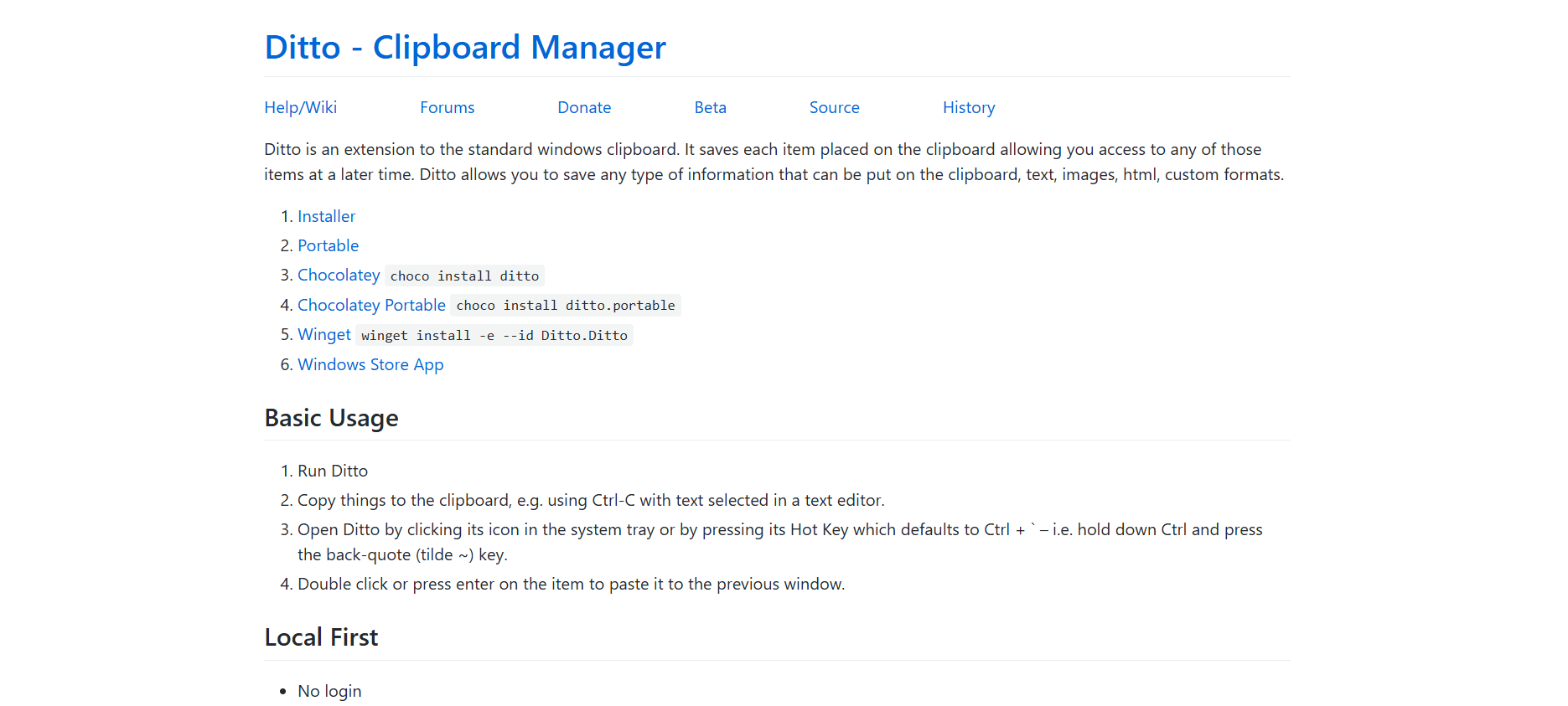
While we analyzed Ditto previously, it’s important for the Milioudis Tech audience to know the difference:
- Choose Ditto if: You want a simple, open-source, lightning-fast text history and you are a developer who values raw speed over UI.
- Choose ClipClip if: You want a beautiful interface, need to organize images/videos, require OCR and translation, and want a “Snippet Manager” built into your clipboard.
8. Where and How to Download (Official 2026 Sources)
To ensure you get the version with the latest AI and security patches, always use these verified links:
- Official Website: clipclip.com
- Direct Download: The latest stable build is v2.4.5985 (as of early 2026).
- Microsoft Store: ClipClip is also available as a verified app in the Microsoft Store for easy updates.
- Portable Version: For those who cannot install software on work computers, the portable .exe is available on the official site.
9. Installation and Quick Setup Guide
- Download and Run: The installer is around 100MB due to the built-in OCR and image tools.
- First Run Wizard: ClipClip will ask you to set your default “Paste Menu” hotkey.
- Configure Storage: Go to Settings > Storage and decide how many “Latest Clips” you want to keep (I recommend 100).
- Enable OCR: Make sure to download the OCR language packs (English/Greek) during the first setup to enable text extraction from images.
10. Conclusion: The Definitive Verdict
ClipClip is the clipboard manager that Microsoft should have built into Windows. It is more than a utility; it is a productivity partner that grows with you. By turning the chaotic “copy-paste” cycle into a structured library of assets, it saves hours of repetitive work every month.
For the readers of milioudis.com, ClipClip is an essential recommendation. It is free, powerful, and perfectly suited for the digital demands of 2026.