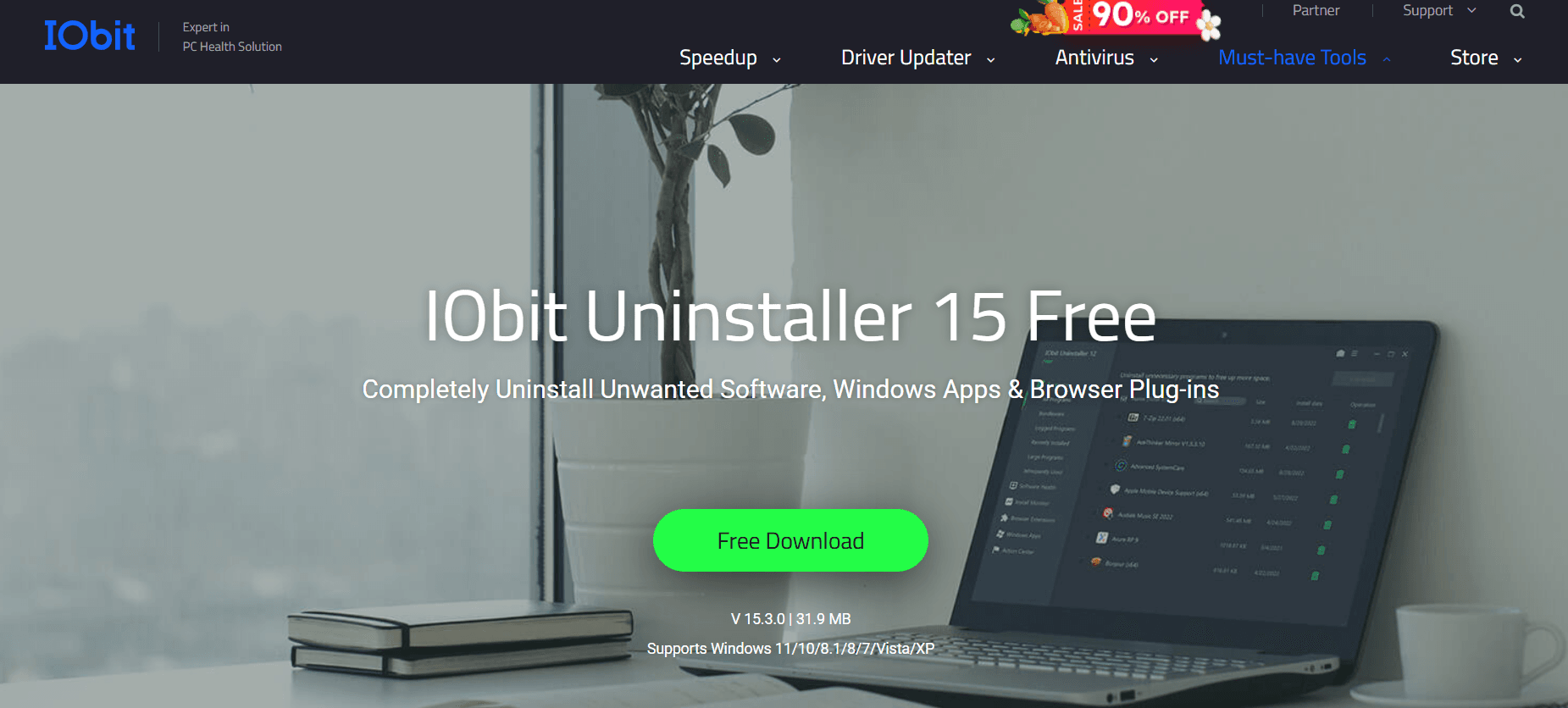
If you have ever tried to uninstall a program using the standard Windows “Add or Remove Programs” tool, you know that it rarely finishes the job. Most software leaves behind “ghost” files, empty folders, and thousands of useless registry entries that eventually slow down your PC to a crawl.
In 2026, the complexity of software has increased, and so has the “bloatware” that comes bundled with modern apps. IObit Uninstaller 15 remains the industry leader in ensuring that when you delete a program, it is gone for good. In this deep dive for Milioudis Technology And Software News, we explore the latest features and why this utility is a “must-have” for every Windows user.
1. What’s New in IObit Uninstaller 15 (2026 Edition)?
The 2026 update (Version 15.x) has been rebuilt to handle the specific architecture of Windows 11 (24H2) and the early builds of Windows 12.
A. AI-Powered Stubborn Program Remover
Some programs—especially antivirus trials, toolbars, and “adware”—are designed to be difficult to remove. The 2026 version uses an AI Database that recognizes the uninstallation patterns of over 3,000 “Stubborn Programs.” If a standard uninstaller fails or hangs, IObit Uninstaller 15 forces the process and cleans the remnants automatically.
B. Enhanced “Install Monitor”
The Install Monitor is a background service that watches every change a new program makes to your system during installation. In the 2026 version, it can now track changes made by Windows Store (MSIX) apps and complex developer environments (like Docker or Visual Studio), ensuring a 100% clean reversal if you decide to uninstall them later.
C. Software Health 3.0
The “Software Health” module has been expanded. It now identifies:
- Hidden Bundleware: Apps that were installed silently along with other software.
- Malicious Plug-ins: Browser extensions that steal data or track your browsing habits.
- Outdated Software: It alerts you if your installed apps have critical security vulnerabilities (v7.0+).
2. Core Features: Why It Beats the Standard Windows Tool
Windows’ built-in uninstaller is reactive; IObit Uninstaller is proactive.
- Powerful Scan: After the standard uninstallation finishes, IObit automatically triggers a “Powerful Scan” to delete registry keys, temporary files, and scheduled tasks that the original uninstaller missed.
- Forced Uninstall: If a program’s uninstaller is corrupted or missing, you can simply drag the program’s shortcut onto the IObit icon, and it will “shred” all related files.
- Browser Extension Manager: It centralizes all extensions from Chrome, Edge, Firefox, and Opera in one window, allowing you to remove them with one click.
- System Restore Point: By default, the software creates a restore point before every uninstallation. If something goes wrong, you can revert your system in seconds.
3. Managing Windows Apps and Bloatware
One of the biggest complaints from readers of milioudis.com is the “bloatware” that comes pre-installed with Windows (like News, Weather, or Xbox apps you might not use). IObit Uninstaller makes it easy to remove these system-protected apps, freeing up disk space and reducing background RAM usage.
4. Free vs. Pro: Is the Upgrade Worth It?
IObit Uninstaller follows a “Freemium” model.
| Feature | Free Version | Pro Version ($19.95/yr) |
| Standard Uninstall | Yes | Yes |
| Powerful Scan (Remnants) | Yes | Yes |
| Automatic Residual Cleaning | No | Yes |
| Stubborn Program Remover | No | Yes |
| 1-Click Software Update | No | Yes |
| Install Monitor | Basic | Advanced |
The Verdict: For basic cleaning, the Free version is excellent. However, if you are a power user who tests a lot of software, the Pro version is worth it for the “Automatic Cleaning” alone—it saves you from having to manually confirm the deletion of remnants every time.
5. Performance and System Impact in 2026
In 2026, IObit has optimized the software for ARM64 and multi-core processors. The “Powerful Scan” now runs in the background using idle CPU cycles, meaning it won’t freeze your PC even if you are gaming or editing video while uninstalling a large app.
6. How and Where to Download (Official Source)
When downloading system utilities, safety is critical. Do not download “repackaged” or “portable” versions from untrusted forums.
The Official Download Source:
To get the latest 2026 version safely, use the official link:
Official Site:www.iobit.com/en/advanceduninstaller.php
Installation Tip: During the installation of the Free version, IObit sometimes suggests other products (like Driver Booster). If you don’t want them, simply select “No thanks” or uncheck the boxes during the setup wizard to keep your installation clean.
7. Pro Tips for Milioudis Technology Readers
- Batch Uninstall: Don’t waste time doing one by one. Tick the boxes next to all the programs you want to remove and click the green “Uninstall” button at the top.
- File Shredder: Under the “Tools” menu, use the File Shredder to permanently delete sensitive files so they can never be recovered by data recovery software.
- Check for Updates: Even if you use the Free version, use the “Software Updater” tab once a week. Keeping your browser and media players updated is the best way to prevent being hacked in 2026.
8. Final Verdict
IObit Uninstaller 15 is more than just an uninstaller; it is a system maintenance tool. It keeps your registry clean, your browsers fast, and your hard drive free of “junk.” For anyone who cares about PC performance, it is an essential part of their toolkit.
Pros:
- Removes stubborn programs that Windows can’t.
- Best-in-class registry and file remnant cleaning.
- Very easy to use (One-Click interface).
- Creates Restore Points automatically for safety.
Cons:
- The Free version has occasional “Upsell” pop-ups for other IObit products.
- Some of the most powerful features (Automatic Cleaning) are locked in Pro.