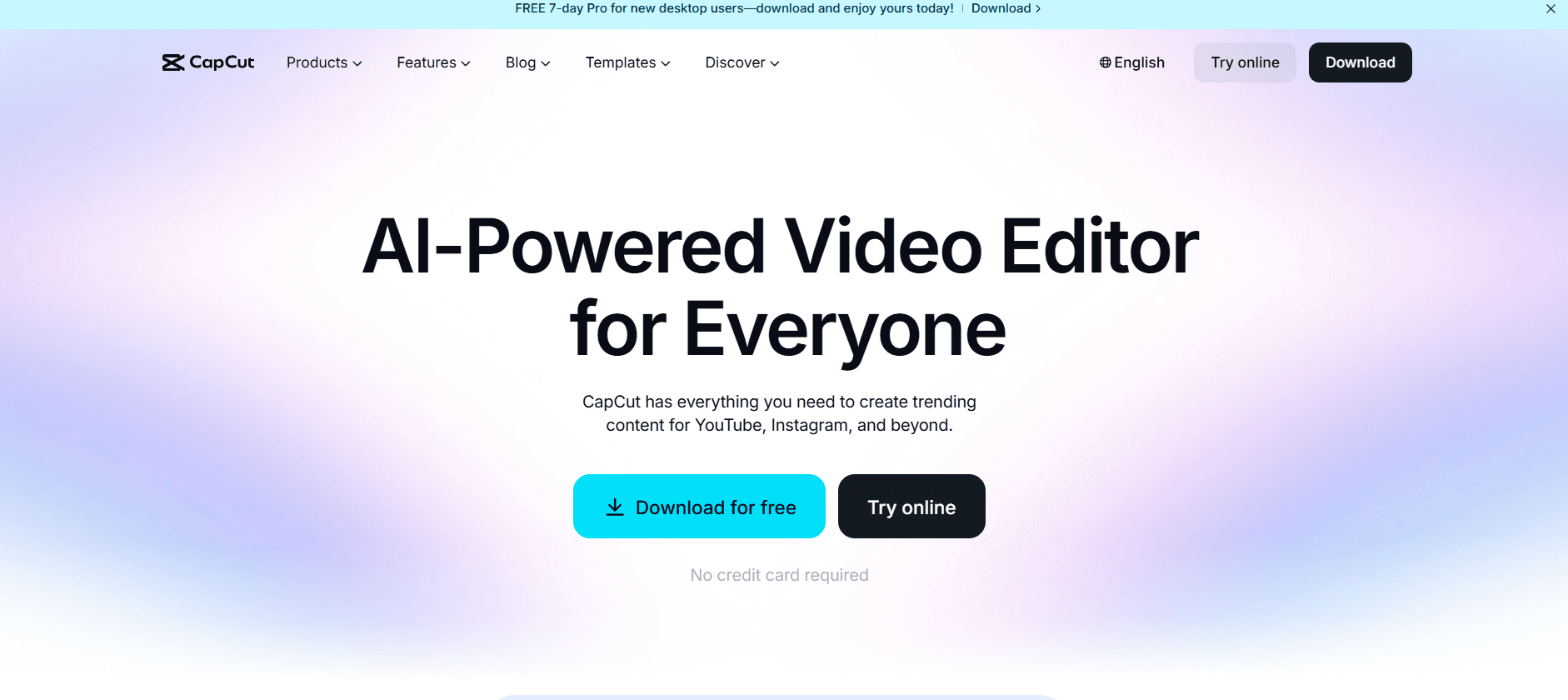
In the fast-paced world of digital content, the barrier to entry for high-quality video production has never been lower. A decade ago, professional-grade video editing required expensive hardware and months of training in complex software like Adobe Premiere Pro. Today, one name has disrupted the entire industry: CapCut.
Developed by ByteDance (the creators of TikTok), CapCut has evolved from a simple mobile app into a sophisticated, multi-platform ecosystem available for Windows, Mac, and Web browsers. In this deep dive for Milioudis Technology And Software News, we explore why CapCut is the most downloaded free video editor in 2026 and how its AI integration is changing the game for creators.
1. The Philosophy of “Professional Simplicity”
The core of CapCut’s success lies in its user interface (UI). It follows a philosophy of “Professional Simplicity.” The software provides advanced features—like keyframe animation, chroma key (green screen), and optical flow slow motion—but hides the complexity behind an intuitive, drag-and-drop interface.
For a beginner, the learning curve is almost non-existent. For a professional, the speed at which they can produce a high-quality vertical video (Reels, TikToks, Shorts) is unmatched.
2. AI-Powered Features: The 2026 Revolution
By 2026, CapCut has fully integrated Generative AI into its workflow. It is no longer just a tool for cutting clips; it is an intelligent assistant.
A. Auto-Captions and AI Dubbing
Manual subtitling used to take hours. CapCut’s AI can now transcribe speech into text with 99% accuracy in over 20 languages. Furthermore, the AI Voiceover feature allows you to turn text into lifelike speech, using voices that sound indistinguishable from human narrators.
B. AI Script-to-Video
One of the most impressive tools for 2026 is the Script-to-Video generator. You can type a prompt (e.g., “Create a 60-second video about the benefits of AVG Antivirus”), and CapCut will automatically pull relevant stock footage, add background music, generate a voiceover, and place captions—all in under two minutes.
C. Smart Background Removal
Gone are the days of needing a physical green screen. CapCut’s AI can isolate a subject from any background with incredible precision, allowing you to place yourself in any digital environment instantly.
3. The Desktop Experience: CapCut for Windows & Mac
While many started using CapCut on their phones, the Desktop version is where the power truly lies. For the readers of milioudis.com, the desktop app offers:
- Higher Performance: It utilizes your PC’s GPU (graphics card) for faster rendering of 4K 60FPS videos.
- Shortcut Keys: Professional editors can use customizable hotkeys to speed up their workflow.
- Large Workspace: A multi-track timeline that allows for complex layering of video, audio, stickers, and effects.
4. A Library of Infinite Resources
A major reason to download CapCut is its built-in library. Most editors require you to go to external sites to find music or stock footage. CapCut includes:
- Trending Music: Direct integration with the TikTok music library (ensure you check licensing for commercial use).
- High-Quality Templates: Thousands of pre-made templates where you simply swap the clips to get a professional “vibe.”
- Advanced Filters & LUTs: Professional color grading tools that can make a smartphone video look like it was shot on a cinema camera.
5. Collaboration and Cloud Storage
In 2026, content creation is often a team effort. CapCut’s Space feature allows users to upload their projects to the cloud. You can start an edit on your iPhone during your commute and finish it on your powerful Windows desktop at home. You can also send a link to a client or friend to review the video and leave comments directly on the timeline.
6. Is It Truly Free? (Free vs. Pro)
CapCut follows a “Freemium” model.
- The Free Version: Surprisingly, the free version does NOT put a watermark on your exported videos (if you delete the “end clip”). You get access to almost all basic and intermediate tools.
- CapCut Pro: This is a subscription-based model that unlocks “Pro” effects, advanced AI features (like high-end facial retouching), and more cloud storage. For 95% of creators, the Free version is more than enough to build a successful YouTube or TikTok channel.
7. Privacy and Security Concerns
As a technology news site, we must address the “elephant in the room.” Since CapCut is owned by ByteDance, there have been ongoing discussions regarding data privacy.
- Data Storage: CapCut stores user data to improve its AI algorithms.
- Permissions: On mobile, it requires access to your photos and microphone.
- Safety Tip: Always download the software from the official CapCut website to avoid malware-infected versions from third-party mirrors.
8. Technical Specifications for 2026
To run CapCut smoothly on a PC in 2026, we recommend:
- OS: Windows 10/11 or macOS 12.0 or later.
- Processor: Intel Core i5 or AMD Ryzen 5 (minimum).
- RAM: 8GB (16GB recommended for 4K editing).
- GPU: NVIDIA GTX 1060 or equivalent for hardware acceleration.
9. The Verdict: Why Every Creator Needs It
CapCut has democratized video editing. It is the perfect bridge between “too simple” and “too hard.” It allows creators to focus on their ideas rather than the technical struggle of how to use the software.
Pros:
- The best AI tools in the free market.
- Massive library of free music, effects, and transitions.
- No watermark on free exports.
- Seamless sync between Mobile, Desktop, and Web.
Cons:
- Professional colorists may find the color grading tools limited compared to DaVinci Resolve.
- Requires an internet connection for many AI features and library assets.
Final Thoughts for Milioudis Technology Readers
If you haven’t tried CapCut yet, 2026 is the year to do it. Whether you are making a birthday video for a friend or building a professional brand, the speed and intelligence of this software are unmatched. Head over to their official site and see how AI can transform your creative process.