In an era where visual content dominates the internet, having a reliable, fast, and feature-rich photo editor is essential. While Adobe Photoshop remains the industry standard, its steep learning curve and monthly subscription model aren’t for everyone. This is where PhotoScape X steps in—a powerhouse of an editor that manages to be both incredibly simple and surprisingly deep.
At Milioudis Technology And Software News, we’ve tested dozens of editors, but PhotoScape X remains a top recommendation for 2026. Here is everything you need to know.
1. What is PhotoScape X?
PhotoScape X is the modern successor to the classic PhotoScape 3.7. It is a comprehensive photo editing software that acts as a viewer, editor, batch processor, collage maker, and GIF creator all in one. Whether you are a social media influencer, a hobbyist photographer, or a small business owner, it provides the tools to transform raw images into professional-grade visuals.
2. Key Features That Make It Stand Out
A. Non-Destructive Editing
One of the best features of PhotoScape X is that it allows you to experiment without fear. You can apply filters, change colors, and add objects, and you can always go back or undo specific steps without damaging the original file.
B. The Power of Batch Processing
If you have 100 photos that all need to be resized, renamed, and watermarked, PhotoScape X can do it in seconds. The Batch Tab is one of the most efficient in the industry, saving users hours of manual labor.
C. Advanced “Cut Out” Tool
Removing backgrounds used to be a chore. With the AI-assisted “Magic Eraser,” you can remove backgrounds from portraits or product photos with a single click, making it a favorite for e-commerce sellers.
D. Film Effects and Light Leaks
For those who love the vintage look, PhotoScape X offers a massive library of film filters, grain effects, and “light leaks” that simulate old analog cameras. These are much higher quality than your standard Instagram filters.
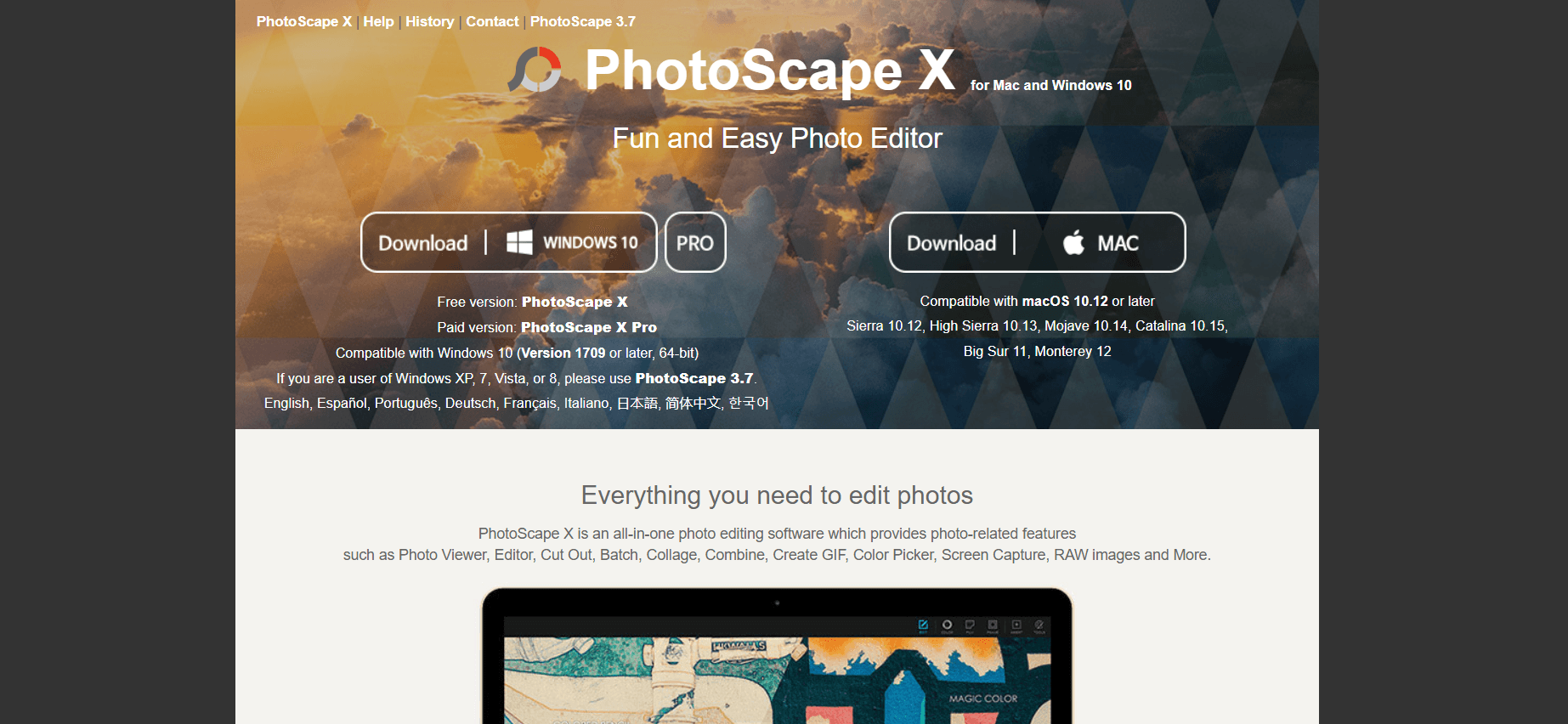
3. Why You Should Download It from the Official Website
When downloading software, safety is the number one priority. Many third-party sites offer “cracked” or “repackaged” versions of PhotoScape that may contain malware or unwanted toolbars.
Downloading directly from x.photoscape.org or the official Microsoft Store / Mac App Store ensures:
- The Latest Version: You get the most recent updates and bug fixes for 2026.
- No Bloatware: The official installer is clean and doesn’t try to install extra “junk” software on your PC.
- Full RAW Support: Official versions include the latest camera profiles, ensuring your RAW files from Sony, Canon, or Nikon are read correctly.
- Security: You protect your system from the rising threats of “Trojanized” installers found on unofficial mirror sites.
4. Free vs. Pro: Which One Do You Need?
PhotoScape X follows a “Freemium” model.
- The Free Version: Unlike other apps, the free version is not a trial. It never expires and includes about 80% of the tools, including the batch editor and most filters.
- The Pro Version: A one-time purchase that unlocks advanced masking (layers), the “Project” save feature, more stickers, and high-end effects. For most casual users, the Free version is more than enough.
5. Technical Performance in 2026
PhotoScape X is optimized for modern hardware. On Windows 11, it utilizes GPU acceleration to make rendering filters almost instantaneous. It is remarkably lightweight, meaning it won’t heat up your laptop or drain your battery as quickly as heavier professional suites.
6. The Verdict: Why It’s a “Must-Download”
PhotoScape X is the “Swiss Army Knife” of image editing. It’s perfect for those who find Photoshop too complex and Canva too limited. It sits in the “sweet spot” of functionality.
Pros:
- Incredibly fast and intuitive user interface.
- Best-in-class batch editing.
- Beautiful film and vintage filters.
- No subscription required.
Cons:
- The “Project” save feature is locked in the Pro version.
- Doesn’t support complex CMYK color profiles for high-end offset printing.
Final Thoughts for Our Readers
If you want to level up your photography game without spending a fortune or spending weeks learning complex software, PhotoScape X is your best bet. Head over to the official site, grab the free version, and start experimenting. Your photos will thank you.