Introduction: The Data Crisis of the Modern Age
In 2026, our digital lives are more fragmented than ever. We have high-resolution photos on our iPhones, critical work documents on our Windows desktops, and gigabytes of personal data scattered across tablets and laptops. The question is no longer if a hard drive will fail, but when. Relying on a single physical drive is a recipe for disaster.
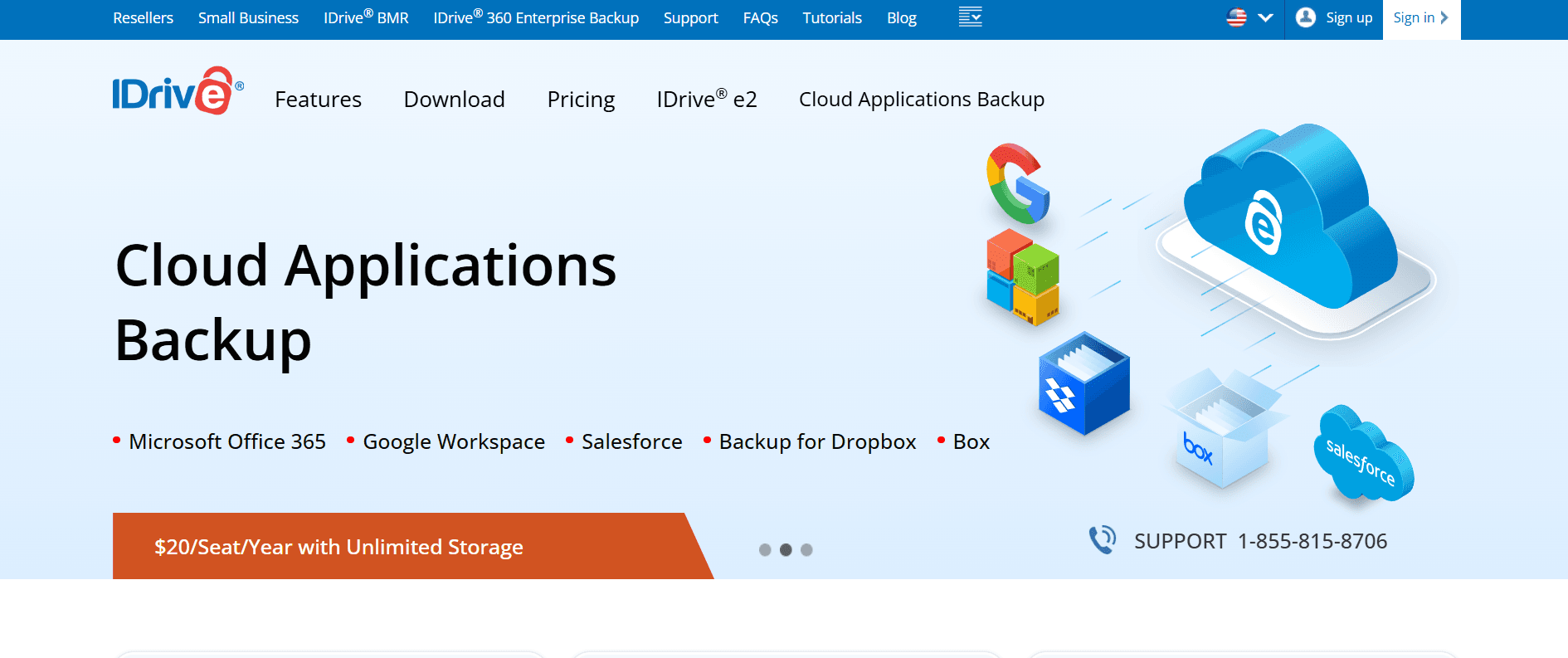
While many turn to services like Google Drive or Dropbox, these are primarily syncing services, not true backup solutions. IDrive has consistently been rated as the best cloud backup service for over a decade. It offers a unique combination of high-capacity storage, cross-platform compatibility, and military-grade security at a fraction of the cost of its competitors. In this 1,500-word definitive guide for Milioudis Tech, we will explore why IDrive is the gold standard for data protection.
1. What is IDrive? Beyond Simple Cloud Storage
IDrive is a comprehensive cloud backup service that allows you to secure an unlimited number of devices into a single account. Unlike many competitors that charge you per computer, IDrive’s “One Account for All Your Devices” philosophy makes it the most cost-effective solution for families and small businesses.
Developed with a focus on Data Integrity, IDrive ensures that your files are not just stored, but protected against ransomware, accidental deletion, and hardware failure. For the readers of milioudis.com, it represents the ultimate “set it and forget it” security tool.
2. New Features in the Latest 2026 Release (v6.7.x)
The latest version of IDrive has introduced several cutting-edge features to handle the massive data demands of 2026.
AI-Powered File Categorization
The 2026 update includes an AI engine that automatically scans and categorizes your backed-up files. It can recognize faces in photos, group documents by project type, and even identify duplicate files across different devices, helping you save storage space by deleting unnecessary copies.
IDrive Express 2.0 (Physical Data Shipment)
If you have several terabytes of data, backing up over the internet can take weeks. IDrive Express is a unique service where they ship you a physical hard drive. You load your data locally and ship it back. In the 2026 version, this process has been streamlined with NVMe drives, making the initial “seeding” of your backup faster than ever.
Enhanced Ransomware Protection
IDrive now features Real-Time Behavioral Analysis. If the software detects that a large number of files are being encrypted (a classic sign of a ransomware attack), it immediately pauses the backup and alerts you, ensuring that your “clean” cloud copies are not overwritten by encrypted ones.
3. Core Functionalities: Why IDrive Wins
Multi-Device Backup
Most services like Backblaze lock you to one PC. IDrive allows you to backup:
- Desktop: Windows 11, macOS, and Linux.
- Mobile: iOS and Android (including contacts, photos, and calendar).
- Servers: SQL, Exchange, and Oracle.
- NAS Drives: Direct backup for Synology, QNAP, and Asustor devices.
Incremental and Block-Level Backups
IDrive doesn’t re-upload the entire file every time you make a change. It only uploads the modified parts (blocks). This saves bandwidth and ensures that your backups are completed in the background without slowing down your internet connection.
Snapshots and Versioning
IDrive maintains up to 30 versions of every file you back up. This is a lifesaver if you accidentally save changes over a critical document. You can simply go back in time using the “Snapshots” feature and restore the version from three days ago.
4. Security and Encryption: The “Private Key” Advantage
Security is the most important part of any Milioudis Technology review. IDrive uses 256-bit AES encryption both during transfer and at rest.
The Private Key Option
During setup, IDrive gives you a choice:
- Standard Encryption: IDrive manages your key.
- Private Key: You create a unique key that only you know.
- Crucial Note: If you choose the Private Key, IDrive employees cannot see your data, even if they are forced by a government. However, if you lose this key, your data is gone forever. This “Zero-Knowledge” approach is the pinnacle of cloud privacy.
5. Performance and Efficiency
In 2026, we demand speed. IDrive’s global network of data centers ensures low latency.
- CPU Usage: The desktop client is highly optimized, rarely using more than 1% of your CPU while idle.
- Bandwidth Throttling: You can schedule your backups to happen only at night or limit the upload speed during work hours to ensure your Zoom calls are never interrupted.
6. IDrive Photos: The Google Photos Alternative
With Google Photos no longer offering unlimited free storage, IDrive Photos has become a massive hit. As part of your IDrive subscription, you get unlimited, full-resolution photo and video backup from your mobile devices. This alone makes the subscription worth it for many users.
7. Comparison: IDrive vs. Backblaze vs. Acronis
- Vs. Backblaze: Backblaze is simpler but limited to one computer. IDrive is much better for users with multiple laptops and phones.
- Vs. Acronis: Acronis is faster for full-system imaging but much more expensive. IDrive offers a better balance for the average user and small business.
8. Where and How to Download (Official 2026 Sources)
Always download from the official source to ensure you are getting the encrypted, malware-free version:
- Official Website: idrive.com
- Desktop Apps: Download the dedicated installer for Windows 11 or macOS.
- Mobile Apps: Search for “IDrive Online Backup” on the Apple App Store or Google Play.
- Special Offer: IDrive frequently offers a “90% off for the first year” deal for new users, making it cost around $10 for 5TB of storage.
9. Installation and Setup Guide
- Create an Account: Sign up at idrive.com.
- Download the Client: Install the software on your main PC.
- Choose Encryption: Select “Private Key” for maximum security.
- Select Folders: By default, IDrive selects your Desktop, Documents, and Photos. You can add any custom folder or external drive.
- Schedule: Set your backup to run “Daily” at a time when you aren’t using the PC heavily.
10. Conclusion: The Final Verdict
IDrive is the most complete backup solution available in 2026. It is rare to find a service that balances price, features, and security so perfectly. Whether you are a professional photographer with terabytes of data or a casual user wanting to protect family memories, IDrive provides the “peace of mind” that your digital life is safe.
For the readers of milioudis.com, IDrive is our #1 recommendation for cloud backup. It is a small investment that protects you from life-altering data loss.