Introduction: The Crisis of the Modern Web
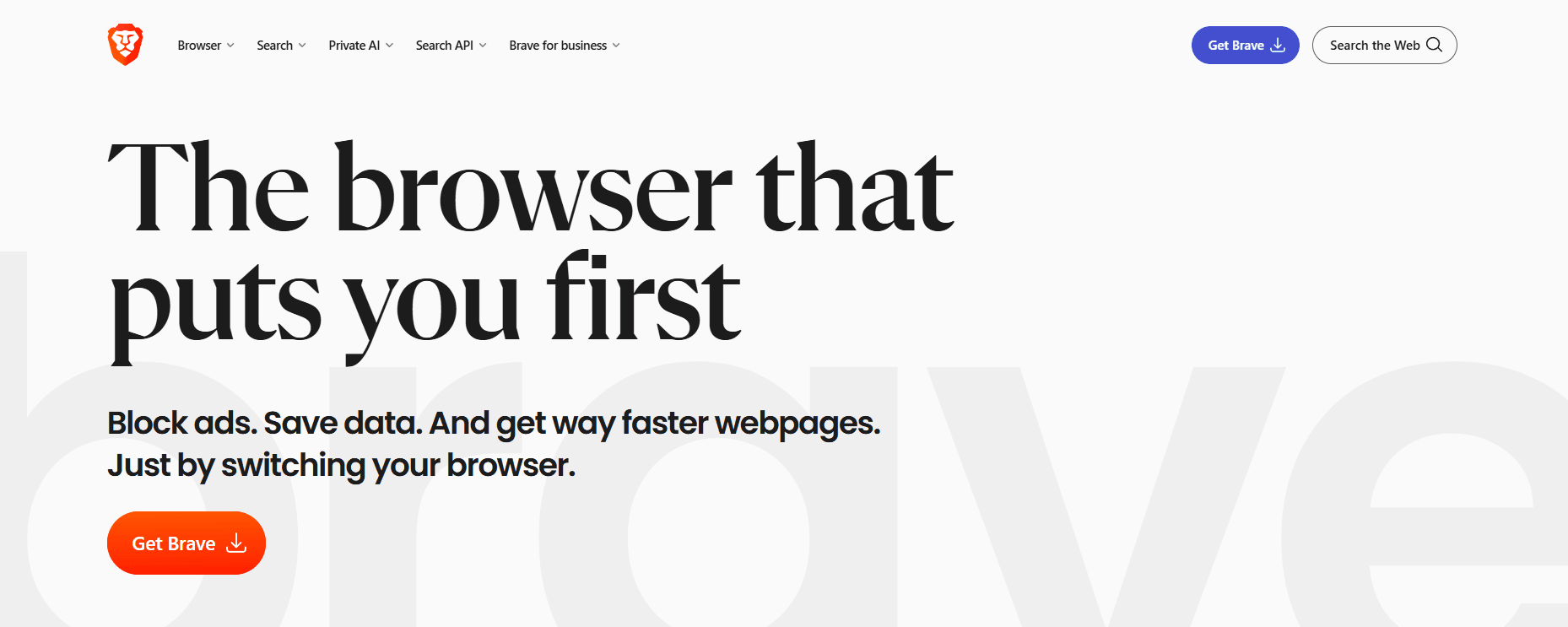
For the past decade, the internet has operated on a “surveillance capitalism” model. Users receive “free” services in exchange for their most private data. However, as data breaches and intrusive tracking reached an all-time high, a new hero emerged: Brave Browser.
Founded by Brendan Eich (the creator of JavaScript and co-founder of Mozilla), Brave was built with a radical mission: to fix the web by putting the user first. In 2026, Brave is no longer a niche tool for crypto-enthusiasts; it is a mainstream powerhouse. This 1,500-word guide explores every corner of the Brave ecosystem and why it is the only browser you should be using today.
1. Architecture: The Chromium Foundation without the Fluff
Brave is built on Chromium, the same open-source engine that powers Google Chrome, Microsoft Edge, and Opera. This was a strategic masterstroke.
Total Compatibility
Because it uses Chromium, Brave supports every website and every Chrome Extension. You don’t have to sacrifice your favorite productivity tools (like Todoist, Grammarly, or Bitwarden) to gain privacy.
De-Googling the Code
Brave’s engineers have gone through the Chromium source code and stripped out dozens of “phone-home” scripts that send data back to Google. When you use Brave, you get the performance of Chrome without the Google surveillance.
2. Brave Shields: The Ultimate Ad-Blocking Engine
The “Shields” feature is the heart of the Brave experience. Unlike traditional ad-blockers that run as extensions (and can be slow), Brave Shields are integrated into the browser’s core.
Blockers and Trackers
Brave Shields block “cross-site trackers.” These are the scripts that follow you from a shoe store to a news site, showing you ads for the boots you just looked at. By killing these trackers, Brave protects your digital identity.
Fingerprinting Protection
Websites can identify you even without cookies by looking at your device’s unique “fingerprint” (your screen resolution, fonts, and battery level). Brave “randomizes” this data, making your browser look like millions of others, effectively making you invisible to trackers.
3. Speed and Efficiency: The Performance King
Why is Brave faster? It’s simple math. A typical news website loads 5MB of content, but 3MB of that is often ads and tracking scripts.
Data and Battery Savings
By blocking the “junk” before it even reaches your computer, Brave:
- Loads pages 3x to 6x faster.
- Uses 33% less RAM than Chrome.
- Extends laptop and smartphone battery life by up to one hour per day.
4. The 2026 AI Revolution: Brave Leo
In 2026, Brave has moved beyond simple browsing. Brave Leo, the browser’s native AI, is now a fully matured productivity assistant.
Privacy-First AI
Most AI assistants (like ChatGPT or Gemini) log your conversations to train their models. Brave Leo uses a “reverse proxy” system that strips your IP address and personal info before the AI sees your query.
- Use Case: You can ask Leo to “Summarize this 50-page PDF” or “Compare these two products on Amazon,” and it will provide the answer instantly without compromising your privacy.
5. Brave Search: Independence from Big Tech
Brave Search is now the world’s leading independent search engine. It doesn’t use Google or Bing’s index; it has its own.
The “Goggles” Feature
Goggles allow users to define their own search rankings. For example, you can apply a Goggle that “Prioritizes independent tech blogs” or “Follows academic sources only.” This breaks the “SEO-monopoly” where only big corporations appear on page one.
6. Brave Rewards and the BAT Economy
Brave introduces a new way for the web to work through the Basic Attention Token (BAT).
How it Works
- Opt-In Ads: You can choose to see small, non-intrusive notifications.
- Earn Rewards: You receive 70% of the ad revenue in BAT tokens.
- Support Creators: You can set “Auto-Contribute” to tip your favorite sites (like milioudis.com) based on how much time you spend on them.
7. Security: VPN and Firewall Integration
Brave’s 2026 version includes a system-wide VPN and Firewall. This means that when you turn it on, not only is your browser traffic encrypted, but your Zoom calls, Spotify streams, and system updates are also protected. This is essential for users who frequently use public Wi-Fi in cafes or airports.
8. Where and How to Download (2026 Official)
To ensure you are getting the verified, high-security version of Brave, always use the official links:
- Official Website: brave.com
- Operating Systems: Windows 10/11, macOS (Intel & Apple Silicon), Linux (Ubuntu, Debian, Fedora), and mobile (Android & iOS).
- Brave Nightly: For developers who want to test features weeks before they go public.
9. Comparison: Brave vs. Chrome vs. Firefox
- Vs. Chrome: Brave is faster, uses less RAM, and blocks ads natively.
- Vs. Firefox: Brave offers better out-of-the-box compatibility with websites and a more modern AI integration.
10. Conclusion: The Logical Choice for 2026
Switching to Brave is the single most impactful thing you can do for your digital health. It is faster, safer, and more ethical than any other browser on the market. For the readers of Milioudis Tech, Brave is the gold standard of web browsing.