In the digital era of 2026, the way we communicate has fundamentally shifted. We no longer just “type” emails; we collaborate with intelligent systems to ensure our tone, clarity, and intent are perfectly aligned with our goals. Grammarly has remained at the forefront of this revolution. No longer just a tool for catching typos, the Grammarly 2026 update represents a sophisticated “AI-Native” writing assistant that integrates into every corner of your digital life.
At Milioudis Technology And Software News, we have spent the last month testing the Grammarly Desktop and Browser 2026 builds. Whether you are a student, a business leader, or a creative writer, this guide will show you how to leverage the latest AI agents to make your writing stand out.
1. What is Grammarly in 2026?
Grammarly is a cloud-based typing assistant that uses Generative AI (GenAI) and advanced linguistics to review spelling, grammar, punctuation, clarity, engagement, and delivery mistakes. In 2026, it has moved beyond the “sidebar” model. It is now a Ubiquitous AI Partner that works natively inside over 500,000 apps and websites, including Microsoft Word, Slack, Discord, and even specialized CRMs like Salesforce.
2. Revolutionary Features in the 2026 Update
A. The “Humanizer” & “AI Detector” Agents
One of the biggest challenges in 2026 is the “robotic” feel of AI-generated text. Grammarly 2026 introduces the Humanizer Agent. This tool analyzes AI-drafted content and suggests structural changes, idiomatic expressions, and rhythmic variations to make the text sound authentically human. Complementing this is the AI Detector, which helps you verify the “originality score” of your work before you hit send.
B. Proactive AI (The “Superhuman Go” Engine)
Grammarly has shifted from “reactive” (fixing errors after you type) to “proactive”.
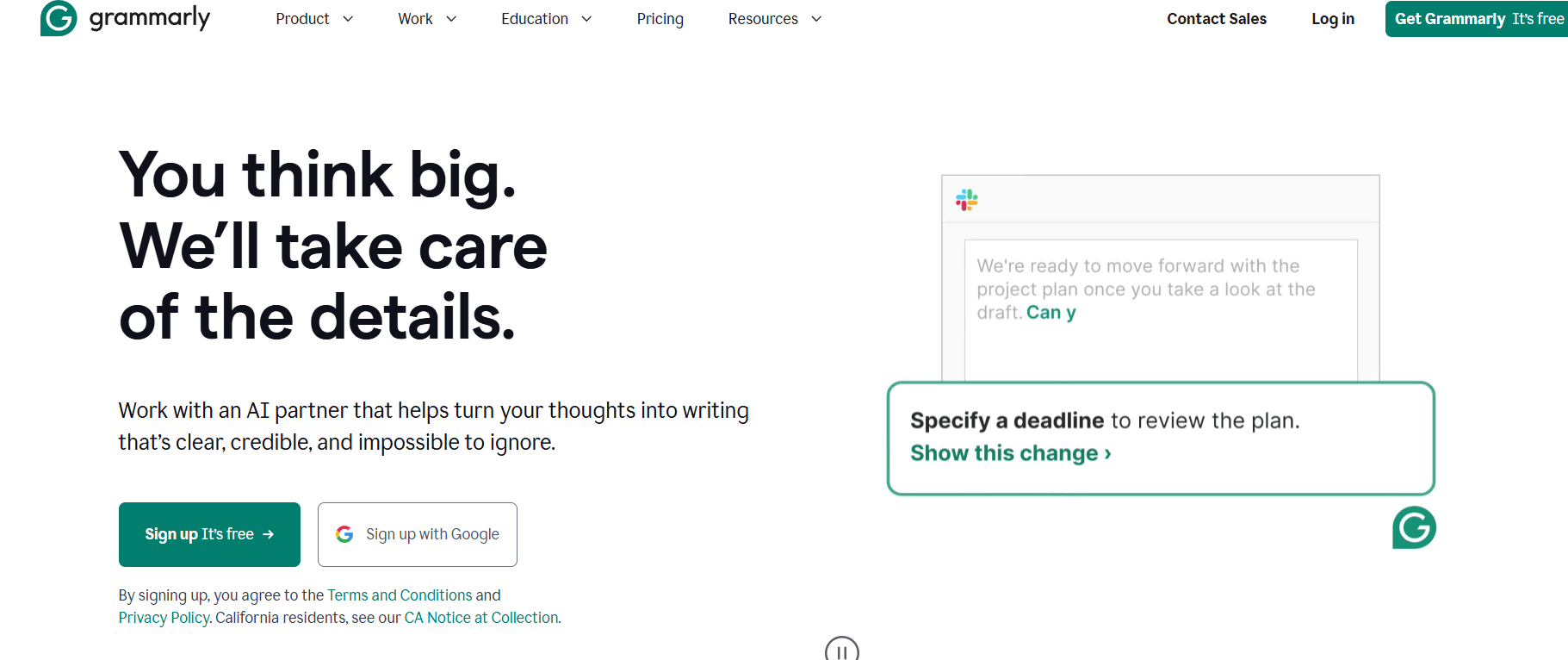
- Strategic Suggestions: If you are writing a sales proposal, Grammarly will now suggest adding a “Call to Action” or a specific deadline if it notices they are missing.
- Contextual Outlining: Start with a blank page and type a single prompt like “Draft an apology to a client for a delayed shipment,” and Grammarly will generate three distinct versions (Formal, Empathetic, or Direct) for you to choose from.
C. The Floating Widget 2.0
The 2026 interface features a redesigned Sleek Floating Widget. It now includes Anchor Points—small blue icons at the corners of your text boxes. You can “pin” Grammarly to a specific spot so it never overlaps your UI buttons. It also remembers your preferred location for every individual app (e.g., top-right for Word, bottom-left for Slack).
D. Tone Mapping & Reader Reactions
In 2026, Grammarly doesn’t just tell you that you sound “Confident.” The new Reader Reactions tool predicts how your specific audience (e.g., a “strict manager” or a “close friend”) will likely respond to your message. It provides instant feedback like “This might come across as defensive—try this instead.”
3. Grammarly for Desktop vs. Browser Extension
For the readers of milioudis.com, choosing the right version is critical.
- Grammarly for Desktop (Windows & Mac): This is the “Full Experience.” It lives in your system tray and “hovers” over apps like Outlook, Word, Pages, and Discord. It is the most powerful version, as it handles system-wide text input.
- Grammarly Browser Extension: Best for Google Docs and Gmail users. In 2026, the Chrome and Edge extensions have been optimized to handle long-form documents (100+ pages) without the lag that plagued earlier versions.
4. Deep Dive: Grammarly for Business & Teams
For professional environments, Grammarly 2026 has introduced Brand Voice Customization.
- Companies can upload their Style Guide directly into Grammarly.
- The AI will then suggest changes to ensure every employee stays “on-brand.”
- Acronym & Jargon Wiki: Hover over a company-specific acronym (like “QBR” or “EOD”), and Grammarly will show the definition and related documents.
5. System Requirements for 2026
Windows:
- OS: Windows 10 (build 1903) or Windows 11.
- RAM: 4GB minimum (8GB recommended for GenAI features).
- Software: .NET Framework 4.7.2 or higher.
Mac:
- OS: macOS 11 (Big Sur) or newer (Fully optimized for Apple M4 chips).
- Browser: Safari 12.1+ or Chrome 89+.
Mobile:
- Android: Version 9.0 or newer.
- iOS: Version 14.0 or newer.
6. How and Where to Download (Official Sources)
Margaritis Milioudis warns: Grammarly is a cloud-based service. Never download “cracked” or “offline” versions from third-party sites, as they do not exist and are likely malware.
Official Download Links:
- For Windows & Mac: www.grammarly.com/desktop
- For Chrome/Edge/Firefox: Grammarly Browser Extension
- For Microsoft Office: Grammarly for Word & Outlook
- For Mobile: Available on the Google Play Store and Apple App Store.
Installation Steps:
- Visit the official link above and click “Get Grammarly – It’s Free.”
- Run the installer and follow the prompts.
- Crucial Step: Create an account. Your personalized AI “Voice” and dictionary are stored in the cloud so they can follow you from your PC to your phone.
7. Grammarly Free vs. Premium (2026 Pricing)
| Feature | Grammarly Free | Grammarly Premium |
| Spelling & Grammar | Basic | Advanced |
| Tone Adjustment | Limited | Full Tone Rewriting |
| Plagiarism Checker | No | Yes (Pro-grade) |
| AI Prompts | 100 per month | 2,000+ per month |
| Humanizer Agent | No | Included |
8. Pro Tips for the milioudis.com Community
- The “Z” Key: In the Grammarly Editor, use the shortcut Ctrl + Z to undo a suggestion you accepted by mistake.
- Double-Click for Synonyms: Don’t like a word? Double-click any word you’ve typed, and Grammarly will show a list of context-aware synonyms instantly.
- Goal Setting: At the start of a document, click “Goals” in the sidebar. Tell Grammarly your Audience, Formality, and Intent. This radically changes the AI’s suggestions to match your needs.
- Privacy Control: If you are typing sensitive information (like a password or bank details), you can click the Grammarly icon and select “Turn off for this app” to temporarily disable the assistant.
9. Troubleshooting Common 2026 Issues
- “Widget Not Appearing”: This usually means the app is not “hooked.” Try restarting the Grammarly Desktop app or ensuring that the app you are using isn’t on the “Ignored Apps” list in settings.
- “AI Prompts Exhausted”: Free users have a limit of 100 GenAI prompts per month. To save prompts, use the “Basic Grammar” check for editing and save your prompts for “Brainstorming” or “Full-Paragraph Rewrites.”
- “Lag in Google Docs”: Disable other Chrome extensions that might conflict with Grammarly (like AdBlockers on the specific page).
10. Final Verdict
Grammarly 2026 has successfully transitioned from a “red-pen” editor to a “creative co-pilot.” While its AI features are powerful, its greatest strength remains its ubiquity—it is simply there whenever you need it. For the readers of milioudis.com, it is the single most important tool for ensuring that your digital voice is as professional and impactful as possible.
Pros:
- Works in almost every app on your PC.
- Revolutionary “Humanizer” agent for AI text.
- Proactive suggestions for professional strategy.
- Excellent free version for basic writing.
Cons:
- Requires a constant internet connection.
- The best AI features are locked behind a Premium subscription.