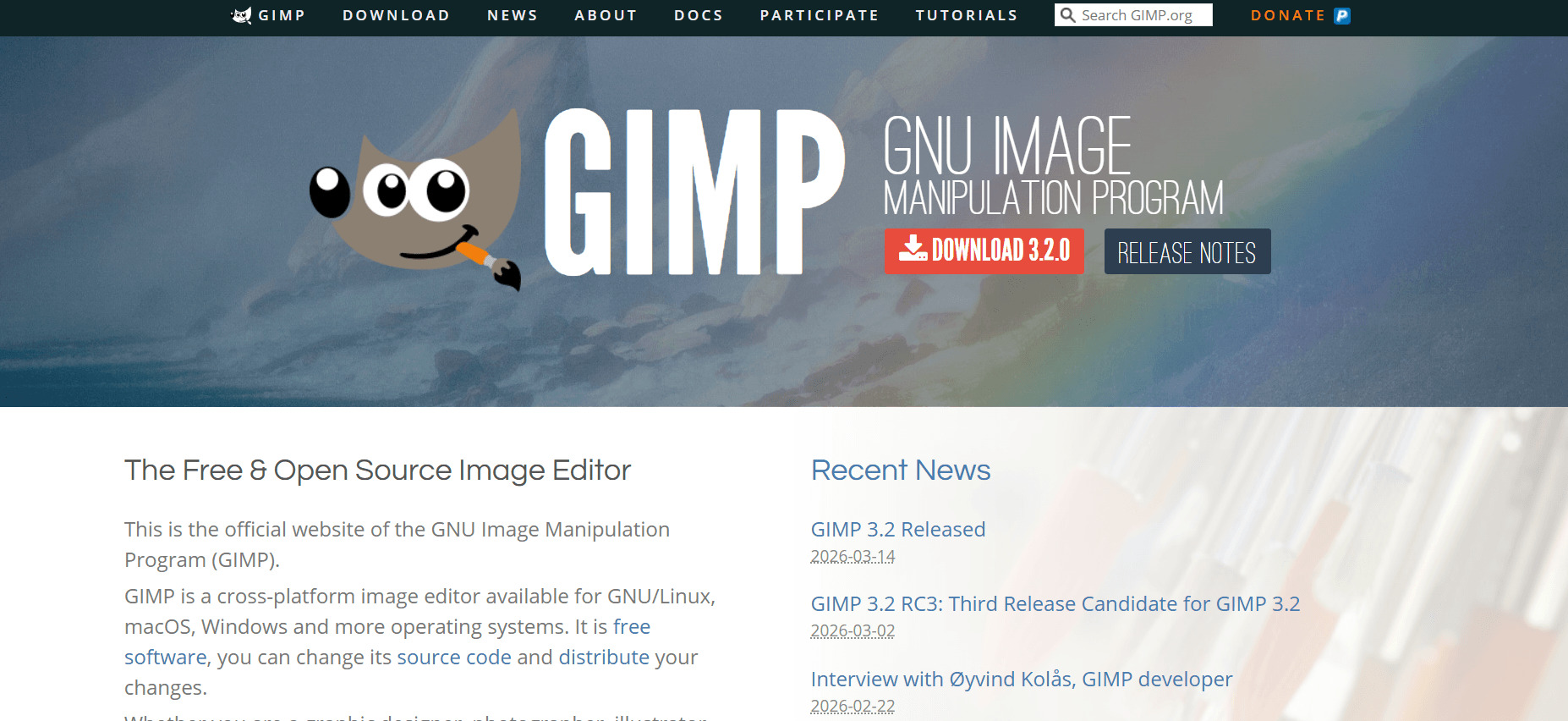
For decades, the GNU Image Manipulation Program (GIMP) was known as a powerful but “difficult” tool. However, March 2026 marks a historic turning point. Following the massive success of GIMP 3.0 in 2025, the team has just released GIMP 3.2 (March 14, 2026). This version finally introduces the holy grail of photo editing: true non-destructive layers, modern GTK3 visuals, and AI-assisted workflows.
At Milioudis Technology And Software News, we have thoroughly tested the 3.2.0 build. Whether you are a professional graphic designer or a casual photographer, this guide will show you why 2026 is the year to switch to GIMP.
1. What is GIMP in 2026?
GIMP is a free, open-source, cross-platform image editor. It is developed by a global community of volunteers and remains the most capable free alternative to Adobe Photoshop. In 2026, GIMP has shed its “old-school” look, replacing it with a sleek, customizable interface that works perfectly on high-resolution 4K and 8K monitors.
Unlike subscription-based software, GIMP is yours forever. No monthly fees, no cloud-only lockouts, and no telemetry tracking your every move.
2. Revolutionary Features in GIMP 3.2 (March 2026 Release)
The release of GIMP 3.2 just a few days ago has changed the landscape for open-source design.
A. Non-Destructive “Link Layers” (Smart Objects)
The biggest addition in version 3.2 is Link Layers. Similar to “Smart Objects” in Photoshop, you can now link an external image (like an SVG logo) into your GIMP project.
- If you edit the logo in Inkscape, the changes automatically appear in your GIMP project.
- You can scale and rotate these layers infinitely without losing quality, as GIMP now remembers the original high-resolution data.
B. Professional Vector Layers
For the first time, the Path Tool can now generate dedicated Vector Layers. You can draw shapes, adjust strokes, and change fills non-destructively. This makes GIMP 3.2 a viable tool for UI design and icon creation, bridging the gap between raster and vector editing.
C. MyPaint 2.0 Brush Engine
The digital painting engine has been completely overhauled. It now features spectral mixing (pigment mixing), which mimics how real paint colors blend on a canvas. The new “Overwrite” mode also allows artists to paint over existing colors without the messy transparency blending issues of the past.
D. System Theme Integration
GIMP now automatically detects your operating system’s theme. If you switch Windows or macOS to Dark Mode, GIMP’s interface instantly matches, providing a consistent professional look across your desktop.
3. Core Capabilities Every Pro Needs
Non-Destructive Filters
Starting with version 3.0 and refined in 3.2, you can apply filters (like Gaussian Blur or Unsharp Mask) as Layer Effects. You can go back hours later and adjust the blur radius without having to “Undo” all your subsequent work.
Advanced Color Management (CMYK)
One of GIMP’s oldest weaknesses was its CMYK handling. In 2026, the CMYK color selector now shows Total Ink Coverage (TIC), essential for professional printing. This ensures your designs won’t cause “ink bleed” on a physical press.
Multi-Layer Selection
You can finally select, move, and transform multiple layers at once using Ctrl+Click or Shift+Click. It sounds simple, but for those with 100+ layer projects, this is a massive productivity boost.
4. GIMP for Windows 10/11 & macOS
In 2026, GIMP is fully optimized for modern hardware:
- Apple Silicon: Native support for M1, M2, M3, and M4 chips ensures lightning-fast performance on Mac.
- Windows ARM64: GIMP 3.2 now runs natively on ARM-based laptops (like the Surface Pro), offering incredible battery life during editing.
5. System Requirements for 2026
GIMP is incredibly efficient, but for the new 3.2 features, we recommend:
- OS: Windows 10/11 (64-bit), macOS 13+, or Linux.
- RAM: 4GB minimum (16GB recommended for large “Link Layer” projects).
- GPU: A graphics card with OpenCL support will significantly speed up filter processing.
- Storage: 1GB for installation (SSD highly recommended for cache).
6. How and Where to Download (Official Source)
Margaritis Milioudis warns against downloading GIMP from “software portal” sites that might bundle it with ads. GIMP is 100% free; if a site asks for money, it is a scam.
Official Download Portal:
Visit:www.gimp.org/downloads/
Installation Options:
- Direct Download: The standard
.exeor.dmginstaller. - BitTorrent: Often faster if the main servers are busy.
- Microsoft Store: A convenient way to get automatic updates on Windows.
- Flatpak/AppImage: The preferred, official methods for Linux users.
7. GIMP vs. Photoshop (2026 Comparison)
| Feature | GIMP 3.2 | Adobe Photoshop CC |
| Price | $0 (Free Forever) | ~$25/month (Subscription) |
| Editing | Non-Destructive (New) | Non-Destructive (Industry Standard) |
| AI Tools | Local Plugins (Privacy) | Cloud-based (Adobe Firefly) |
| Speed | Very Fast / Lightweight | Heavy / Resource Intensive |
| Scripting | Python 3 / Script-Fu | JavaScript / Action Scripts |
8. Pro Tips for the milioudis.com Community
- The “Search” Command: Press “/” (forward slash) to open the search bar. Type any tool name (e.g., “Curves”), and GIMP will find it for you instantly.
- Auto-Expand Layers: If you find yourself running out of “canvas” space while drawing, enable “Layer Auto-Expand” in the tool options. The layer will grow as you paint.
- PSD/PSB Support: GIMP 3.2 has improved compatibility. It can now open massive .PSB (Large Document) files and preserves more layer styles when importing from Photoshop.
- On-Canvas Text Editing: You can now move text boxes directly on the canvas and use Ctrl+B for bold or Ctrl+I for italics without opening a separate menu.
9. Troubleshooting Common 2026 Issues
- “Pressure Sensitivity Not Working”: GIMP 3.2 uses the GTK3 input stack. If your tablet isn’t responding, go to Edit > Input Devices and ensure your stylus is set to “Screen” mode.
- “Missing Plugins”: Many old plugins from GIMP 2.10 are not compatible with the 3.2 Python 3 engine. Check the GIMP Plugin Registry for updated versions.
- “Lag on High-Res Images”: Go to Edit > Preferences > Resources and increase the “Tile Cache” size to about 50-70% of your total RAM.
10. Final Verdict
GIMP 3.2 is the release the open-source community has been waiting for. By finally implementing non-destructive editing and link layers, it has removed the biggest barriers for professional adoption. For milioudis.com, it is our #1 recommendation for anyone who wants professional photo editing power without the burden of a monthly subscription.
Pros:
- Truly free and open-source.
- New non-destructive “Link” and “Vector” layers.
- Massive performance boost with GTK3.
- Privacy-first (No cloud requirement).
Cons:
- Still has a learning curve for those used to Photoshop’s UI.
- Lack of some advanced “Generative AI” features found in paid competitors.