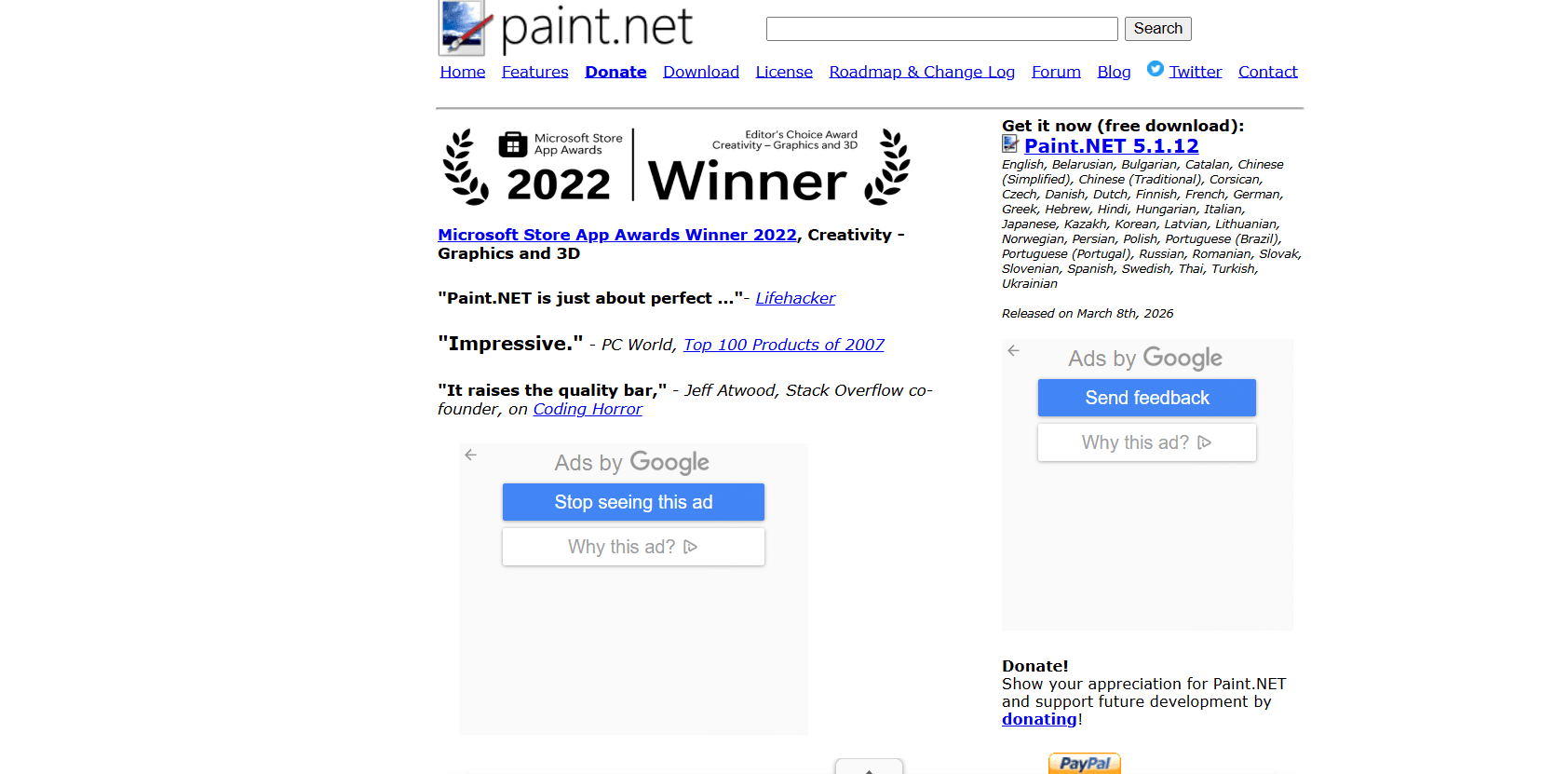
In the fast-paced world of digital creation, software often bloats until it becomes unusable. Paint.NET, however, has taken a different path. For over two decades, it has evolved from a simple undergraduate project into a professional-grade image editor that remains incredibly lightweight. As of March 2026, with the release of Version 5.1.12, Paint.NET is no longer just a “better MS Paint”—it is a high-performance engine capable of handling high-end photography, digital art, and complex graphic design.
At Milioudis Technology And Software News, we have benchmarked the latest March 2026 build. From its new .NET 9 backend to its GPU-accelerated effects, here is everything you need to know about this Windows-exclusive powerhouse.
1. What is Paint.NET?
Paint.NET is a free, open-source-inspired image and photo editing software for PCs that run Windows. It features an intuitive tabbed interface, support for layers, unlimited undo history, and a massive library of special effects.
While professional suites like Adobe Photoshop require expensive monthly subscriptions, Paint.NET remains free for both personal and commercial use. Its secret weapon is its community; thousands of developers have created “Plugins” that allow Paint.NET to do almost anything—from editing 3D textures for games to opening specialized industrial file formats.
2. Revolutionary Features in the 2026 Update (Version 5.1.12)
The March 2026 release is a significant milestone for the software, focusing on Hardware Optimization and Modern File Standards.
A. Full GPU-Accelerated Effects
In 2026, almost every effect in Paint.NET (Blur, Distort, Artistic, etc.) now runs entirely on your Graphics Card (GPU). This means that applying a “Gaussian Blur” to a massive 50-megapixel photo is now near-instantaneous, whereas in older versions, it would have taken several seconds of CPU processing.
B. .NET 9 Integration
Paint.NET is one of the first major desktop applications to migrate fully to .NET 9. This update brings a massive boost to “cold start” times. On a modern NVMe SSD, the program now launches in under 0.5 seconds, making it the fastest-starting editor in its class.
C. Advanced Pressure Sensitivity (Windows Ink)
For the digital artists in the milioudis.com community, the 2026 version has perfected its support for drawing tablets (Wacom, Huion, etc.). The new Pressure Sensitivity Toggle in the toolbar allows for natural brush strokes, with the software intelligently detecting pen tilt and pressure without the need for complex driver configuration.
D. Multi-Monitor Performance Fixes
A major fix in the March 8, 2026, update addresses long-standing issues with “DPI Scaling.” If you use a 4K monitor alongside a 1080p screen, the toolbars and floating windows now scale perfectly without blurring or disappearing.
3. Core Features That Define Paint.NET
A. The Tabbed Document Interface
Instead of messy floating windows, Paint.NET uses a clean, thumbnail-based tab system. You can see a live preview of every open image at the top of the screen, making it incredibly easy to drag and drop elements between different projects.
B. Unlimited Undo History
Many free editors limit you to 5 or 10 undos. Paint.NET records every single action you take, limited only by your hard drive space. You can experiment freely, knowing you can always “step back in time” to any previous state.
C. Comprehensive File Format Support
The 2026 version supports every modern format out of the box:
- AVIF & WebP: Essential for web developers who need small file sizes.
- JPEG XL (JXL): The high-fidelity successor to JPEG.
- HEIC/HEIF: Native support for photos taken on modern iPhones and Android devices.
- DDS: Professional support for game textures.
4. The Plugin Ecosystem: Expanding Your Power
One of the main reasons the milioudis.com team recommends Paint.NET is the Forum Plugins. By downloading small DLL files from the official forum, you can add:
- Liquify Tools: Similar to Photoshop’s warp and bloat tools.
- Content-Aware Fill: Remove unwanted objects from photos using AI-like algorithms.
- PSD Support: The ability to open and save Adobe Photoshop files with layers intact.
5. System Requirements for 2026
Paint.NET is a Windows-exclusive application. It does not run on macOS or Linux.
Minimum Requirements:
- OS: Windows 11 or Windows 10 (v21H2 or newer).
- CPU: 64-bit Intel/AMD with AVX2 support (4th Gen Core or Ryzen 1st Gen).
- RAM: 4GB (Minimum).
- Graphics: GPU with Direct3D 11 support.
- Storage: SSD is highly recommended (HDDs are no longer supported for testing).
6. How and Where to Download (Official Sources)
Margaritis Milioudis warns: Be careful of “fake” download sites that bundle the software with unwanted toolbars. There are only three official ways to get Paint.NET:
A. The Classic Desktop Release (Free)
This is the standard version available on the developer’s website.
Official Site:www.getpaint.net/download
B. The Microsoft Store Version (Paid/Donation)
You can “buy” Paint.NET in the Microsoft Store. This version is identical to the free one but includes automatic background updates and serves as a donation to support the developer, Rick Brewster.
C. The Portable Version (Free)
For those who want to carry their editor on a USB stick, the portable version is available via GitHub.
GitHub Link:github.com/paintdotnet/release
7. Paint.NET vs. The Competition (2026)
| Feature | Paint.NET 5.1 | GIMP 3.0 | Adobe Photoshop |
| Price | $0 (Free) | $0 (Free) | $20+/month |
| Launch Speed | Instant | Slow | Moderate |
| Ease of Use | High (Intuitive) | Low (Steep Curve) | Moderate |
| Layers | Yes | Yes | Yes |
| Platform | Windows Only | Multi-platform | Multi-platform |
8. Pro Tips for Milioudis Technology Readers
- Selection Snapping: Use the “M” key to toggle the Move tool and hold Shift to maintain aspect ratio while resizing.
- Magic Wand Tolerance: When using the Magic Wand, you can drag the mouse left or right to adjust the “Tolerance” in real-time. This is the fastest way to remove backgrounds.
- Shortcut for Rotate: In the 2026 update, use Ctrl + Shift + R to quickly access the Rotate 90° tool.
- Hardware Acceleration: If the app feels slow, go to Settings > Graphics and ensure “Hardware Accelerated Rendering” is set to your dedicated GPU (Nvidia/AMD).
9. Troubleshooting Common Issues
- “App Won’t Open”: Ensure you have the latest Windows Updates. Paint.NET requires specific system libraries that are updated through Windows Update.
- “Missing Effects”: If you recently updated, some old 32-bit plugins may no longer work. Check the Paint.NET Forum for the “64-bit Migration” versions of your favorite effects.
- “High RAM Usage”: If you work with many layers, Paint.NET uses your RAM for the “Undo” history. You can clear this by saving your project and restarting the app.
10. Final Verdict
Paint.NET 2026 remains the king of efficiency. It offers enough power for 95% of users without the clutter of high-end professional software. Its commitment to the Windows ecosystem allows it to take full advantage of modern hardware, making it arguably the fastest image editor on the planet. For the milioudis.com community, this is a “must-have” tool for every Windows PC.
Pros:
- Incredibly fast and lightweight.
- Professional layer and effect support.
- Robust plugin community.
- 100% Free.
Cons:
- Windows only.
- No native “Adjustment Layers” (yet).