In the world of digital design, vector graphics are the backbone of everything from logo creation and web icons to architectural plans and laser cutting. While professional suites like Adobe Illustrator command high monthly subscription fees, Inkscape has remained the champion of the open-source community for over two decades. As of March 2026, with the release of Inkscape 1.5, the software has officially closed the gap with its paid competitors, offering a professional, stable, and AI-enhanced design environment for free.
At Milioudis Technology And Software News, we have benchmarked the latest 2026 build. Whether you are a professional illustrator or a hobbyist looking to create your first SVG, this guide covers every corner of this incredible software.
1. What is Inkscape? (The Vector Advantage)
Inkscape is a professional Vector Graphics Editor. Unlike “raster” programs (like Photoshop or GIMP) that use pixels, Inkscape uses mathematical equations to define lines and shapes.
Why does this matter? * Infinite Scaling: You can design a logo the size of a postage stamp and scale it up to the size of a skyscraper without losing a single drop of quality. No blur, no “pixelation.”
- Standard Format: Inkscape uses SVG (Scalable Vector Graphics) as its native format, which is the industry standard for modern web design and mobile apps.
2. Revolutionary Features in the 2026 Update (Version 1.5)
The 2026 release of Inkscape 1.5 is a landmark update, focusing on Hardware Acceleration and AI-Assisted Pathing.
A. GPU Acceleration (The “Speed” Update)
For years, Inkscape relied heavily on the CPU. In 2026, the software now fully supports GPU Rendering. Using the Vulkan and DirectX 12 APIs, complex files with thousands of nodes now pan and zoom at a silky-smooth 144Hz, even on mid-range laptops.
B. AI-Powered “Trace Bitmap”
The “Trace Bitmap” tool (which converts photos into vectors) has been completely overhauled with a local neural network. It can now distinguish between a subject and a background with 95% accuracy, creating clean, minimal paths that used to take hours of manual “pen tool” work.
C. The Multi-Page Tool 2.0
Inkscape finally handles multi-page documents like a pro. In the 2026 version, you can manage 50-page brand guidelines or PDF booklets within a single file, with master pages and automatic page numbering.
D. Real-Time Collaboration (Experimental)
Following the lead of Figma, the 2026 build includes an experimental “Live Link” feature. Two designers on the same local network (LAN) can now work on the same SVG file simultaneously, with real-time cursor tracking.
3. Core Tools for Digital Artists
At milioudis.com, we believe in mastering the basics. Here are the tools that make Inkscape a powerhouse:
- The Node Tool: This is where the magic happens. You can grab any point on a line and reshape it with mathematical precision using Bezier handles.
- Live Path Effects (LPE): These are non-destructive modifiers. You can apply a “Mirror” or “Bend” effect to a shape, and the original path remains editable underneath.
- Shape Builder Tool: Introduced recently, this allows you to create complex icons by simply dragging across overlapping circles and squares to merge or subtract them—no more complex “Boolean” operations.
- Gradient Mesh: For realistic lighting, the Gradient Mesh tool allows you to apply different colors to specific points on a grid, creating 3D-like depth on 2D shapes.
4. Inkscape for Web Design and UI/UX
In 2026, Inkscape is a favorite among web developers.
- CSS Integration: You can assign CSS classes to objects directly within the XML editor.
- Optimized Export: The “Export for Web” dialog allows you to strip unnecessary metadata, reducing SVG file sizes by up to 60%, which is vital for website loading speeds (a key SEO factor for milioudis.com!).
5. System Requirements for 2026
Despite its power, Inkscape remains remarkably efficient:
- OS: Windows 10/11 (64-bit), macOS 13+, or any modern Linux distribution (Ubuntu, Fedora, Arch).
- Processor: Quad-core Intel/AMD (Multi-core support is greatly improved in 1.5).
- RAM: 8GB (minimum) | 16GB+ for complex illustrations.
- Graphics: Dedicated GPU recommended for the new hardware acceleration features.
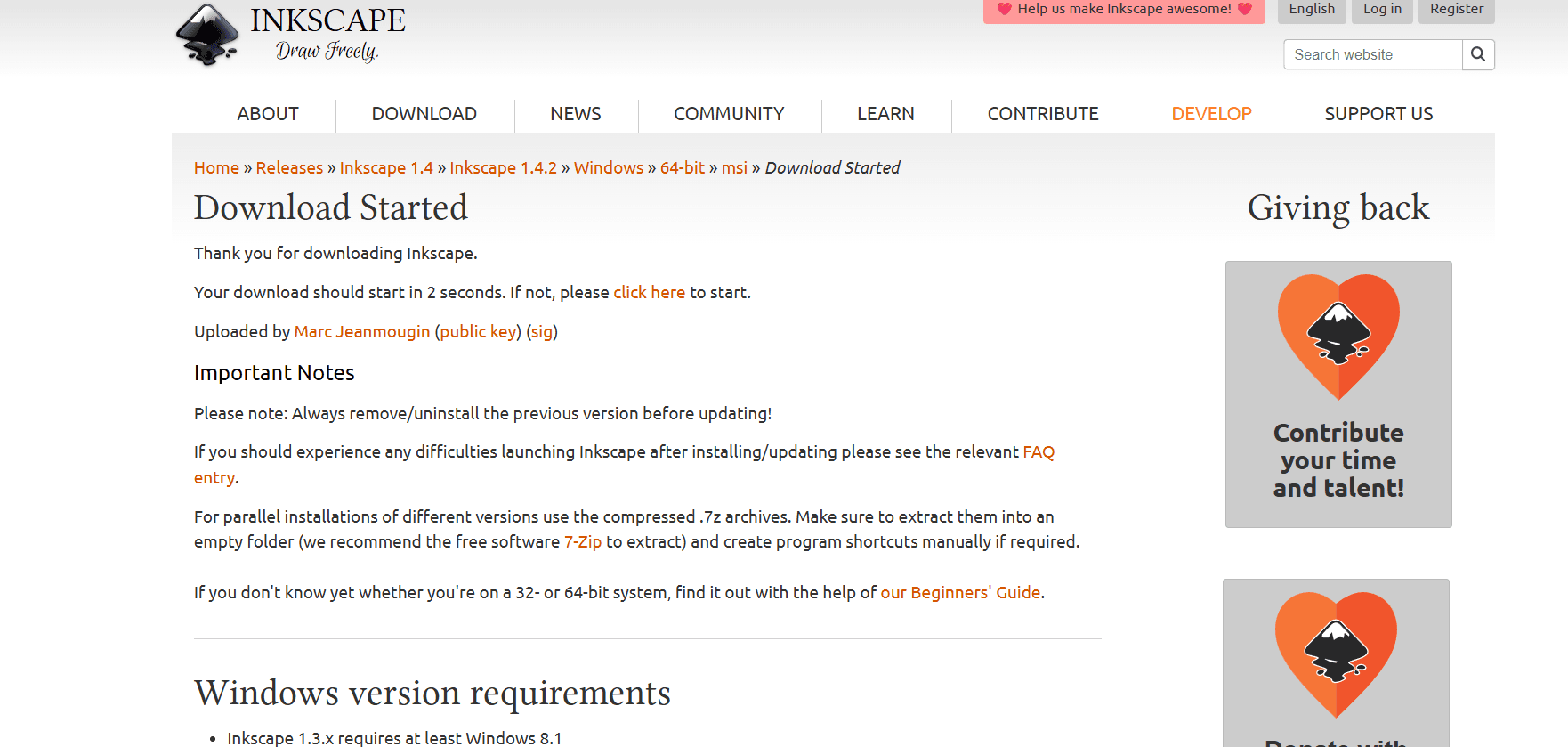
6. How and Where to Download (Official Sources)
Margaritis Milioudis strongly warns against “Premium” versions of Inkscape sold on third-party sites. Inkscape is Free and Open Source (FOSS). You should never pay for it.
The Official Download Portal:
Visit:www.inkscape.org/release
Available Versions:
- Windows Installer (.msi): The standard choice for most users.
- Windows Portable (.7z): Run it from a USB stick without installation (perfect for working on different PCs).
- macOS (.dmg): Fully optimized for Apple Silicon (M1, M2, M3, M4).
- Linux (AppImage/Flatpak): The best way to get the latest stable version on any distro.
7. Inkscape vs. Adobe Illustrator (2026 Comparison)
| Feature | Inkscape 1.5 | Adobe Illustrator (CC) |
| Cost | $0 (Forever Free) | ~$25/month (Subscription) |
| Native Format | SVG (Web Standard) | .AI (Proprietary) |
| Community Support | Massive / Open Source | Corporate / Professional |
| Learning Curve | Moderate | Steep |
| AI Features | Local / Privacy-focused | Cloud-based / Adobe Firefly |
8. Pro Tips for the milioudis.com Community
- The “Spacebar” Trick: While drawing with the Pen tool, hold the Spacebar to move the entire canvas without interrupting your line.
- Paste In Place: Use Ctrl + Alt + V to paste an object in the exact same coordinates it was copied from—essential for multi-layered designs.
- The XML Editor: Press Ctrl + Shift + X to see the “code” behind your drawing. This is a great way to learn how SVG files work and to troubleshoot complex grouping issues.
- Extensions Gallery: Visit the Inkscape website to download community-made extensions for everything from generating barcodes to creating patterns for 3D boxes.
9. Troubleshooting Common 1.5 Issues
- “Lag on Large Files”: Check Edit > Preferences > Rendering and ensure “GPU Acceleration” is checked. Also, try lowering the “Display Blur Quality” if your file has many shadows.
- “Tablet Pressure Not Working”: Inkscape 1.5 uses the Wintab driver by default. If your Wacom or Huion pen isn’t responding to pressure, switch to “Windows Ink” in the Input Devices menu.
10. Final Verdict
Inkscape 2026 is more than just a free alternative; it is a professional-grade tool that stands on its own merit. The 1.5 update has solved the long-standing performance issues, making it a viable primary tool for any designer. For the milioudis.com audience, Inkscape represents the best of the “Open Web”—powerful, accessible, and free from corporate gatekeeping.
Pros:
- Professional toolset at zero cost.
- Incredible SVG handling for web developers.
- Non-destructive editing with Live Path Effects.
- Active, helpful community.
Cons:
- No native CMYK support (requires a workaround for professional printing).
- Some legacy tools still feel slightly clunky compared to Illustrator.