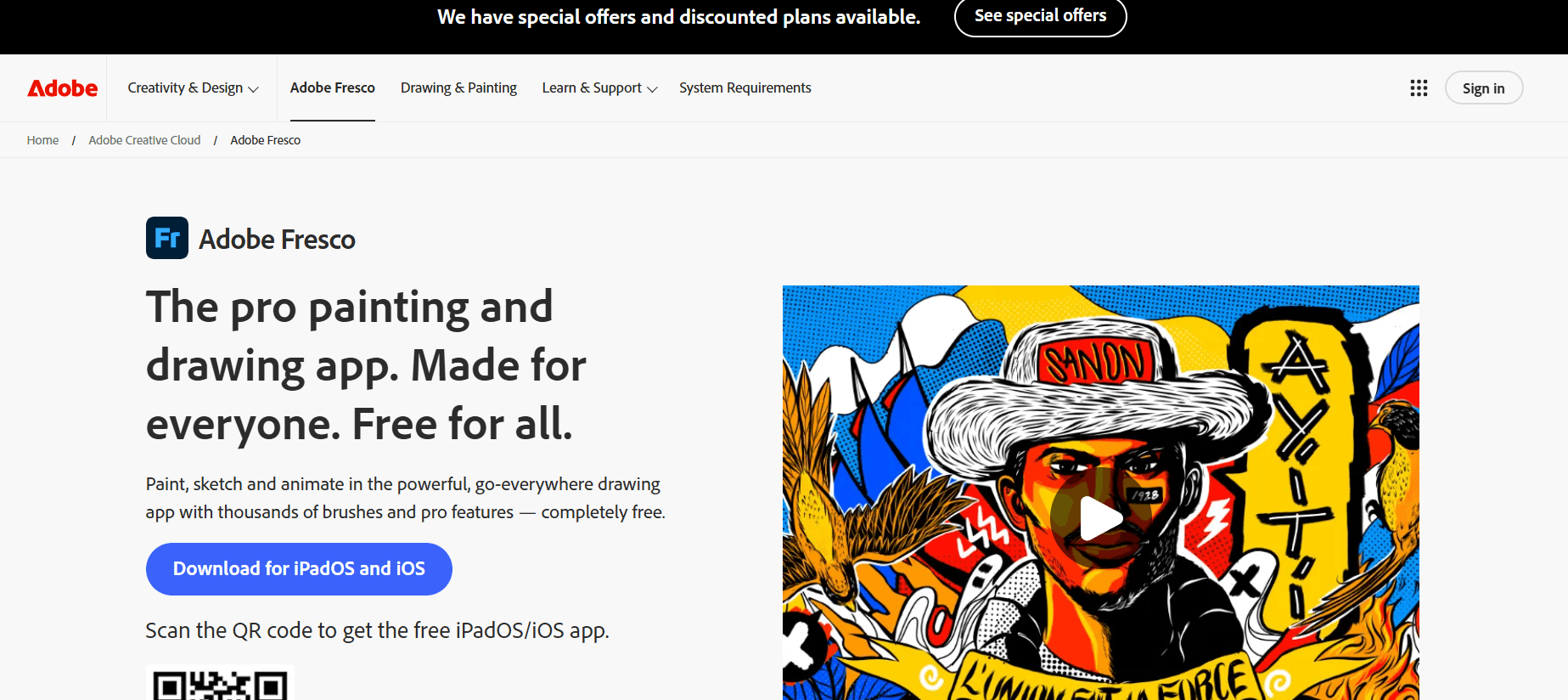
Digital art has seen a massive transformation over the last decade, but few tools have captured the “soul” of traditional painting like Adobe Fresco. Designed specifically for touch and stylus devices, Fresco combines the power of Photoshop’s brush engine with revolutionary “Live Brushes” that mimic the physics of real-world oil and watercolors.
In a landmark move for 2026, Adobe has officially made Adobe Fresco completely free for all users (removing the previous “premium” subscription for non-Creative Cloud members). At Milioudis Technology And Software News, we have explored the latest Version 6.x (2026 Release) to show you why this is now the undisputed champion for digital illustrators, sketchers, and fine artists.
1. What is Adobe Fresco?
Adobe Fresco is a dedicated drawing and painting application built for the latest pressure-sensitive styluses and touch devices. While Photoshop is a versatile “everything” tool for photo editing and design, Fresco is built for pure artistry.
It is unique because it allows artists to work with three different types of brushes in a single document:
- Pixel Brushes: Traditional digital brushes (like those in Photoshop).
- Vector Brushes: Infinite-resolution brushes that stay sharp no matter how much you zoom in.
- Live Brushes: AI-powered brushes that bleed, smudge, and dry exactly like real paint.
2. What’s New in Adobe Fresco 2026?
The 2026 update focuses on Adobe Firefly (AI) integration and enhanced hardware performance for the newest iPad Pro and Windows tablets.
A. Firefly AI: Generative Expand & Fill
Adobe has integrated its “Firefly” generative AI directly into the Fresco canvas.
- Generative Expand: If you realize your canvas is too small, you can expand the borders, and the AI will intelligently “paint” the rest of the background based on your artistic style.
- Text-to-Texture: You can now describe a texture (e.g., “cracked dry mud” or “shiny silk”) and apply it to any brush stroke instantly.
B. Motion Path 2.0 (Animation)
Fresco isn’t just for still images. The 2026 update features Advanced Motion Paths. You can draw a line, and your artwork will follow that path with realistic physics. This allows illustrators to create “living paintings” for social media or digital galleries with zero animation experience.
C. Enhanced “Live” Physics
The watercolor engine has been upgraded to support Gravity Sensing. If you tilt your iPad or Windows tablet while using a wet watercolor brush, the digital paint will actually “run” down the screen in the direction of the tilt, mimicking a real tilted canvas.
D. Desktop for Windows (Full Parity)
In 2026, the Windows version of Fresco has reached 100% feature parity with the iPad version. Whether you are using a Microsoft Surface Pro 11 or a Wacom Cintiq connected to a PC, the experience is identical and lag-free.
3. The Three Brush Pillars
To master Fresco, you must understand its three brush technologies:
- The Live Watercolor: You can watch the paint bloom and bleed into the “fibers” of the digital paper. You can even use a “Water Only” brush to smudge existing colors.
- The Live Oil: These brushes feature heavy impasto effects. You can see the bristles of the brush in the paint, and the colors mix physically on the canvas rather than digitally overlaying.
- The Vector Power: Perfect for line art and logos. Since they are vector-based, you can export your lines to Adobe Illustrator for professional printing without any pixelation.
4. Why Adobe Fresco is Now the Best Choice
For years, Procreate was the king of tablet art. However, in 2026, Fresco has taken the lead for several reasons:
- Completely Free: Adobe removed the paywall. All brushes, shapes, and high-res exports are now free for everyone.
- Cloud Sync: Start a drawing on your iPad at a cafe and finish it on your Windows PC at home. Your files sync automatically via Creative Cloud.
- Photoshop Integration: Fresco files (.AIC) are natively compatible with Photoshop. You can open your painting in Photoshop to add advanced filters or typography.
- Infinite Layers: Unlike some competitors that limit layers based on your device’s RAM, Fresco uses a sophisticated virtual memory system to allow for massive, complex projects.
5. System Requirements for 2026
Adobe Fresco is optimized for high-performance touch devices. Here is what you need:
- iPad: iPadOS 16 or later. Best experienced on iPad Pro (M2/M4) or iPad Air with Apple Pencil Pro.
- Windows: Windows 10/11/12 (64-bit). Requires a pressure-sensitive stylus (Surface Pen, Wacom, Huion).
- Graphics: An Intel, NVIDIA, or AMD GPU with DirectX 12 support is mandatory for the Live Brushes to function.
- RAM: 8GB minimum; 16GB recommended for large-scale AI generative tasks.
6. How and Where to Download (Official Source)
Because Adobe Fresco is now free, there is no reason to look for “cracked” versions. Only download from official Adobe portals.
Official Download Sources:
- For iPad: Download via the Apple App Store.
- For Windows: Download via the Adobe Creative Cloud Desktop App or the Microsoft Store.
Installation Steps:
- Sign in with a free Adobe ID (you do not need a paid subscription).
- Search for “Fresco” in the Creative Cloud app.
- Click “Install.”
- Pro Tip: Upon first launch, allow the app to download the “Core Assets” (brushes and textures) to ensure everything works offline.
7. Pro Tips for Milioudis Technology Readers
To get the most out of Fresco on milioudis.com, use these expert techniques:
- The Touch Shortcut: See that little circle on the screen? That’s the “Touch Shortcut.” Holding it down changes the behavior of your brush (e.g., turning a brush into an eraser temporarily).
- Snap to Shape: Draw a messy circle and hold your stylus at the end; Fresco will “snap” it into a perfect geometric shape.
- Color Margin: When using the paint bucket, use the “Color Margin” slider to control how much the paint leaks into neighboring pixels.
- Import Photoshop Brushes: Did you know you can import any
.ABRbrush file into Fresco? You can use your favorite 20-year-old Photoshop brushes in this modern app.
8. Final Verdict
Adobe Fresco 2026 is a masterpiece of software engineering. By making it free, Adobe has invited a whole new generation of artists into their ecosystem. The combination of Live Brushes and Firefly AI makes it a tool that doesn’t just record your strokes—it collaborates with you.
Whether you are a professional concept artist or a hobbyist who just wants to “paint with oils” without the mess, Fresco is the best application on the market today.
Pros:
- 100% Free (as of 2026).
- Unrivaled Live Oil and Watercolor physics.
- Perfect Vector/Raster hybrid workflow.
- Seamless cloud syncing across devices.
Cons:
- Requires a relatively modern device (older iPads may struggle).
- Requires an Adobe ID login.