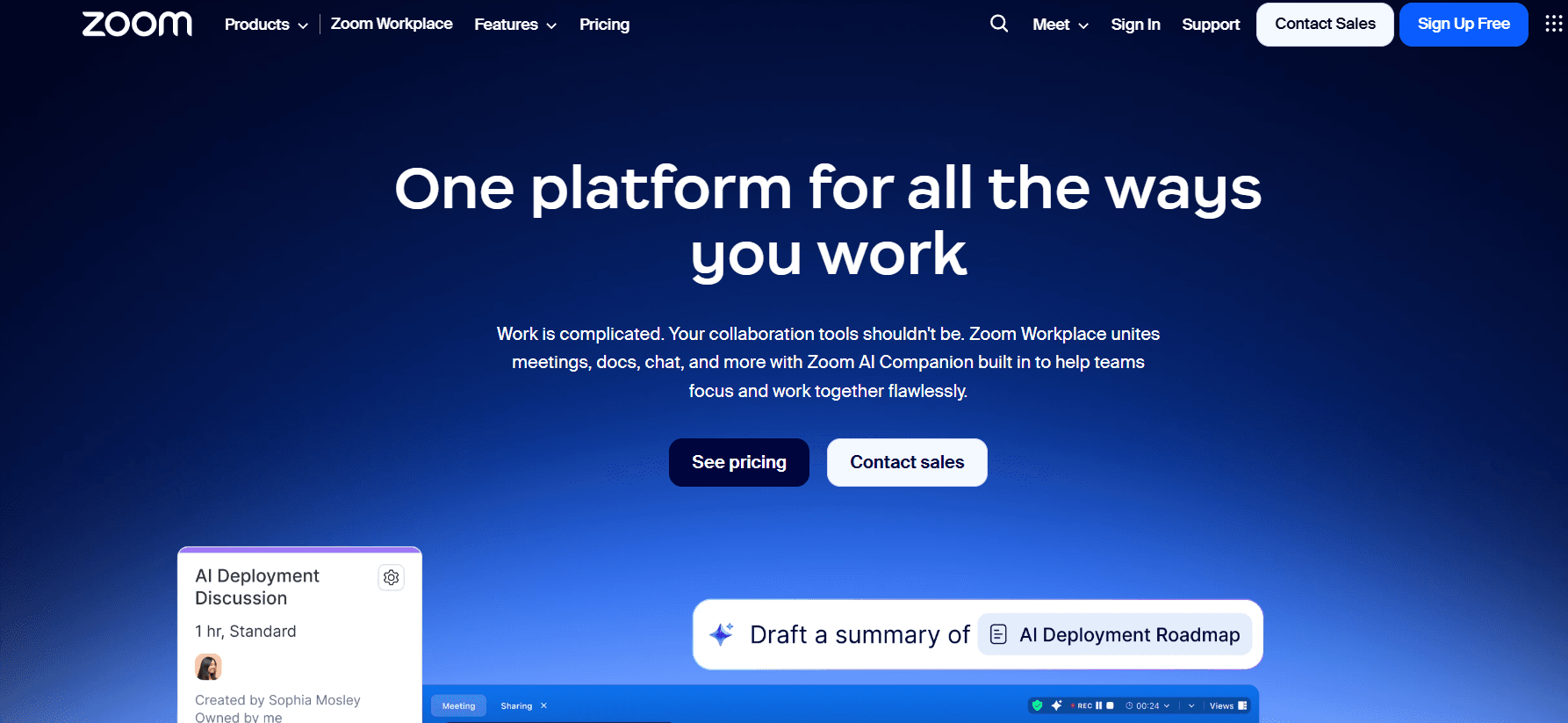
The days of Zoom being just a “video calling app” are long gone. In 2026, the platform has fully transitioned into Zoom Workplace, an AI-first, open collaboration hub that serves as a central “digital office.” Whether you are a solo entrepreneur, a small business owner, or a large enterprise, the 2026 version of Zoom is designed to eliminate the friction of jumping between different apps for chat, email, documents, and meetings.
At Milioudis Technology And Software News, we have analyzed the latest March 2026 update (v6.x series). This version isn’t just a UI refresh; it’s an overhaul that places Agentic AI at the core of your workday. Here is everything you need to know about the new features, the AI Companion 3.0, and how to download it safely.
1. What is Zoom Workplace?
Zoom Workplace is an integrated collaboration platform that combines video meetings, team chat, cloud phone, whiteboards, and a new suite of office tools called Zoom Docs, Sheets, and Slides.
In 2026, Zoom’s philosophy is “Conversation to Completion.” This means the software doesn’t just record your meeting; it understands the context and helps you complete the resulting tasks—like drafting emails, updating project trackers, or scheduling follow-ups—without you ever leaving the app.
2. Groundbreaking Features in the 2026 Update
The March 2026 release introduces several features that redefine “virtual presence.”
A. AI Companion 3.0: Your Agentic Assistant
The AI Companion 3.0 is no longer just a note-taker; it is now an “Agent.”
- Real-Time Context: If you join a meeting late, the AI Companion provides a private “catch-up” summary on the side panel.
- Cross-App Intelligence: It can now pull data from your connected Google Drive, Outlook, or Slack accounts to answer questions like, “What was the final price we agreed on in last week’s email?” during a live call.
- Smart Summaries: Post-meeting recaps are now categorized into discussion points, action items, and “Sentiment Analysis,” helping you understand the mood of the room.
B. Deepfake Risk Detection
In a major security breakthrough for 2026, Zoom has introduced Real-Time Deepfake Detection. As synthetic media becomes more common, Zoom Workplace now monitors video and audio feeds for signs of AI-generated impersonation, providing a warning badge if a participant’s feed seems suspicious.
C. Live Voice Translation & Lifelike Avatars
Global collaboration is now truly seamless with Live AI Interpreter. This feature provides speech-to-speech translation in real-time, allowing you to speak in Greek while your client hears you in English or Japanese. Furthermore, for those “bad hair days,” the new Lifelike Avatars mirror your exact facial expressions and eye movements, allowing you to engage professionally even with your camera off.
D. Zoom Docs & AI Canvases
Zoom has expanded its productivity suite with AI Docs. These are collaborative documents that live inside the Zoom interface. You can start a document during a meeting, and the AI will automatically populate it with the key points discussed, creating a “First Draft” in seconds.
3. The Seven Pillars of Zoom Workplace
The app is organized into specialized tabs that cover every aspect of modern work:
- Meetings: HD video/audio with support for up to 1,000 participants.
- Team Chat: A robust messaging platform that integrates files, GIFs, and AI-generated message drafts.
- Phone: A cloud-based business phone system with AI-powered call summaries.
- Mail & Calendar: Consolidate your Gmail or Outlook accounts directly into Zoom.
- Whiteboard: A 2D and 3D visual space for brainstorming and project planning.
- Scheduler: An automated booking tool (like Calendly) integrated into the workplace.
- Clips: A tool for recording and sharing short, professional video messages instead of long meetings.
4. Why Upgrade in 2026? (Free vs. Pro)
Zoom Workplace remains accessible, but the 2026 tiers offer significant value for professionals.
| Feature | Zoom Basic (Free) | Zoom Pro ($15.99/mo) |
| Meeting Limit | 40 Minutes | 30 Hours |
| Participants | 100 | 100 (Upgradable) |
| AI Companion | Limited / Trial | Full AI Companion 3.0 |
| Cloud Storage | Local Only | 10GB Cloud Recording |
| Zoom Docs | Basic (Up to 10) | Unlimited Docs & Clips |
The Verdict: If you are a casual user, Zoom Basic is still the industry standard. However, for anyone running a business or a website like milioudis.com, the Pro version is essential for the AI Companion alone, which can save you up to 5 hours of administrative work per week.
5. System Requirements for 2026
With the addition of AI and spatial avatars, Zoom Workplace requires modern hardware for the best experience:
- Processor: Intel Core i5/i7 (12th Gen+), AMD Ryzen 5000+, or Apple Silicon (M1-M4).
- RAM: 8GB Minimum (16GB recommended for AI Docs and multitasking).
- Internet: 5 Mbps for HD; 15 Mbps for 4K or Spatial Avatars.
- OS: Windows 10/11/12, macOS 13+, Linux (Ubuntu/Debian/Fedora), or Android/iOS.
6. How and Where to Download (Official Source)
To ensure you are using a secure version that protects your data and includes the 2026 Deepfake Detection, never download Zoom from 3rd party “mirror” sites.
Official Download Center:
Official Link:www.zoom.us/download
Installation Instructions:
- Navigate to the Download Center.
- Select “Zoom Workplace Desktop App”. The site will automatically detect your OS (Windows, Mac, or Linux).
- For Windows users with modern ARM-based laptops (like Snapdragon X Elite), choose the “Windows (ARM64)” version for 2x better battery life.
- Once downloaded, run the installer and log in with your Zoom ID.
7. Pro Tips for Milioudis Technology Readers
- AI Follow-Up: Use the command “/summary” in Team Chat after a meeting to get an instant recap of the discussion without scrolling through pages of text.
- Noise Suppression: In 2026, Zoom’s “AI Noise Cancellation” is so advanced it can remove the sound of a vacuum cleaner or a barking dog while keeping your voice crystal clear. Enable it under Settings > Audio.
- Portrait Lighting: If your room is dark, use Settings > Video > Adjust for low light and select “Manual” to digitally brighten your face.
- Privacy Tip: Use the “Blur Background” or a branded “milioudis.com” virtual background to maintain a professional look while protecting your privacy at home.
8. Final Verdict
Zoom Workplace 2026 is no longer just a utility; it is a competitive advantage. The integration of Agentic AI means that the software doesn’t just host your calls—it works for you. While the 40-minute limit on the free version remains a hurdle for some, the sheer power of the AI Companion 3.0 makes it the most advanced collaboration tool on the market today.
Pros:
- Industry-leading AI assistant (at no extra cost in Pro).
- First-in-class Deepfake Detection for security.
- Seamless “Device Handoff” (move calls from PC to Mobile with one tap).
- All-in-one suite (Docs, Sheets, Mail) reduces app fatigue.
Cons:
- 40-minute limit for free users can be restrictive.
- High RAM usage when using multiple AI features simultaneously.