Mattermost is a high-performance, open-source collaboration and messaging platform designed specifically for technical teams, developers, and highly regulated industries. Built as a secure, self-hosted alternative to proprietary services like Slack or Microsoft Teams, Mattermost brings together chat, workflow automation, and project management into a single, unified workspace.
For organizations that handle sensitive source code, intellectual property, or strict compliance data, Mattermost offers the ultimate solution: the productivity of a modern chat app combined with complete control over your own data infrastructure.
1. What is Mattermost?
Mattermost is an open-source, self-hosted collaboration hub. It provides secure, real-time communication across devices while allowing organizations to host the entire system on their own private servers or cloud infrastructure.
While Slack and Microsoft Teams operate strictly on public clouds managed by third parties, Mattermost gives you the keys to the kingdom. If your company operates under strict security protocols (like defense, finance, or healthcare), Mattermost ensures your internal communications never leave your secure perimeter.
2. Key Features and Functionality
A. Channels and Structured Conversations
Mattermost organizes communications into highly navigable structures:
- Channels: Group workspaces categorized as Public (open to anyone in the organization) or Private (invite-only for sensitive projects).
- Direct Messages (DMs): One-on-one and small group messaging for quick, casual syncing.
- Threaded Discussions: Keeps conversations focused by letting users reply directly to specific messages, minimizing channel noise.
B. Mattermost Boards (Project Management)
Unlike standard chat applications, Mattermost features built-in Kanban-style boards (similar to Trello or Jira):
- Task Tracking: Plan, organize, and track tasks directly inside your chat workspace.
- Seamless Integration: Turn any chat message into a task card on your board with a single click.
- Custom Views: Toggle between Kanban boards, calendars, or table views to manage project timelines.
C. Mattermost Playbooks (Incident Collaboration)
Designed specifically for IT, DevOps, and security teams, Playbooks are structured checklists that orchestrate your response to urgent events:
- Incident Response: Automate workflows during critical events, such as server outages, software bugs, or security breaches.
- Checklists and Templates: Ensure teams follow exact operational procedures during high-pressure situations.
- Retrospectives: Automatically compile timelines and chat logs from an incident to improve future responses.
D. Absolute Data Control and Compliance
Mattermost is built with a “security-first” architecture:
- Self-Hosting: Run Mattermost on-premises, behind your corporate firewall, or in a private cloud (AWS, Azure, Google Cloud).
- Data Sovereignty: You own 100% of your databases, chat logs, and files. No third party has access.
- Compliance Ready: Meet strict global standards, including GDPR, HIPAA, FINRA, and SOC 2.
3. Customization, Bots, and Developer Tools
Because Mattermost is open-source, it is highly customizable and deeply loved by software developers:
- Developer-Centric Integrations: Native, deep integrations with developer tools like GitHub, GitLab, Jenkins, Jira, Bitbucket, and Kubernetes.
- Custom Slash Commands: Execute server actions or trigger code deployments directly from the chat box using custom commands.
- Powerful API: Built with a clean, well-documented RESTful API and Webhooks to connect with any legacy internal system.
4. Why Choose Mattermost?
- Open-Source Liberty: No vendor lock-in. You can modify the source code to suit your exact operational needs.
- Unrivaled Security: Ideal for air-gapped environments (networks with no internet access) or highly secure corporate intranets.
- Engineered for Tech Teams: Moves beyond basic chat by including code syntax highlighting, markdown support, and DevOps integrations.
- Cost-Effective: Offers a powerful free Open Source edition (Team Edition) alongside highly competitive enterprise tiers.
5. Pros and Cons
| Pros | Cons |
| 100% control over data, security, and hosting. | Requires dedicated IT resources to set up and maintain a local server. |
| Tailor-made for developers and DevOps workflows. | The interface is less “playful” compared to consumer-focused chat apps. |
| Built-in project boards and incident playbooks. | Initial deployment has a steeper learning curve than cloud-only solutions. |
6. Where to Download Mattermost
Mattermost is highly accessible across multiple platforms.
1. For Server Deployment (Administrators)
- Official Website: Navigate to mattermost.com/download
- Self-Hosted Installation: Download the Mattermost Team Edition (open-source) or Enterprise Edition. You can deploy it using Docker, Kubernetes, or install it directly on Linux servers (Ubuntu, RHEL).
2. For Desktop Users (Clients)
Once the server is set up by your IT team, you can connect using the official desktop apps:
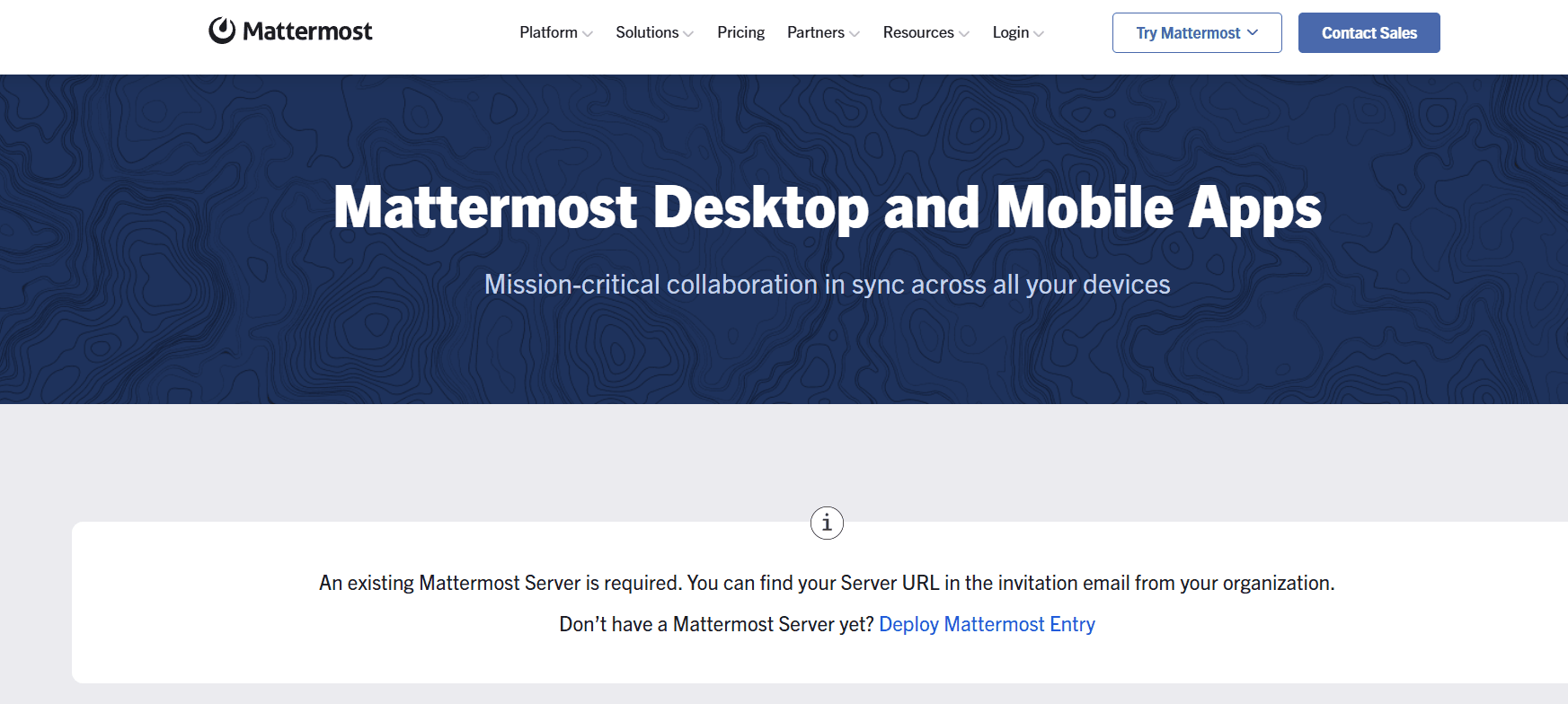
- Official Downloads: Head to mattermost.com/apps/
- Compatibility: Available for Windows (64-bit/32-bit), macOS (Intel and Apple Silicon), and Linux (.deb, .rpm, and AppImage).
3. For Mobile Devices
Keep in touch with your team on the go:
- Android: Download from the Google Play Store.
- iOS (iPhone/iPad): Download from the Apple App Store.
4. Web Browser
- You can also log in securely via any modern web browser by typing your organization’s unique Mattermost server URL (e.g.,
https://mattermost.yourcompany.com).
Summary
Mattermost is the definitive collaboration platform for technical organizations that refuse to compromise on security and control. By combining persistent group chat with developer-friendly tools, Kanban boards, and structured incident playbooks, it serves as an indispensable command center for modern engineering and operations teams.
Final Tip: If you frequently share code, take advantage of Mattermost’s native Markdown formatting. Use triple backticks (“`) followed by your programming language name (e.g., “`python) to cleanly format and color-code your code snippets!