In the world of PC maintenance, there is one component that often goes overlooked until something breaks: Drivers. These small pieces of software act as the bridge between your operating system and your hardware. Without the correct, up-to-date drivers, even the most expensive NVIDIA RTX 50-series graphics card or the fastest NVMe SSD will fail to perform at its full potential.
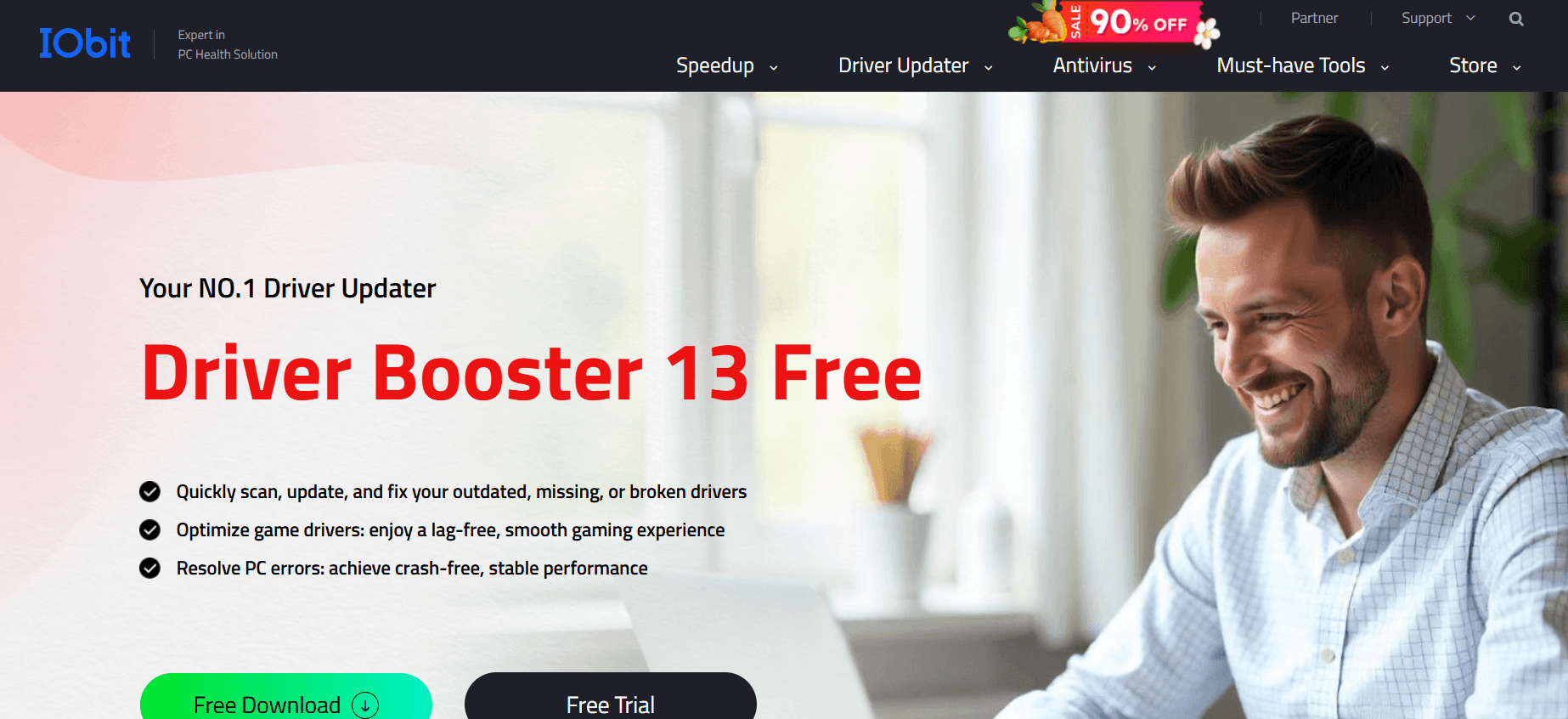
In 2026, as Windows 11 and Windows 12 introduce deeper hardware integration, keeping your drivers updated manually has become nearly impossible. This is where IObit Driver Booster 13 comes in. In this deep dive for Milioudis Technology And Software News, we explore why the 13th edition of this legendary utility is a “must-have” for every PC owner.
1. What’s New in Driver Booster 13 (2026 Edition)?
The 2026 release of Driver Booster 13 is not just a visual refresh. It features a massive technological leap in how it identifies and installs system components.
A. A Database of 15 Million Drivers
The core of any driver updater is its database. Driver Booster 13 now boasts a library of over 15 million device drivers. This includes everything from the latest Intel Core Ultra and AMD Ryzen 9000 chipsets to obscure legacy hardware that is no longer supported by official manufacturers. Whether you have a cutting-edge gaming rig or an old laptop, Driver Booster 13 has the “key” to make it work.
B. AI-Powered Driver Matching
In 2026, IObit has integrated Advanced AI Matching. In the past, driver updaters sometimes installed “compatible” drivers that could cause system instability. Driver Booster 13 uses AI to analyze your specific hardware ID and cross-reference it with millions of successful installations globally, ensuring that you get the most stable driver, not just the newest one.
C. Enhanced “Game Ready” Drivers
For the gamers at milioudis.com, version 13 introduces a dedicated Game Ready Driver section. It prioritizes updates for your GPU, sound card, and network adapters specifically to reduce input lag and increase FPS in the latest 2026 AAA titles.
2. Core Features: More Than Just Updates
Driver Booster 13 is a comprehensive system repair tool that goes beyond simple updates.
- Offline Driver Updater: If you have just formatted your PC and don’t have a Wi-Fi driver, you can use Driver Booster on another PC to download the necessary files and install them offline.
- Fix Common Windows Errors: It includes a “Toolkit” that can fix “No Sound” errors, “Network Failure,” and “Device Error Codes” (like the infamous Code 43) with a single click.
- Game Boost: This feature shuts down unnecessary background processes with one click, freeing up RAM and CPU power for your games.
- Auto-Backup & Restore: Before any driver is updated, Driver Booster 13 creates a System Restore Point and a backup of the existing driver. If the new driver causes issues, you can roll back instantly.
3. Why It Is Essential for 2026 Hardware
As we move into 2026, hardware is becoming more “intelligent.” New components like NPU (Neural Processing Units) for AI tasks require specialized drivers that Windows Update often misses. Driver Booster 13 is one of the few tools that accurately identifies and updates these specialized AI-accelerators, ensuring your PC is ready for local AI processing.
4. Free vs. Pro: Which Version is Right for You?
Driver Booster 13 follows the classic IObit “Freemium” model.
| Feature | Driver Booster 13 Free | Driver Booster 13 Pro ($22.95/yr) |
| Driver Database | Standard (Limited) | Full (15 Million+) |
| Update Speed | Normal | Priority (High Speed) |
| Auto-Backup | Manual | Automatic |
| Game Component Updates | No | Yes |
| Silent Updates | No | Yes |
The Verdict: The Free version is perfect for a one-time fix if your sound or Wi-Fi isn’t working. However, for active gamers and professionals who want their system to stay at 100% health automatically, the Pro version is the superior choice. It updates drivers in the background while your PC is idle, so you never have to think about it.
5. Security and Reliability
IObit has taken significant steps to ensure the safety of its users in 2026.
- WHQL Certified Drivers: Only drivers that have passed Microsoft’s Windows Hardware Quality Labs (WHQL) testing are provided by default.
- Secure HTTPS Connection: All driver downloads are encrypted to prevent “man-in-the-middle” attacks.
- Ad-Free Installation: The 2026 installer is cleaner than ever, though you should still pay attention to “Optional Offers” during the setup process.
6. How and Where to Download (Official Source)
To ensure you are downloading a safe and untampered version of Driver Booster 13, you must use the official IObit channels. Avoid “cracked” versions, as they often contain trojans that steal sensitive data.
The Official Download Source:
Download the 2026 version directly from:
Official Site:www.iobit.com/en/driver-booster.php
Installation Tip: When you run the installer, choose “Custom Install” to select your preferred directory. If you are using the Free version, you can decline the newsletter subscription to keep your experience clutter-free.
7. Pro Tips for Milioudis Technology Readers
- Use the “Clean Unplugged Device Data” Tool: Over time, Windows saves driver data for every USB stick or mouse you have ever plugged in. Use this tool in the Driver Booster “Tools” tab to clean out this “ghost” data and speed up your system.
- Update Game Components: Don’t just update drivers. Make sure you check the “Game Components” section to update DirectX, OpenAL, and Java Runtime, which are essential for many games to run without crashing.
- Check for “Faulty Drivers”: If your PC is experiencing the Blue Screen of Death (BSOD), run a scan. Driver Booster 13 can often identify if a corrupted driver is the cause and replace it automatically.
8. Final Verdict
IObit Driver Booster 13 remains the undisputed king of driver management in 2026. It is fast, safe, and incredibly thorough. Whether you are a casual user trying to fix a broken webcam or a hardcore gamer looking for every last bit of performance, this software is an essential part of your Windows toolkit.
Pros:
- Massive 15M+ driver database.
- One-click “Fix No Sound” and “Fix Network” tools.
- AI-matching ensures high system stability.
- Excellent support for 2026’s latest hardware (NPU, Gen5 SSDs).
Cons:
- Download speeds in the Free version are capped.
- Occasional pop-ups promoting other IObit software.