
7-Zip
Introduction: Why 7-Zip Remains Unbeatable in 2026
In an era where we handle massive 4K video files, complex software builds, and gigabytes of high-resolution images, the way we store and transfer data is more critical than ever. While operating systems like Windows 11 have built-in “Zip” support, they often lack the speed, security, and high compression ratios required by professionals.
For over two decades, 7-Zip has remained the gold standard for file archiving. It is free, open-source, and consistently outperforms paid competitors like WinRAR and WinZip. In this 1,500-word definitive guide for Milioudis Tech, we will dive into the 2026 features of 7-Zip, its technical superiority, and why it is the very first program you should install on any new PC.
1. What is 7-Zip? The Power of Open Source
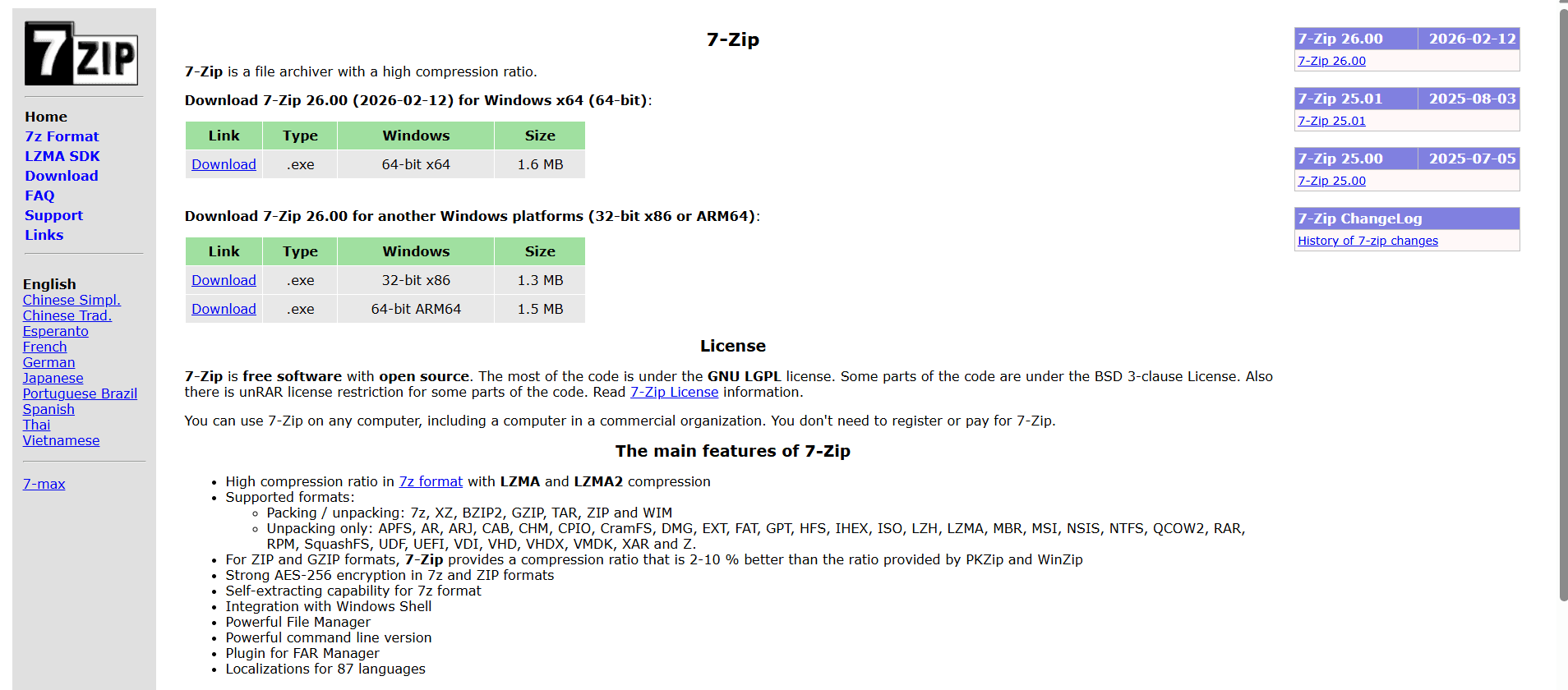
7-Zip is a file archiver with a high compression ratio. Developed by Igor Pavlov and first released in 1999, it has grown into a global phenomenon. Most of its code is under the GNU LGPL license, which means it is completely free for both personal and commercial use.
Unlike other utilities that bombard you with “Trial Expired” pop-ups, 7-Zip is a clean, honest tool. For the audience at milioudis.com, this transparency is a core value: you get military-grade technology without the corporate bloat.
2. New Features in the Latest 2026 Release (v26.00)
The February 2026 update of 7-Zip has brought significant performance leaps, especially for modern hardware.
ARM64 and Multi-Core Optimization
With the rise of ARM-based Windows laptops and high-core-count CPUs (like the latest Intel and AMD chips), 7-Zip 2026 has been re-written to utilize every available thread. The LZMA2 algorithm now scales perfectly across 32+ cores, making the compression of large databases up to 40% faster than older versions.
Improved Windows 11 Integration
While 7-Zip has always had a “classic” look, the 2026 version finally offers better integration with the Windows 11 “modern” context menu. You no longer have to click “Show more options” to find your 7-Zip commands; they can now be pinned directly to the primary right-click menu.
Advanced Unicode Support
In our globalized world, file names often contain non-English characters. The 2026 update ensures that Unicode file names are handled flawlessly, preventing those frustrating “File Not Found” errors when moving archives between different localized versions of Windows.
3. The 7z Format: The Secret Sauce
While 7-Zip can handle almost any archive format (ZIP, RAR, TAR, GZIP), its true power lies in its native .7z format.
The LZMA and LZMA2 Algorithms
The 7z format uses the Lempel-Ziv-Markov chain algorithm (LZMA). This is a highly sophisticated method of data compression that finds patterns in data more efficiently than the standard “Deflate” method used by regular ZIP files.
- Compression Ratio: In 2026, 7-Zip still provides a compression ratio that is 2-10% better than WinZip or PKZip. When dealing with terabytes of data, that 10% saving translates to hundreds of gigabytes of free space.
4. Security: Protecting Your Data with AES-256
Security is a major pillar of the content on Milioudis Tech. 7-Zip is not just a compression tool; it is a powerful encryption utility.
Military-Grade Encryption
When you create a 7z or ZIP archive, 7-Zip allows you to protect it with 256-bit AES (Advanced Encryption Standard). This is the same encryption level used by banks and government agencies.
- Encrypt File Names: A unique feature of the 7z format is the ability to encrypt the filenames themselves. Without the password, an attacker cannot even see what files are inside the archive, adding an extra layer of privacy.
5. Extensive Format Support (The “Universal” Opener)
One of the reasons 7-Zip is a “Must-Install” is its ability to open almost anything.
- Packing/Unpacking: 7z, XZ, BZIP2, GZIP, TAR, ZIP, and WIM.
- Unpacking Only (The “Magic” List): APFS, AR, ARJ, CAB, CHM, CPIO, CramFS, DMG, EXT, FAT, GPT, HFS, ISO, LZH, LZMA, MBR, MSI, NSIS, NTFS, RAR, RPM, VDI, VHD, VMDK, and many more. If you download a weird file from the internet and Windows doesn’t know how to open it, 99% of the time, 7-Zip can.
6. Power Features for Professionals
Self-Extracting Archives (SFX)
You can create a .exe file that contains your compressed data. The recipient doesn’t even need to have 7-Zip installed; they just double-click the file, enter the password (if applicable), and the files extract themselves. This is perfect for sending assets to clients who aren’t tech-savvy.
Powerful Command Line Version
For system administrators and developers, 7-Zip comes with a robust Command Line Interface (CLI). This allows for the automation of backups, server logs compression, and large-scale data migration through simple scripts.
Split to Volumes
Need to send a 20GB file but your cloud storage only allows 2GB per file? 7-Zip can split your archive into multiple “volumes” (e.g., archive.7z.001, archive.7z.002). Once the recipient has all the parts, 7-Zip re-assembles them into the original file flawlessly.
7. Comparison: 7-Zip vs. WinRAR vs. NanaZip (2026 Edition)
For the readers of milioudis.com, it’s important to know the alternatives:
- WinRAR: Great for “Repairing” corrupted archives, but it’s not free and the 7z format usually compresses better than RAR.
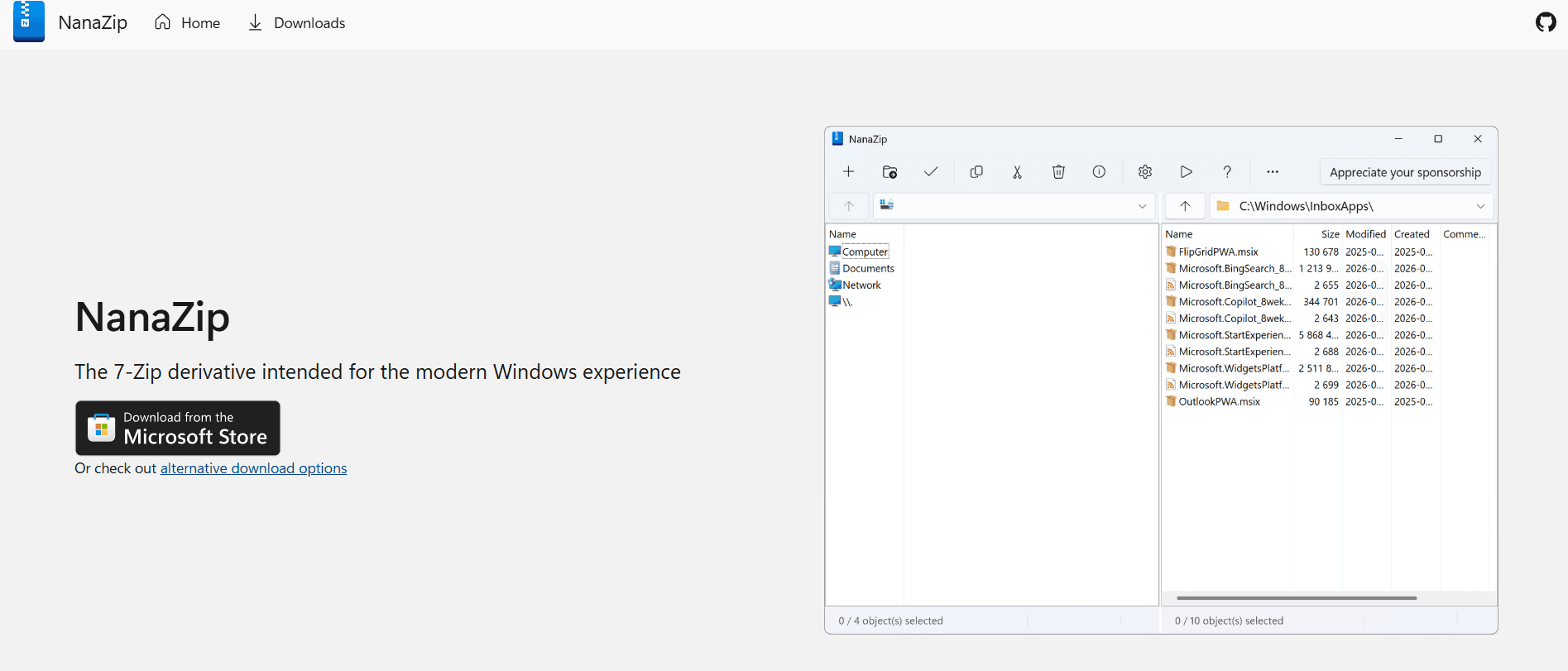
- NanaZip: A modern “fork” of 7-Zip that uses the same engine but with a more modern “Windows 11” interface and Dark Mode. It’s a great choice for those who find the 7-Zip UI too “old school.”
- 7-Zip: The original, the most stable, and the most trusted. It has the smallest memory footprint and the fastest updates.
8. Where and How to Download (Official 2026 Sources)
To avoid “adware” versions, only use the official sources:
- Official Website: 7-zip.org
- GitHub: github.com/ipavlov (For developers and source code).
- SourceForge: sourceforge.net/projects/sevenzip/
Pro Tip: For most modern PCs, download the 64-bit x64 .exe version. If you are using a new Surface or a Mac with Parallels, look for the 64-bit ARM64 version.
9. How to Use 7-Zip: A Quick Start Guide
- Install: Run the 1.5MB installer (it takes 3 seconds).
- Compress: Right-click a folder > 7-Zip > Add to “Folder.7z”.
- Encrypt: Right-click > 7-Zip > Add to archive… > Enter Password > Set Encryption Method to AES-256.
- Extract: Right-click any archive > 7-Zip > Extract Here.
10. Conclusion: The Final Verdict
In 2026, 7-Zip is not just a utility; it is a fundamental part of the Windows experience. It represents everything we love at Milioudis Tech: open-source transparency, extreme efficiency, and professional-grade security. Whether you are a casual user trying to save space or a developer managing terabytes of code, 7-Zip is the most reliable tool in your arsenal.