Introduction: The Critical Importance of Redundancy
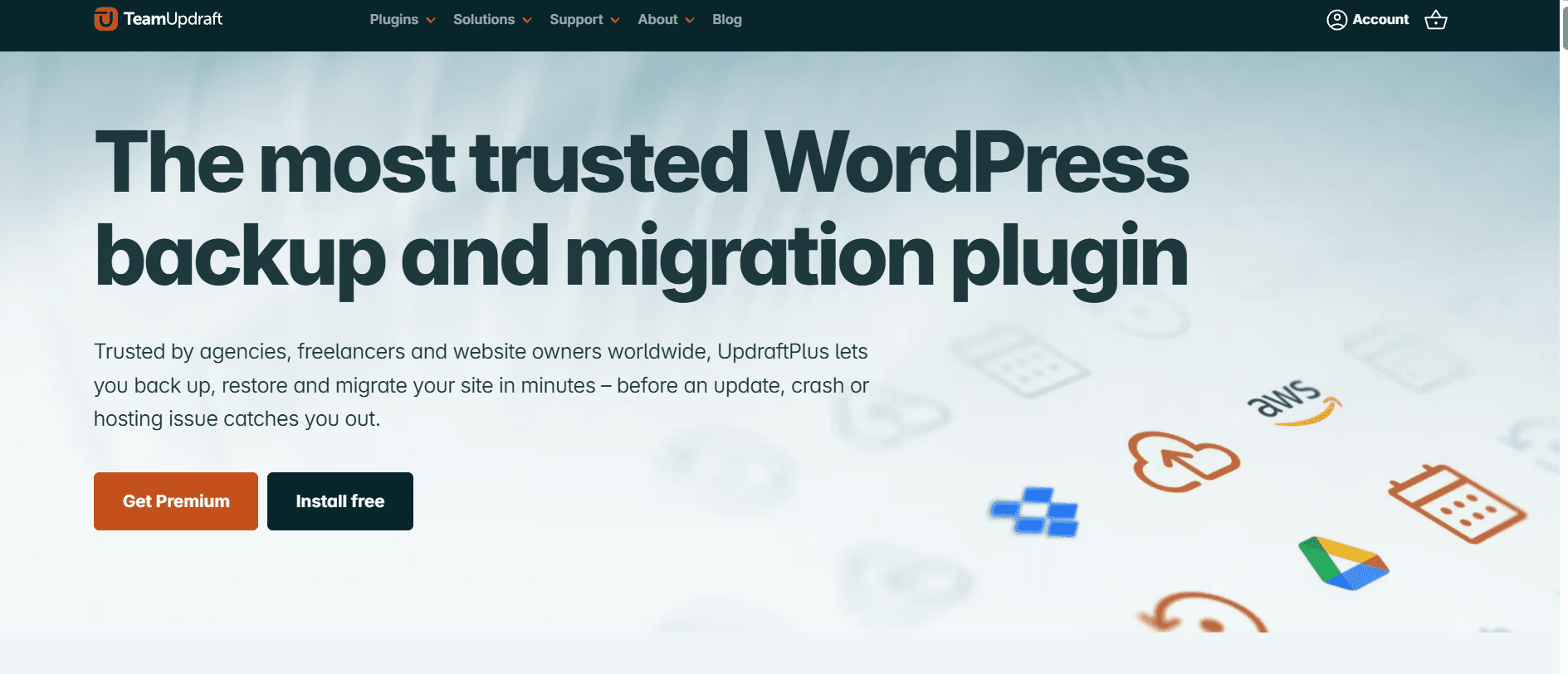
In the digital landscape, your website’s data is its most valuable asset. For high-authority platforms, a single hour of downtime or data loss can lead to significant revenue drops and a tarnished reputation. UpdraftPlus remains the world’s most trusted WordPress backup plugin, used by over 3 million websites.
In 2026, backup technology has moved beyond simple file copying. It is now about “intelligent restoration” and “cloud synchronization.” UpdraftPlus simplifies these complex processes, making enterprise-grade security accessible to every webmaster. In this 1,500-word masterclass for Milioudis Tech, we explore the 2026 version of UpdraftPlus and why it is the gold standard for data protection.
1. What is UpdraftPlus?
UpdraftPlus is a comprehensive WordPress plugin that allows you to perform full, manual, or scheduled backups of your entire website, including the database, plugins, themes, and uploaded files. Its primary strength lies in its ability to store these backups in remote cloud locations, ensuring that even if your server fails completely, your data remains safe.
The 2026 version has been optimized for the latest PHP 8.x and 9.x environments, ensuring that the backup process does not tax your server’s CPU or slow down the visitor experience.
2. New Features in the 2026 Release (v2.24.x)
The 2026 updates have introduced several cutting-edge features designed for the modern web.
AI-Powered Integrity Checks
The most significant update in 2026 is the AI Integrity Scanner. Before a backup is finalized, the AI analyzes the files for signs of corruption or malware. This prevents a common nightmare: backing up a site that has already been hacked without realizing it.
Incremental Backups 2.0
Traditional backups copy the entire site every time, which wastes storage and bandwidth. UpdraftPlus 2026 uses Incremental Backup technology, which only saves the changes made since the last backup. This makes the process 80% faster and much lighter on your server resources.
Advanced Cloud-Multi-Streaming
In 2026, you can now stream your backups to multiple cloud providers simultaneously (e.g., Google Drive and Amazon S3) without doubling the processing time. This “Triple Redundancy” ensures that your data exists in multiple physical locations globally.
3. The Utility of UpdraftPlus for Technical Sites
The true value of UpdraftPlus lies in its peace of mind during experimentation. For a site that constantly updates guides and tests new software configurations, UpdraftPlus acts as a “Time Machine.” It allows you to push the boundaries of your website’s design and functionality, knowing that a full restoration is only sixty seconds away if something breaks. By automating the most tedious part of web management—data security—it frees up your time to focus on creating high-quality technical content.
4. Core Functionalities: Beyond Simple Backups
One-Click Restoration
If your site crashes, you don’t need to be a database expert to fix it. You simply go to the UpdraftPlus dashboard, select a date, and click “Restore.” The plugin handles the unzipping, file placement, and database re-indexing automatically.
Easy Migration and Cloning
The 2026 Pro version includes UpdraftMigrator. This allows you to clone your site and move it to a new domain or a new host (like moving to a higher tier of Hostinger) with zero downtime and no manual SQL edits.
Search and Replace
When moving a site, links often break. The built-in “Search and Replace” tool in UpdraftPlus 2026 automatically updates all your internal URLs to match your new domain, ensuring your SEO remains intact.
5. Remote Storage Options
UpdraftPlus supports more cloud providers than any other plugin:
- Google Drive & Dropbox: Perfect for personal blogs.
- Amazon S3 & Microsoft Azure: Ideal for high-traffic enterprise sites.
- Rackspace & OpenStack: For custom infrastructure setups.
- UpdraftVault: A dedicated, encrypted storage solution provided by the developers for maximum security.
6. Performance and Optimization
At Milioudis Technology, we prioritize speed.
- Low Memory Footprint: UpdraftPlus is designed to run in the background with “Low Priority” settings, so it never interrupts your website’s performance during peak traffic hours.
- Automated Scheduling: You can set the plugin to backup your database every 4 hours and your files every week, ensuring you never lose more than a few hours of work.
7. Comparison: UpdraftPlus vs. Jetpack Backups
- Jetpack Backups: Excellent but requires a monthly subscription and stores data on WordPress.com servers.
- UpdraftPlus: Offers more control. You choose exactly where your data is stored, and the free version is powerful enough for 90% of users.
8. Where and How to Download (Official 2026 Sources)
To ensure you are using the official, secure version of the plugin:
- WordPress Plugin Repository: (Free Version) Go to
Plugins > Add Newand search for “UpdraftPlus”. - Official Website: updraftplus.com (For the Pro version, Migrator, and AI features).
- UpdraftCentral: For users managing multiple sites, you can download the central management dashboard directly from their site.
- Note: Never download “nulled” versions of security plugins. A backup plugin with a backdoor is a catastrophic security risk.
9. Installation and Quick Setup Guide
- Install & Activate: From your WordPress dashboard.
- Settings Tab: Go to
Settings > UpdraftPlus Backups. - Choose Storage: Select your preferred cloud provider (e.g., Google Drive).
- Authenticate: Follow the link to authorize UpdraftPlus to save files to your cloud account.
- Run Initial Backup: Click the big blue “Backup Now” button to create your first safety net.
- Verify: Once finished, check your cloud storage to ensure the files arrived safely.
10. Conclusion: The Final Verdict
UpdraftPlus 2026 is an essential tool for any serious webmaster. It transforms the complex and scary task of server backups into a simple, automated background process. For milioudis.com, it is the foundation upon which all other experiments are built. In the 2026 digital age, where data is king, UpdraftPlus is the guardian of your kingdom.
Leave a Reply